

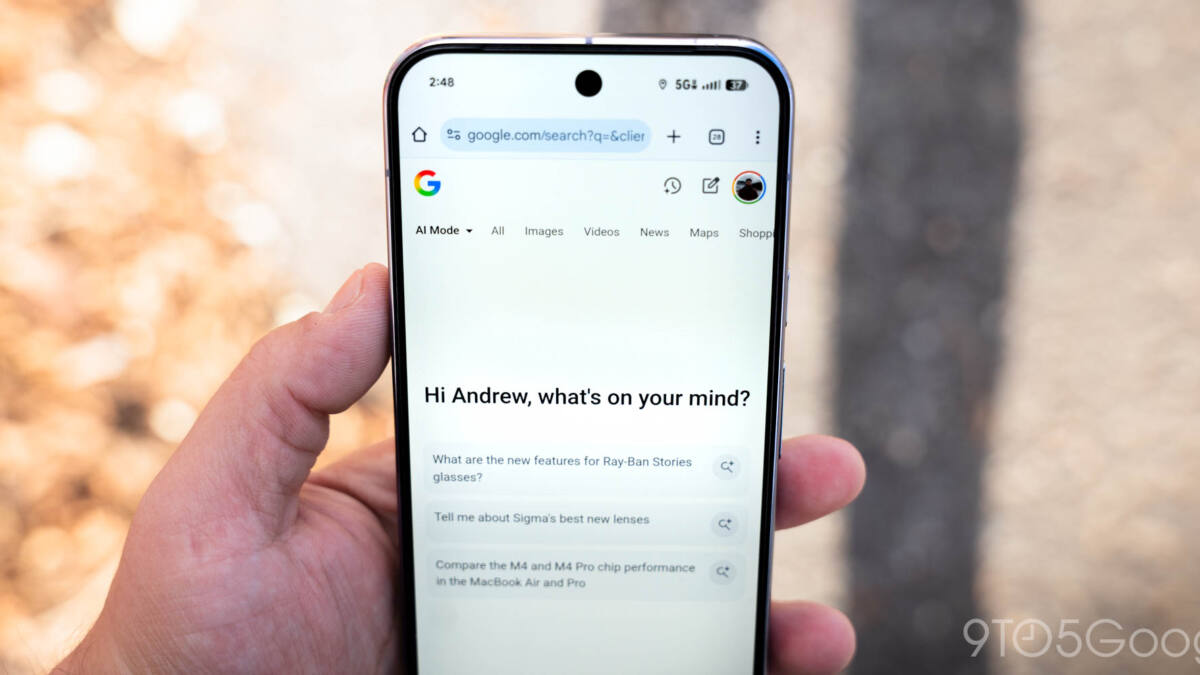
Google is enhancing its Android app by rolling out a new feature that gives users easier, persistent access to their AI Mode chat history. Now within the Home tab, formerly known as the Discover feed, the familiar Labs beaker icon has been replaced with a dedicated AI Mode history button. Tapping this reveals recent AI Mode conversations in a sliding panel, letting users quickly resume previous chats without starting fresh.
This update aligns the Google app’s Android interface closer to what iOS users have had since December, where a swipe gesture opens AI chat history. The interface tweak brings visual consistency with the Gemini app by adopting a lined history icon and placing it on the left side of the AI Mode homepage. Meanwhile, the traditional back button has been swapped for a down chevron, streamlining navigation within the AI experience.
Search Labs, where users can find and manage experimental features, has been moved into the main account menu, just below Settings. This redesign separates Labs from the core AI interaction area, potentially reducing clutter while keeping experiments accessible to those interested.
The update appears first to Google app beta users on version 17.9 and promises a smoother integration of AI Mode within Google’s broader search environment. Given how AI features are becoming central to Google’s strategy-evidenced by moves like adding AI prompt boxes to Chrome’s address bar and enhancing AI-generated content with source links-this pivot toward better chat management feels like a practical step that users will appreciate.