

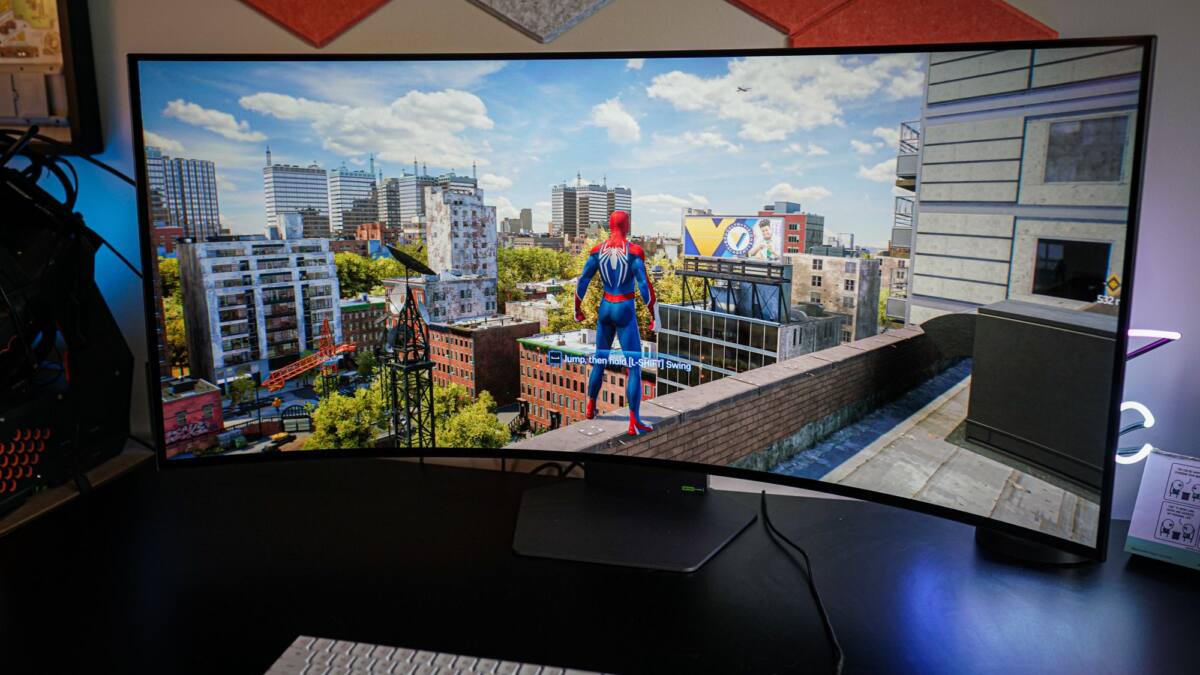
144Hz used to be the finish line for gaming monitors. Now it is more like the halfway mark. Once a display gets into the 144-165Hz range, the bigger upgrades usually come from screen size, resolution, panel quality, HDR brightness, and motion tuning – the stuff you actually see, not the number on the box.
If you are shopping for a gaming monitor, those features often matter more than chasing a higher refresh rate. A fast refresh rate helps, sure, but a cramped 24-inch panel, weak HDR, or smeary motion can make even a speedy display feel cheaper than it should.
Screen size and resolution for gaming monitors
The first thing your eyes notice is physical scale. A 24-inch display can be perfectly fine, but it will not feel especially cinematic, and that matters more than a few extra frames per second once you are already above the mid-range refresh zone. For most gaming setups, 27-inch and 32-inch panels hit a much better sweet spot.
Resolution has to grow with size or the image starts looking soft. 1080p is best kept to 24-inch screens, 27-inch monitors make the most sense at 1440p or 4K, and 32-inch panels really want 4K. If you want the cleaner compromise, 1440p, WQHD, or UWQHD is the sensible middle ground; if you want the sharpest image, 4K is the play, though your wallet and GPU will not thank you for it.
- 24-inch: 1080p still works well
- 27-inch: 1440p or 4K makes more sense
- 32-inch: 4K is the cleanest fit
HDR brightness separates good monitors from great ones
Most monitors can print an HDR badge on the spec sheet. Far fewer can deliver HDR that looks convincing in a dark room, in a game, or in a movie. Peak brightness is the easy part; sustained full-screen brightness is where budget and mid-range panels usually fall apart.
That is why certifications alone are not enough. HDR600 is a decent starting point, while HDR1000 is the stronger target if you want something that actually feels premium. Third-party testing from Hardware Unboxed and RTINGS is the more reliable way to judge real-world brightness, which is a sensible reminder that logos are cheaper than performance.
Motion clarity depends on more than refresh rate
A high refresh rate only gets you so far if the panel smears motion or takes too long to respond. Many monitors advertise 1ms response times, then only hit that number in conditions that are basically useless in real games. Reviews tend to expose the ugly bits: ghosting, dark-scene blur, and tuning that looks good on paper but not on your desk.
OLED has changed the conversation here. Its self-emitting pixels can reach response times in the 0.01-0.03ms range, and features such as backlight strobing or black frame insertion can sharpen motion further, though they bring trade-offs like flicker and the loss of adaptive sync. In other words: motion clarity is a system, not a single spec.
OLED panels are still the easy win
If one panel type has changed gaming monitors the most, it is OLED. IPS and VA screens still make sense when price matters, but OLED’s true blacks, strong HDR, and near-instant pixel response make it the most convincing upgrade for games that lean on contrast and atmosphere.
The old knocks are still there – burn-in concerns and text clarity are not imaginary – but the category has improved a lot, including with 4th-gen tandem OLED panels and newer subpixel layouts. Minimum OLED pricing has dropped to the $350-$400 range in 2026, which is the kind of pressure that should make traditional high-end LCDs sweat a little.
- OLED strength: true blacks and excellent HDR
- OLED strength: very fast response times
- OLED trade-offs: burn-in risk and text clarity issues
- Price note: minimum OLED pricing is now $350-$400
The next obvious question is whether refresh-rate bragging rights will keep shrinking in value. For a lot of buyers, the answer is already yes: once a monitor is fast enough to feel smooth, the smarter money goes into contrast, brightness, size, and pixel response – the features that make a display feel expensive long after the spec sheet stops looking exciting.