

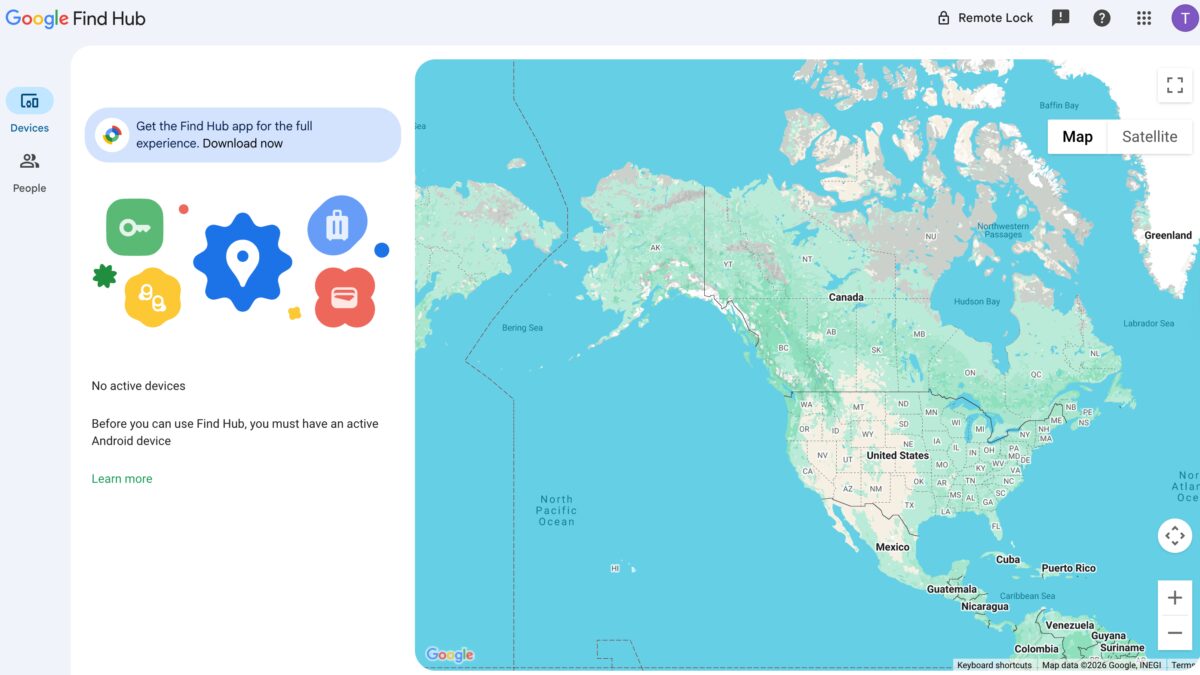
Google is quietly making its Find Hub website more useful: the web view is now adding support for smart tags and audio devices, while the app itself stays unchanged. For a service built around ”I lost it, help me now,” that is the right place to improve. The browser is still the fastest way in for a lot of people, and now it covers more of the devices you actually misplace.
The update is rolling out now, according to 9to5Google, and it should show up for compatible devices when you open the Find Hub site. The website already lets users track phones, tablets, and smartwatches associated with a Google account, but those accessory categories were missing from the browser experience until now. That gap has been a little awkward, especially since Google has spent the last decade reworking the service from its earlier 2013-era roots into something broader and more polished.
What the Find Hub website now supports
The newly added support is limited to the website version of Find Hub. If you were hoping for a fresh app feature drop, this is not that. Google is expanding what the browser can see, not redesigning the mobile app or changing how it behaves.
- Smart tags
- Audio devices
- Phones
- Tablets
- Smartwatches
That matters because the first thing most people do after panic sets in is open a browser, not hunt through settings menus. Google is finally letting the website cover more of the hardware people pair with Android, and that should make the service feel less half-finished. Competitors have long leaned on broader accessory networks, so this is also Google catching up to a category it helped popularize.
How to use the Find Hub website
You can access it by going to https://www.google.com/android/find/ and signing in with the Google account linked to your devices. If the rollout has reached your account and you have compatible hardware, the new categories should appear there automatically. No app update is required for this one.
Google also recently relaxed one layer of protection in Find Hub by removing the need for biometric authentication or a PIN in some cases, making the service quicker to use on your own devices. That is convenient, sure, but it also puts more weight on the lock screen itself. The company seems to be betting that speed beats ceremony when you are trying to recover something before it disappears for good.
A bigger network is the real prize
The accessory support is the more meaningful move because it widens the network, not just the interface. Find Hub only gets better if more things can be found through it, and tags plus audio gear are exactly the kind of everyday devices that make a tracking service feel alive instead of theoretical.
Google still has room to push this further. If the company wants Find Hub to feel as indispensable as rival device-finding systems, it needs the web, the app, and the accessory catalog to all work like one system – not three slightly awkward parts pretending to be a product. This rollout is a solid step; the next question is whether Google keeps expanding fast enough to make that feel obvious.