

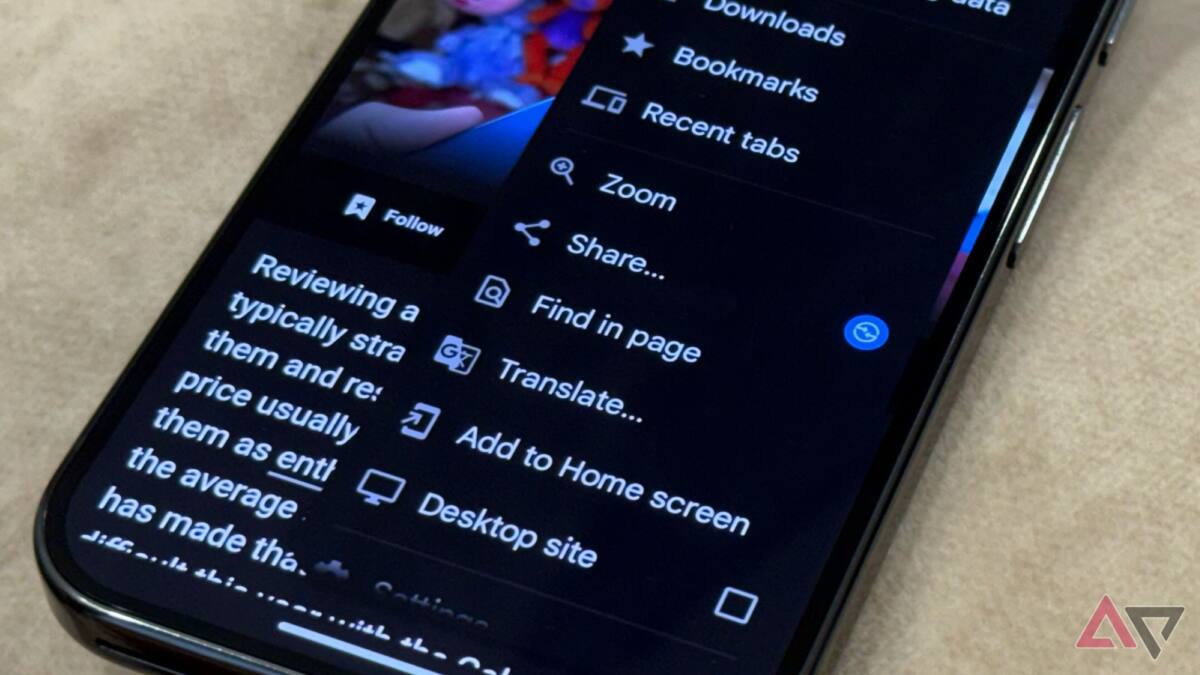
Google Chrome has finally brought one of its most handy desktop features-the bookmarks bar-to its Android version, but only for larger devices like tablets and foldables. Chrome version 146 lets users pin their favorite sites just below the address bar, streamlining access without the usual menu digging.
While Chrome dominates the browser market with a 70% share as of late 2025, the Android app has long lacked this convenience, despite its prominence on desktops. The new bookmarks bar replicates desktop behavior closely: users can customize bookmarks, create folders, and even long-press a bookmark to reveal its full URL.
To enable the bookmarks bar, Android users with compatible devices need to update to the latest Chrome build and go to Settings > Appearance > Show bookmarks bar. As of now, this enhancement targets only larger-screen Android devices, leaving standard smartphones without this handy shortcut for the time being.
This update fits into Google’s broader strategy of accelerating Chrome’s release pace, pushing more frequent improvements to keep users engaged and competitive against browsers like Microsoft Edge and Firefox. Given how much users rely on quick navigation, the bookmarks bar could nudge more Android users toward Chrome on tablets and foldables.