

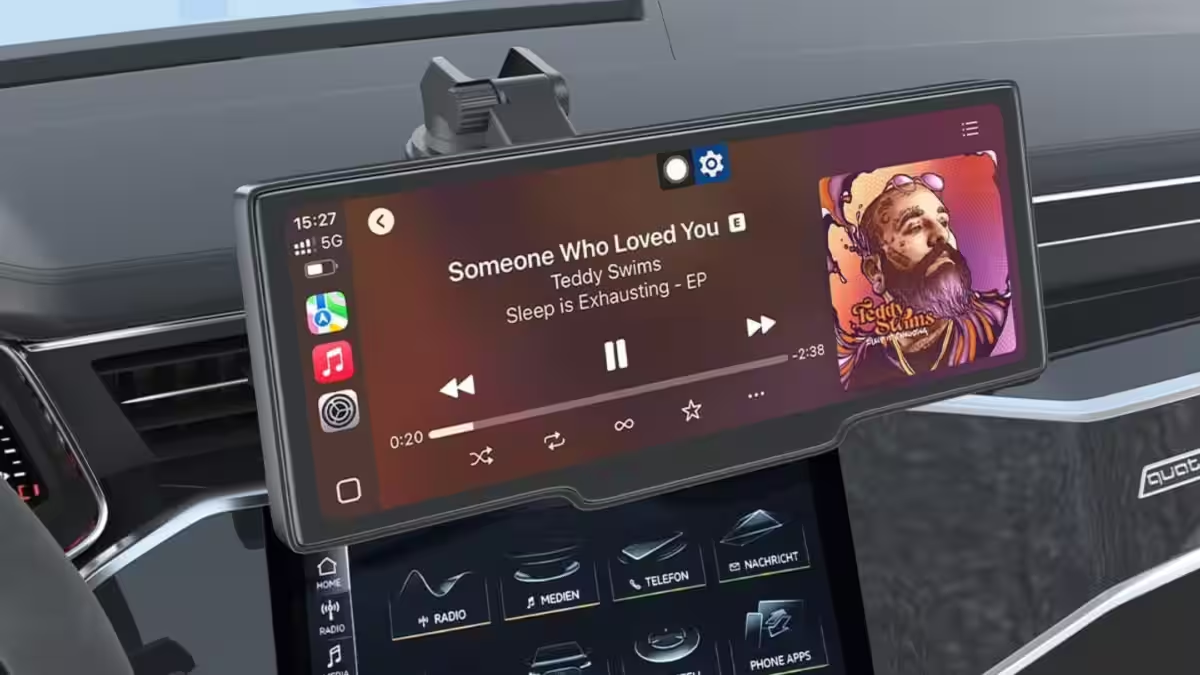
If your car feels stuck in 2010, a $63 plug‑on Android Auto screen looks like the perfect fast fix. It promises navigation, music, and a reversing camera without ripping out the stock stereo or paying an installer. The real question: does a bargain screen actually make your drives better – or just louder, dimmer, and more fiddly?
The offer: Android Auto and CarPlay for pocket change
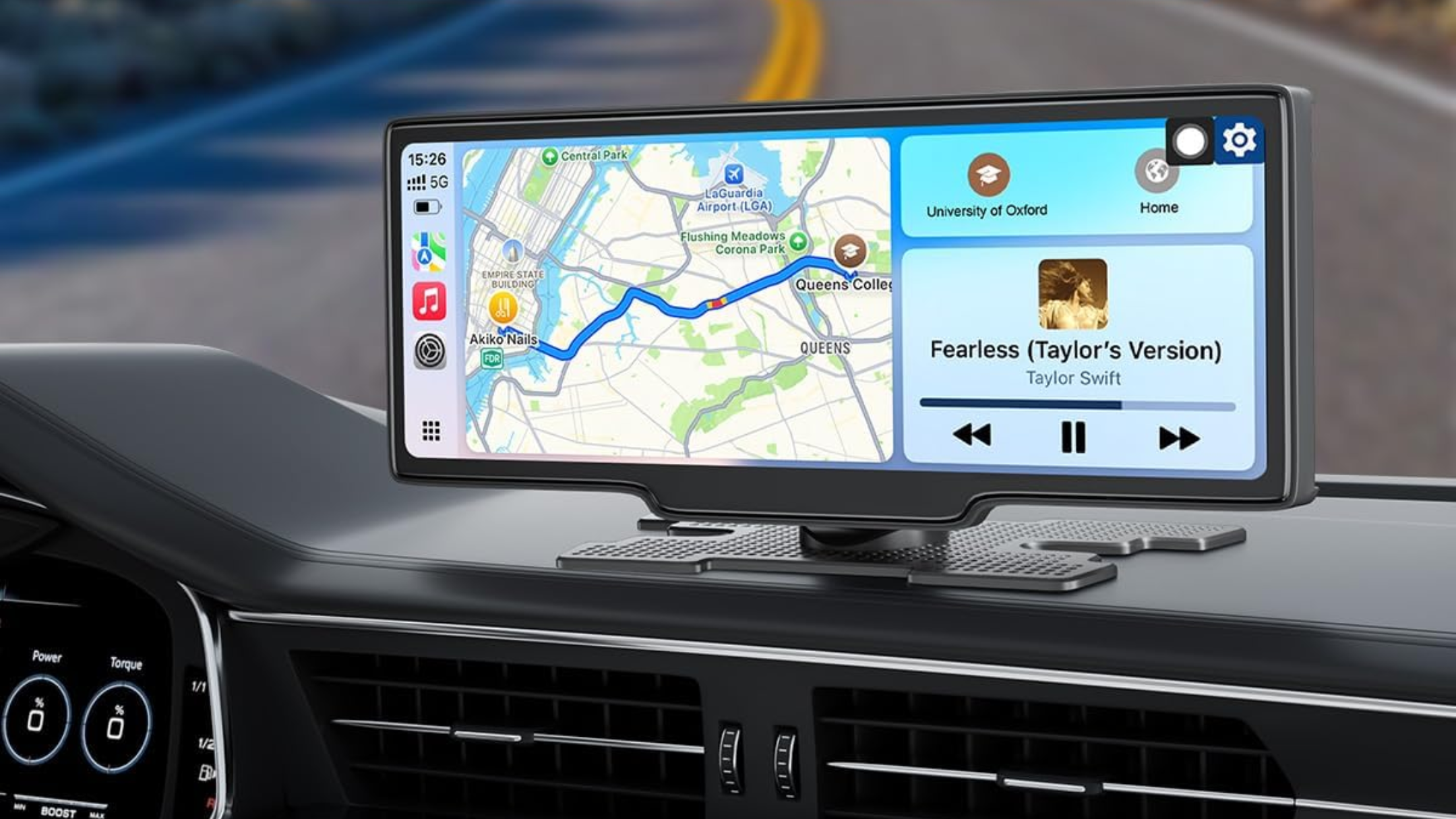
Right now an inexpensive third‑party display being sold on Amazon is being advertised at $63 (marked down from $90). The unit is described in product materials as including a reverse camera, offering both Android Auto and Apple CarPlay connectivity, and transmitting audio to your car via Bluetooth, a 3.5mm AUX jack, or an FM transmitter. The product card lists the brand as CUQI and calls out sound options of AUX, Bluetooth, FM transmitter, and a built‑in speaker. The same coverage that touted the bargain also claimed the screen is 10 inches, while the product card lists a 7‑inch screen – a mismatch worth noting before you buy.
Why these devices exist
Aftermarket infotainment has always had two lanes. One is the conventional single‑DIN or double‑DIN head unit from well‑known makers such as Pioneer, Alpine, and Sony: decent radios that replace your car’s dash, cost a few hundred dollars, and usually need moderate wiring and sometimes a dash kit. The other lane is the add‑on approach – dongles and plug‑on displays that steer clear of invasive installs.
Wireless adapters (think: the adapters that let wired Android Auto/CarPlay run over Wi‑Fi) and standalone screens became popular because they promise the convenience of modern phone UIs without the cost and labor of a full head‑unit swap. That convenience is exactly what today’s $63 screen is selling.
The trade-offs nobody headlines
Cheaper hardware can be great when it works – and frustrating when it doesn’t. Here’s what to expect that the product photo and price tag don’t advertise:
– Integration: These screens sit on top of your dash. That makes them easy to install but also means no steering‑wheel control integration, possible obstruction of vents or sensors, and a look that will never match a factory fit.
– Audio quality and reliability: Routing sound through Bluetooth, a headphone jack, or an FM transmitter is convenient, but those paths can introduce latency, compression, interference, and worse fidelity than a direct wired head‑unit connection. FM transmitters, in particular, depend on a clear local frequency and can be noisy in urban environments.
– Software and updates: Name‑brand head units get firmware updates and have longer supply chains for support. Cheap import units often ship on Android forks or bespoke firmware with uncertain update policies; that affects compatibility with future Android Auto or CarPlay changes.
– Camera and safety: A bundled reverse camera is useful, but image quality, night performance, and resistance to weather vary wildly. Also, anything that encourages drivers to touch or reconfigure a touchscreen increases distraction risk – something regulators and safety advocates have been warning about for years.
Who wins and who loses
Winners: budget buyers, renters, and people who value no‑tools installs. If you lease your car, or just want a quick way to get maps and messages away from your phone, a cheap screen is extremely attractive.
Losers: anyone who expected a seamless, long‑term replacement for an OEM system. Also vulnerable are buyers who assume a $63 product will receive long‑term support; smaller and anonymous brands often disappear or stop updating devices without notice.
How this compares to the alternatives
If you want phone‑style navigation and audio in your car, your main choices are:
– Replace the factory head unit with a reputable brand (cost: typically several hundred dollars plus installation). Better fit, steering controls preserved, higher reliability.
– Buy a wireless adapter that pairs with your existing wired Android Auto/CarPlay head unit. These keep factory integration but depend on a compatible OEM unit.
– Use a smartphone mount (lowest cost, highest reliability – but less integrated and less elegant).
The cheap plug‑on screens sit in the middle: cheaper than a full swap, more integrated than a phone mount, but not as clean or robust as a proper head unit.
What I would ask before buying
Before you click buy, check these things:
– Confirm the actual screen size – the listing claims a 10‑inch display in some copy but the product card lists a 7‑inch screen.
– Read recent user reviews on the retailer page (look for reports on software updates, wireless stability, camera image quality, and how long the unit lasted).
– Consider how the device mounts in your specific vehicle: will it block vents, sensors, or your view of the road?
– Decide which audio route you prefer (Bluetooth, AUX, or FM) and whether occasional dropouts are acceptable.
The bottom line
At $63, a plug‑on Android Auto/CarPlay screen is an excellent throwaway upgrade for someone who needs immediate smartphone integration. But treat it as a consumer electronic with a short expected lifespan and limited integration. If you want a solution that looks and behaves like part of the car for years, budget for a proper head‑unit replacement or a well‑supported wireless adapter from a known vendor.
And one more thing: when a bargain looks too good to be true – especially when specs on the same page disagree – assume you’ll spend more time troubleshooting than enjoying your playlists.
Published Feb 26, 2026.