

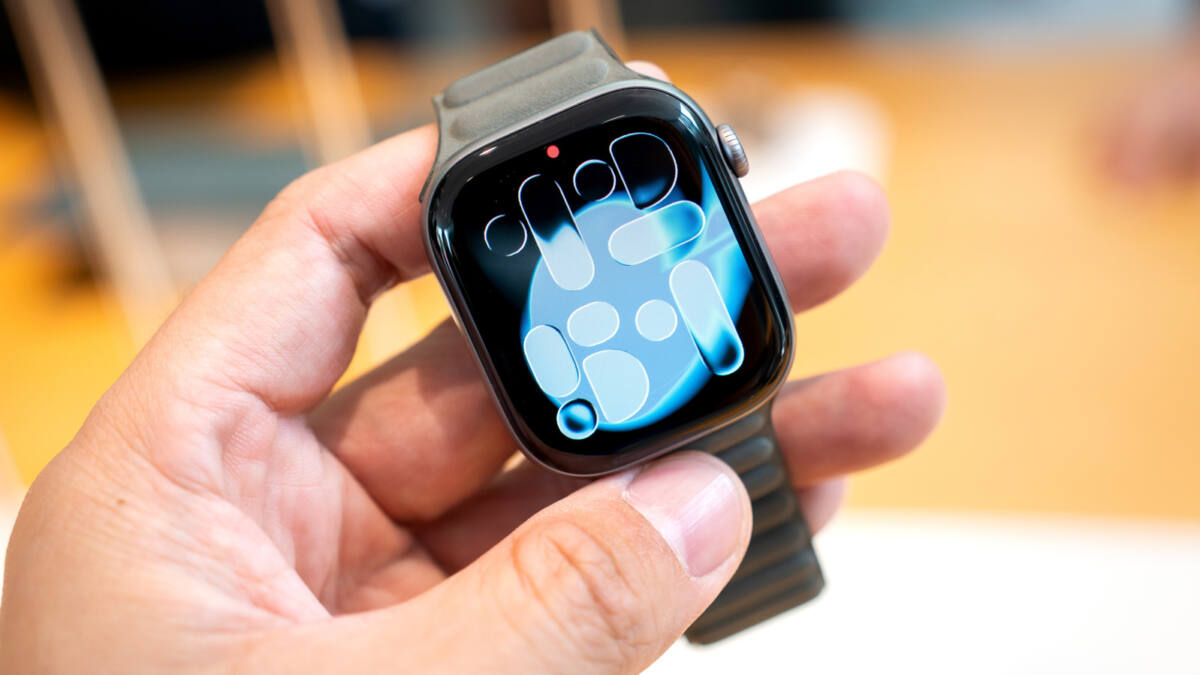
Your Apple Watch probably does more than count steps, ping messages, and take payments. In fact, Apple has tucked a handful of genuinely useful tools into the watchOS software stack that many owners never touch, even on the newer Series 11, SE 3, and Ultra 3 models. Some are health-focused, some are pure convenience, and a couple are the sort of thing that makes you wonder why you were fumbling with your phone in public for so long.
These Apple Watch hidden features are already built in, so there’s no need to hunt for third-party apps. Apple’s own software now handles everything from hearing assistance to song identification, which is exactly the kind of quiet feature creep that makes a smartwatch feel a little less like a status accessory and a little more like a pocket-sized toolbox.
Sleep apnea notifications on newer Apple Watch models
If you snore loudly, wake up tired, or suspect your sleep is being interrupted, Apple Watch can now help flag possible breathing disturbances during the night. Sleep Apnea Notifications are available on Apple Watch Series 9 or later, Apple Watch Ultra 2, and Apple Watch SE 3, as long as your iPhone is on the latest version of iOS and Sleep Tracker is enabled in the Health app.
Apple says you need to wear the watch for at least 10 nights over a 30-day period before the data is analyzed. That won’t diagnose anything on its own, but it can give a doctor something more concrete than ”I think I slept badly.” If you get an alert, you can export the report as a PDF and bring it to a health care provider.
Gestures can silence alerts without touching the screen
Apple’s gesture controls are the sort of thing that sounds gimmicky until you’re sitting in a meeting or a theater and your wrist starts buzzing like it has opinions. If a call or text comes in, you can cover the watch display with your hand for at least three seconds to mute the alert. You’ll feel a tap when it works.
There’s also the wrist flick gesture, which lets you mute calls or dismiss notifications by quickly turning your wrist over and back again. It’s supported on the SE 3, Series 9, Ultra 2, and later models, and Apple says it’s on by default. For something that looks like magic and behaves like common sense, that’s a pretty decent trade.
Live Listen turns the watch into a hearing aid helper
Live Listen is one of the most practical accessibility features Apple has added in years. With compatible headphones or hearing devices, it uses your iPhone’s microphone to stream sound while your Apple Watch shows a live transcription of what’s being said. That can help in noisy rooms, lectures, or conversations where every other person seems determined to mumble.
The feature requires watchOS 26, which works on Apple Watch Series 6 or SE 2 or later, and on all Apple Watch Ultra models. Apple also warns that caption accuracy can vary, and it should not be relied on in an emergency, which is the sort of disclaimer that exists because somebody, somewhere, has already tried it in the worst possible moment.
Music Recognition and live translation on the wrist
Apple Watch also doubles as a small but effective problem-solver for everyday life. Music Recognition is built in, so you can identify a song without pulling out your phone, then jump straight to Apple Music, add it to a playlist, or check the album and release date. It also keeps a history of tracks you’ve identified, which is handy when you remember the chorus but nothing else.
- Music Recognition works on all watches running watchOS 26.
- Live translation supports text and voice, with downloadable languages for offline use.
- Offline translation is available on the Apple Watch SE 3, Series 9 and newer, and Ultra 2 and newer models.
Live translation is the more ambitious of the two. You can type or speak into the Translate app on the watch, choose a language, and play back audio translations if you want the result spoken aloud. Apple also lets you save frequent phrases as favorites, which is exactly the kind of unglamorous feature that makes travel less annoying and a smartwatch more useful than a tiny notification mirror.
The real question is how many Apple Watch owners will ever dig into these features before buying the next model. Apple has a habit of saving some of its best ideas for software menus few people explore, and that leaves plenty of room for the competition to catch up on basics while Apple quietly packages more intelligence into the wrist.