

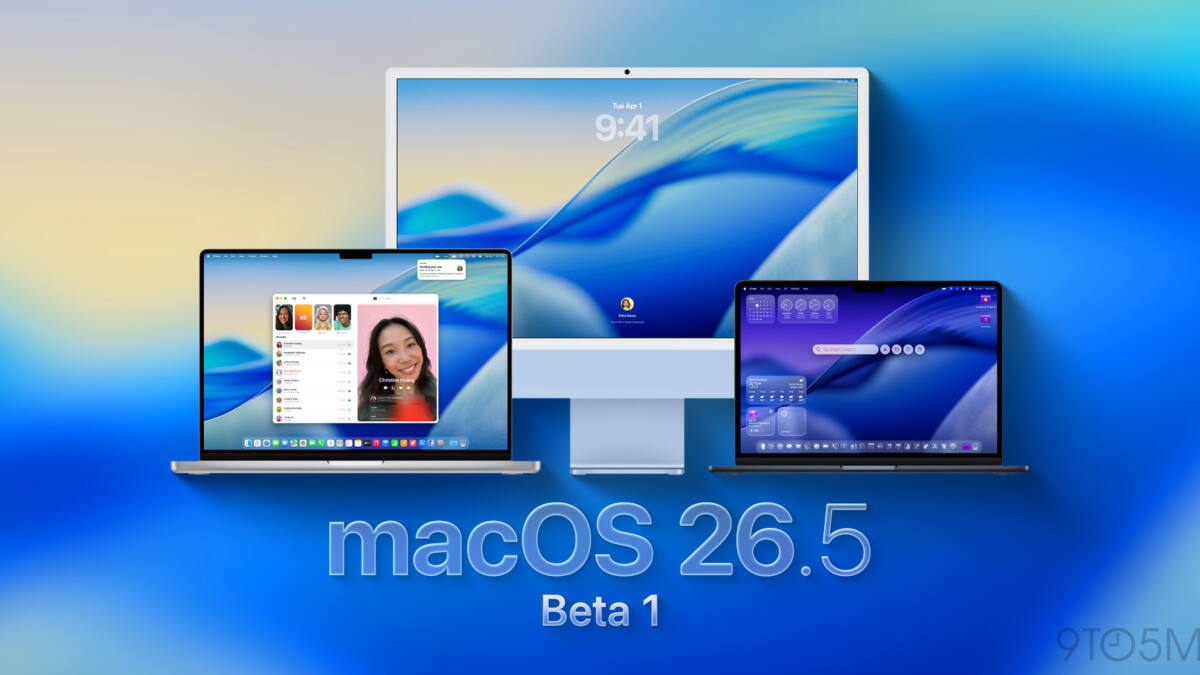
Apple has started seeding the first developer beta of macOS 26.5, just days after the macOS 26.4 release. This update arrives alongside fresh betas for iOS 26.5, iPadOS 26.5, and other Apple operating systems, signaling the final major macOS refresh before WWDC26, where macOS 27 is expected to debut.
macOS 26.4 surprised users by introducing previously unannounced features like the Charge Limit option, a consumer alert about the imminent end of Rosetta 2 support, and the reintroduction of Safari’s compact tab view, alongside eight new emoji. However, the details of what macOS 26.5 might contain remain under wraps as Apple typically holds back specifics in the initial beta releases.
How to try macOS 26.5 developer beta
Developers interested in testing macOS 26.5 can install the beta by backing up their Mac, then navigating to System Settings > General > Software Update. From there, they should tap the ’i’ icon next to Beta Updates and select the macOS Developer Tahoe Beta from the dropdown menu before hitting ’Done’. The current beta build is labeled 25F5042g.
Historically, Apple releases a macOS update just before WWDC to tidy up bugs and prepare devices for the new major version announcement. For context, last year’s macOS 15.5 arrived in May, with macOS 15.6 following in July after WWDC25.
Developers and eager users are encouraged to report any new features or fixes they encounter in this early beta. This pattern of incremental updates highlights Apple’s focus on refining user experience even during the transitional period leading up to the official major system overhaul expected this summer.