

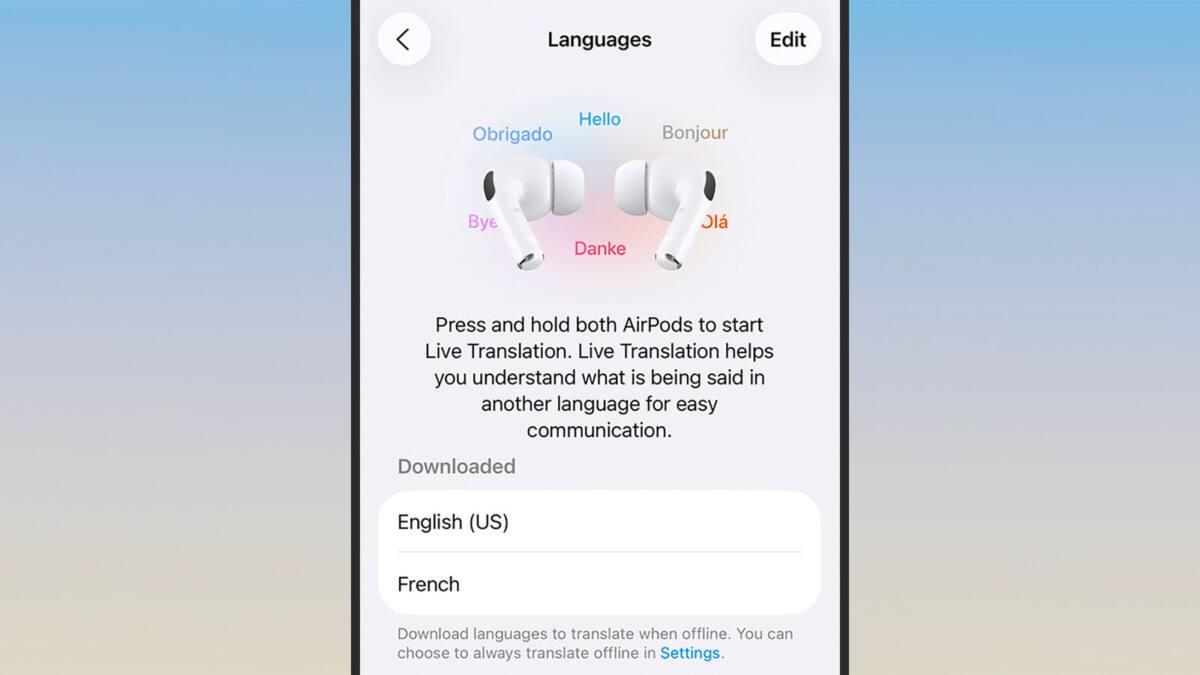
Apple has brought the concept of instant language translation, popularized by sci-fi like ”The Hitchhiker’s Guide to the Galaxy,” into the real world through its Live Translation feature on AirPods. Originally launched alongside the AirPods Pro 3 last year, this feature turns your AirPods into a real-time interpreter, bridging language gaps during conversations without the need for external devices.
Live Translation works not only with the AirPods Pro 3 but also with the AirPods 4 (with active noise cancellation), AirPods Pro 2, and the updated 2026 AirPods Pro Max. On the smartphone side, it requires an iPhone 15 Pro or Pro Max, or any iPhone 16 or 17 model, running the latest iOS 16 update. This combination allows translation processing to happen entirely on device, preserving user privacy by avoiding sending conversations to Apple’s servers.
Before using Apple’s Live Translation, you need to enable Apple Intelligence on your iPhone. Head to the Settings app, tap on Apple Intelligence & Siri, and toggle it on if it isn’t already. Then, download the language packs you’ll need from the AirPods settings menu-make sure to select both the languages you’ll be translating from and to. This preparation ensures smooth and responsive real-time translations when you start a conversation. Since all translation happens locally on your iPhone, recent hardware is crucial for the feature’s performance and privacy standards.
How to activate Live Translation on your AirPods
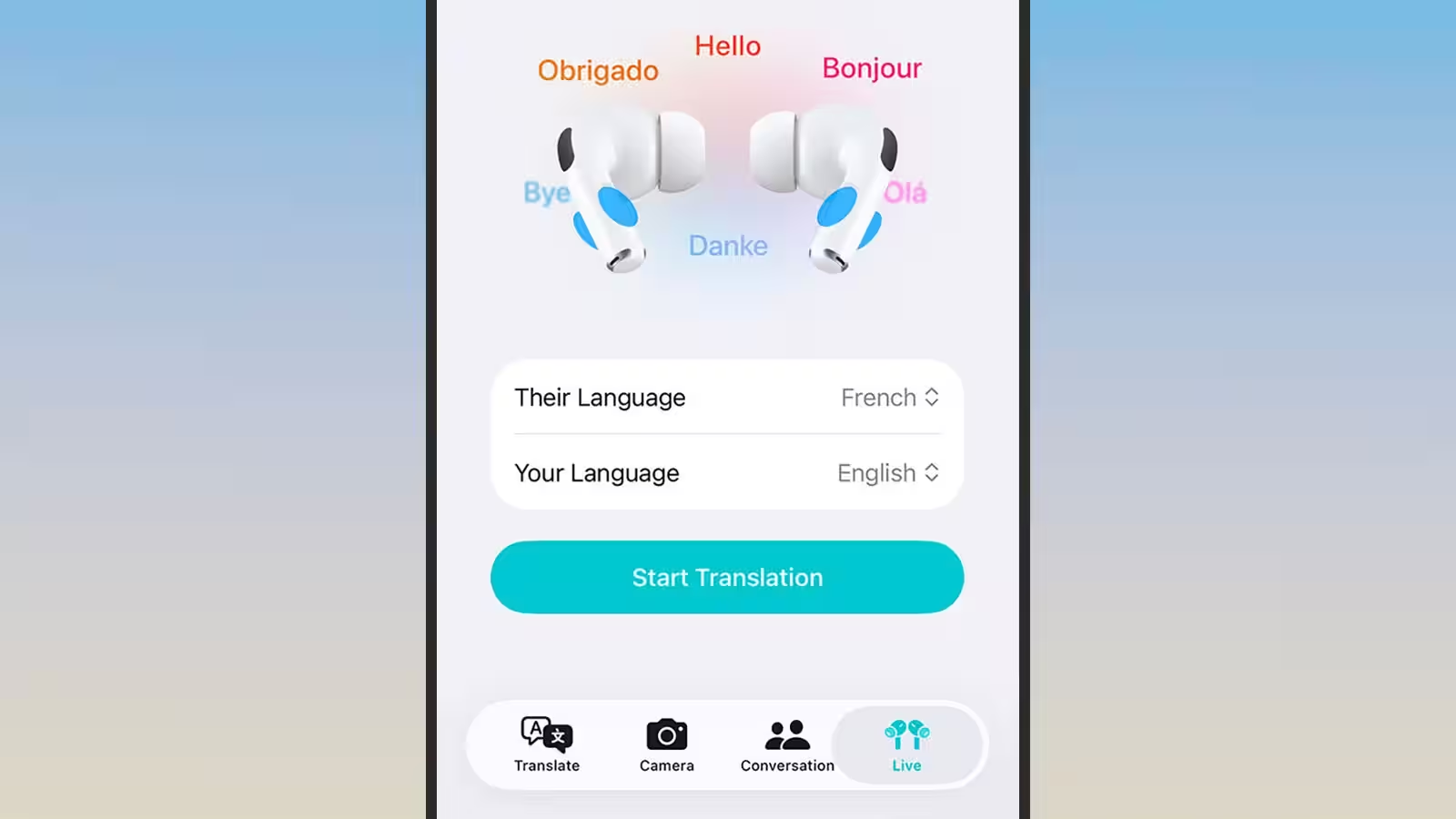
To activate Live Translation, open the Translate app on your iPhone and select the Live tab. You can then pick the languages involved and tap Start Conversation. Alternatively, you can initiate the feature hands-free by pressing and holding both AirPods stems simultaneously or by commanding Siri with ”Siri, start live translation.” For even faster access, the Translate app shortcut can be added to Control Center, or you can assign it to the iPhone’s Action button.
How Live Translation works during conversations
When someone speaks to you, your AirPods play the translation in your ears in near real time. When it’s your turn, your words get translated the other way, and your conversation partner can either read the translated text on your iPhone screen or hear it played out loud via your phone’s speakers. This creates a natural dialogue flow between speakers of different languages.
Apple cautions users that AI translations are not perfect and can sometimes generate unexpected or awkward results. So, if the expression of the person you’re talking to looks confused or surprised, the translation might be the culprit. Still, having such sophisticated translation capabilities tucked into a pair of earbuds opens new doors for travelers and multilingual conversations alike.