

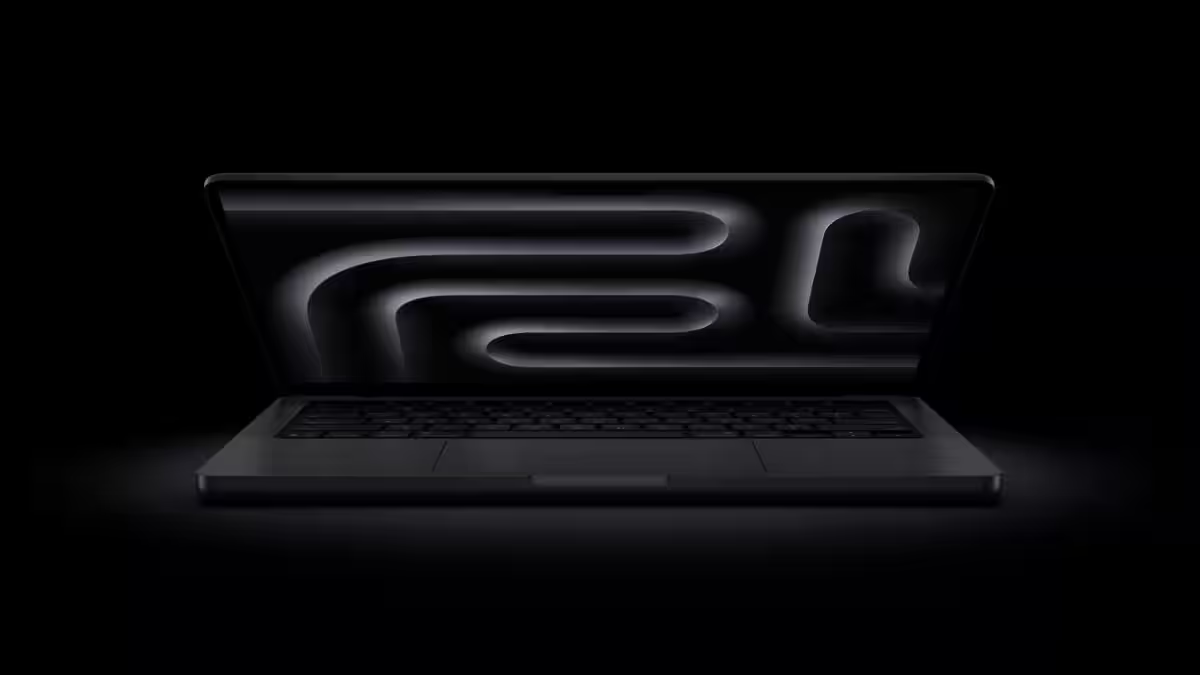
For years Apple refused to put touch on macOS, leaning on the iPad as its finger-friendly device. That stance looks to be changing: reports say the next MacBook Pro will add a hole‑punch camera, a Dynamic Island-style status area, and broad macOS tweaks to support finger input. This isn’t a gimmick – it’s Apple trying to reconcile two different ways people compute, and that matters far more than a glossy marketing demo.
Why touch on a pro laptop matters (and why it doesn’t)
Touchscreens on laptops aren’t new – Windows OEMs have been shipping convertibles for more than a decade – but Apple’s hesitance created a cultural split. macOS was built for pointer precision: tiny menu‑bar items, right‑click menus, drifty window chrome. iPadOS was built for fingers. The consequence was simple: people who wanted touch went to Windows or iPad, and people who wanted macOS stayed put. Apple now appears to be trying a middle path: keep the Mac’s strengths while adding carefully scoped touch features where they actually make sense.
What’s actually coming
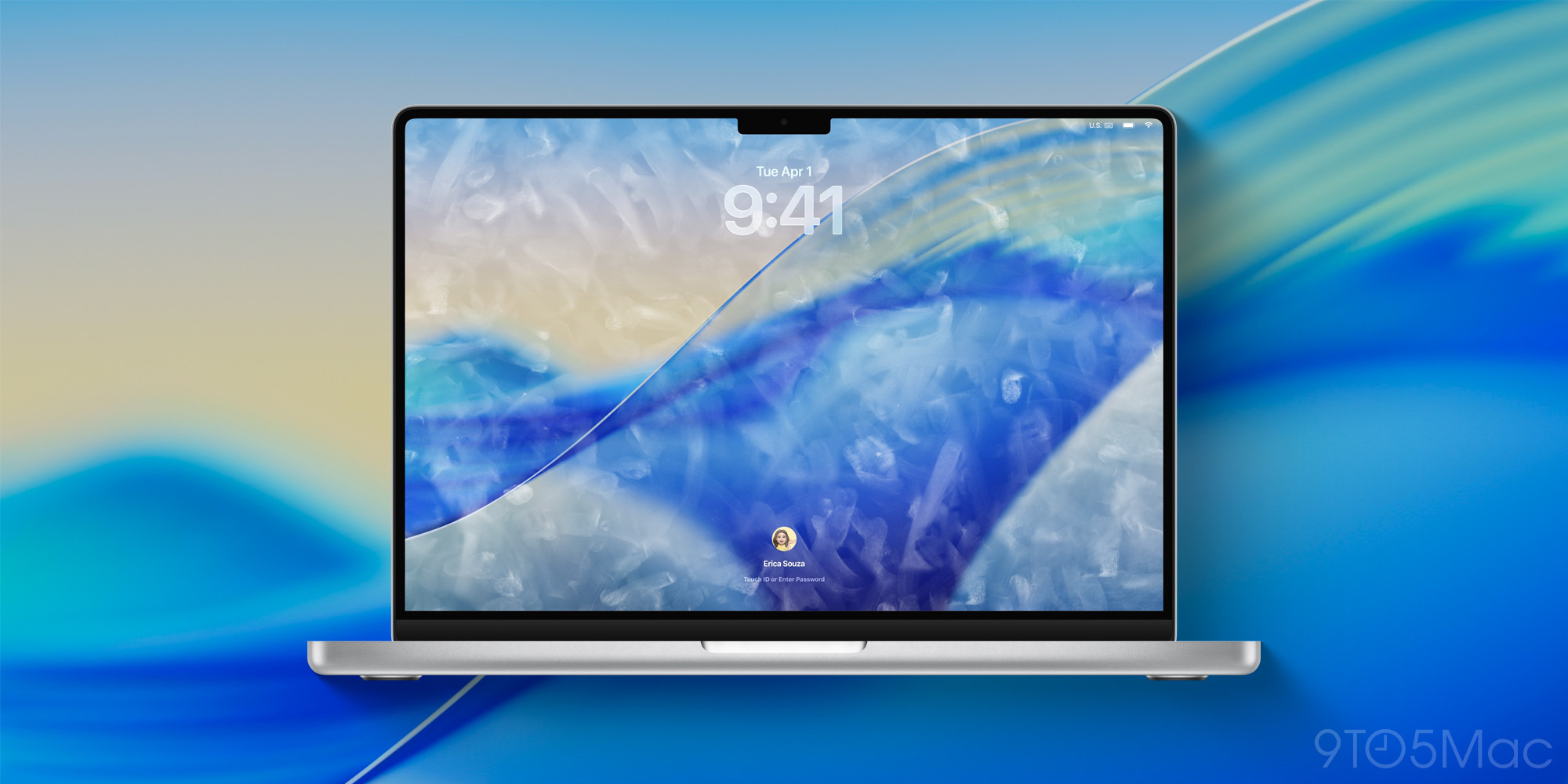
According to reporting that surfaced this week, the next MacBook Pro refresh – expected in the fall – will include a hole‑punch camera and a Dynamic Island-like cutout for status and live information. Bloomberg’s coverage also says Apple is planning macOS changes so controls enlarge or surface contextual menus when you reach for them with a finger. Separately, Apple is still expected to ship M5 Pro and M5 Max MacBook Pro models next month, and rumors point to OLED panels on the longer‑term refresh.
What Apple learned the hard way
Remember the Touch Bar? It was a narrow, touchable strip that tried to retrofit touch into a keyboard‑first workflow. Developers and pro users largely ignored it, and Apple quietly abandoned it on later models. The lesson: piecemeal touch surfaces without system‑level thinking flop. The difference this time is that Apple appears to be changing macOS behavior – not just adding glass you can poke. If the OS actually adapts hit targets, gestures, and context menus for finger input, this has a chance to stick.
Winners and losers
Winners:
– Creative apps and multitasking workflows that benefit from direct manipulation – photo editors, music tools, and timeline scrubbing will feel more natural.
– Developers who update apps for touch will get more engagement; Apple’s platform changes could provide new UI primitives and API incentives.
Losers:
– Purists who value the current uncluttered menu bar and precise pointer-driven UIs; some compromises to layout or menu density seem likely.
– Accessory makers and buyers who prefer matte, low‑reflectance displays. A touch‑first screen invites fingerprints, smudges, and the need for glossy, durable coatings.
What Apple still has to prove
Apple must answer three hard questions. First: ergonomics. Reaching up to touch a vertical laptop display quickly becomes tiring – the so‑called ”gorilla arm” problem. Apple can blunt that by limiting touch to near‑field interactions (Dynamic Island, notifications, quick controls) and keeping heavy manipulation to trackpads or Apple Pencil‑style peripherals.
Second: battery and thermals. Adding active touch layers, fingerprint‑resistant coatings, and possibly OLED panels changes heat and power dynamics. Apple’s silicon efficiency helps, but engineering trade-offs are real.
Third: developer adoption. The Touch Bar failed partly because few apps embraced it. This time, Apple must ship macOS APIs that make it straightforward to offer finger‑friendly menus and controls without requiring every app to redesign its UI.
Bigger picture: blurring device lines
Why now? iPad sales and the rise of detachable laptops showed Apple two truths: there’s demand for touch and there’s a persistent need for full desktop-class apps. Giving Mac hardware a measured set of touch features lets Apple keep macOS’s strengths while borrowing the immediacy of touch. That helps Apple defend against Windows convertibles that already mix touch and desktop apps, and it narrows the gap between Mac and iPad without forcing users onto iPadOS.
My take
I’m skeptical of full‑screen touch on a clamshell laptop. But I’m optimistic about selective touch: Dynamic Island-style live info, finger‑aware menus, and contextually larger touch targets where they make sense. If Apple treats touch as an augmentation rather than a replacement for the trackpad and keyboard, it will finally give macOS the best of both worlds. If it treats touch as a checkbox item, we’ll be having the same conversation in two years.
What to watch next
Expect Apple to ship M5 Pro and M5 Max MacBook Pros next month. The broader touchscreen/Dynamic Island MacBook Pro is currently rumored for a fall launch. Watch developer previews and WWDC sessions for new macOS touch APIs; their presence (or absence) will tell you whether this is a polished rethinking or another eye‑catching hardware tweak.