

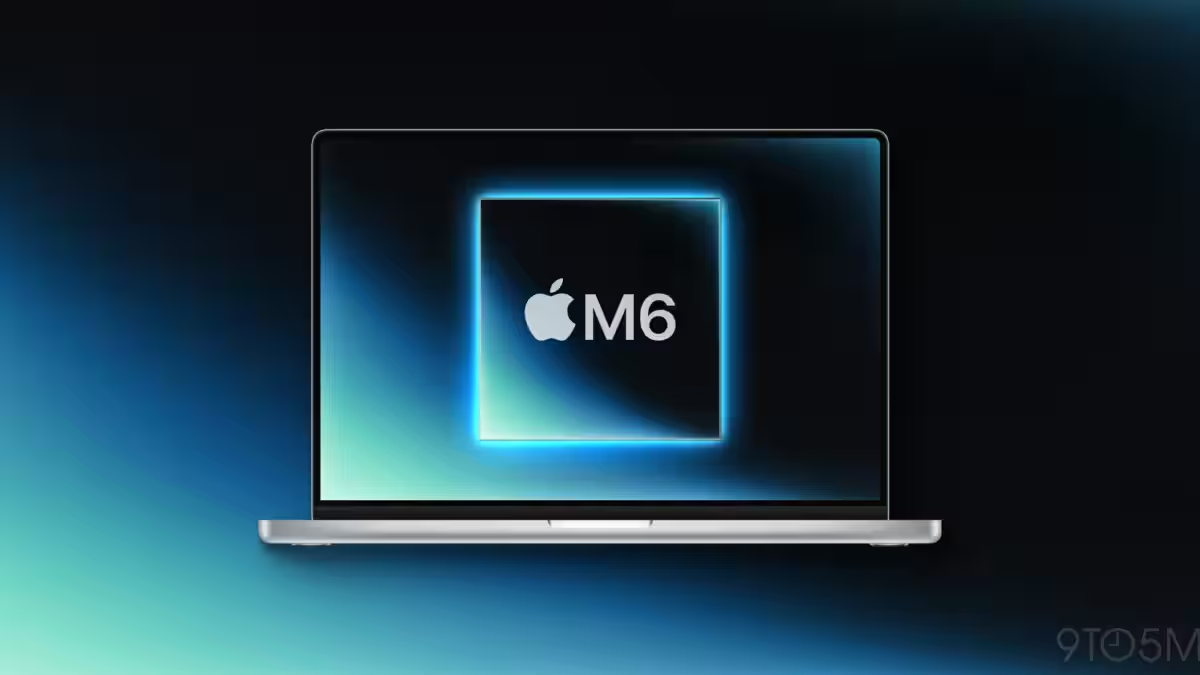
Apple is preparing to put a touchscreen on a MacBook Pro for the first time. The company’s move – reportedly an OLED display with a hole-punch camera and a Dynamic Island-style UI – is less a revolt against the trackpad than a careful experiment to graft touch into a desktop OS that was never built around fingers.
According to reporting at Bloomberg, Apple plans to use a smaller hole-punch cutout for the camera and surround it with a Dynamic Island interface. The M6 MacBook Pro is expected later this year, possibly in October or November, while new M5 models are likely to appear much sooner.
Why Apple is late – and why that matters
Windows laptops have offered touchscreens for years. Apple, by contrast, treated touch as the iPad’s problem and long resisted bringing it to macOS: Steve Jobs once argued that fingers weren’t precise enough for a traditional desktop UI. That stance produced a clean, cursor-centric experience for people who live in Xcode, Excel, or Final Cut. It also left Apple on the sidelines of a capability many consumers and hybrid-device shoppers expect.
The company has tested touch on Macs before. The Touch Bar was an attempt to add contextually adaptive touch controls to pro laptops, and it ended up being polarizing enough that Apple removed it within a few years. Expect that memory to shape how aggressively Apple rolls out full touchscreen features this time.
What Apple has planned for the UI
Reports say macOS will gain a dynamic interface that shifts between pointer-friendly and finger-friendly modes. If you tap a menu-bar item, controls will enlarge for easier selection; tapping a button will bring up a menu tailored to touch. Apple will also support familiar iOS gestures – fast scrolling, pinch-to-zoom – and a touch-optimized emoji picker.
Crucially, the company appears intent on keeping the keyboard and trackpad as the primary inputs for pro workflows. Touch is being positioned as a complement: useful for image editing, annotations, and occasional direct manipulation, but not a wholesale change to how people use a laptop all day.
The practical tradeoffs
OLED brings obvious benefits: deeper blacks, higher contrast, and improved HDR for creative work. But it comes with tradeoffs Apple will need to manage – potential burn-in risk for static macOS UI elements, and different power characteristics than the LCDs Apple has used on Pro laptops. Engineers will be focused on firmware and OS tricks to avoid visible retention while preserving battery life.
There are also ergonomics and software questions. macOS was optimized for a palm-rest posture and a precise cursor. Finger targets, reachability, and accidental touches are real problems on a clamshell laptop; Apple’s solution – enlarging controls and switching interface modes – is sensible, but it requires app developers to do work or risk inconsistent experiences.
What this means for users and developers
If you’re a professional who needs reliable shortcuts, trackpad gestures, and consistent window management, nothing about Apple’s framing suggests you’ll have to relearn your workflow. For casual users and creatives, touch could make photo editing, annotation, and navigation feel more direct.
Developers will face the usual coordination challenge: add touch optimizations and risk fragmenting the UI, or stay cursor-centric and offer a subpar experience for touch users. Apple’s approach of adapting the UI based on the user’s input method helps, but developers still need to adopt bigger touch targets and review layout assumptions.
The wider picture and likely outcome
Apple is trying to have it both ways: deliver the tactile benefits of touch where they matter while preserving the trackpad-first workflows that define macOS. That hedging is smart politically and product-wise – it reduces risk and avoids alienating pro customers – but it also means the touchscreen Mac won’t feel like a true paradigm shift overnight.
Expect a cautious rollout: Apple will ship the hardware, polish macOS touch behaviors, and then watch how people use it. Only if touch proves popular in practice will the company push it deeper into macOS or across more models. Until then, the touchscreen Mac will be an option for some tasks, not a replacement for what makes the Mac useful to power users.
Apple’s timetable – new M5 models appearing earlier in the year and an M6 touchscreen MacBook Pro rumored for the autumn – also suggests the company wants to keep its product cadence intact while testing this big UI change on a single, high-end model first.
Whether that cautious route satisfies both camps – creatives who want the immediacy of touch and professionals who demand precision – is the question Apple will answer over the next year.