

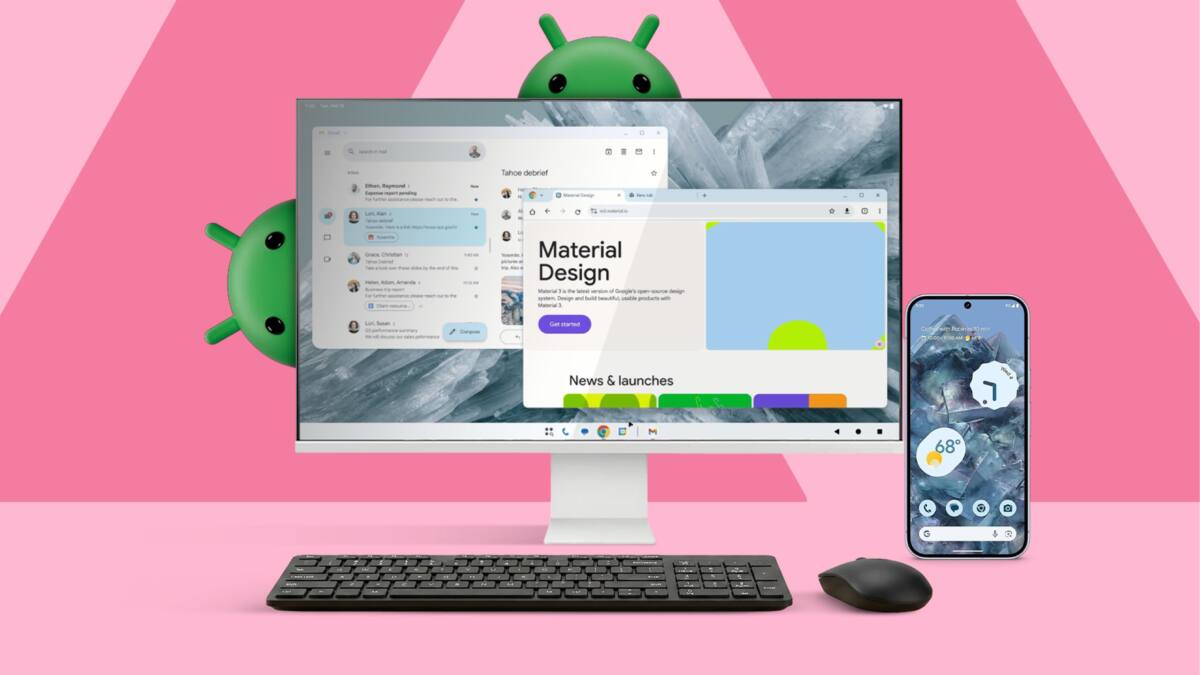
Android 16’s long-anticipated Desktop Mode arrives promising to turn your phone into a PC, but the reality reveals a far-from-seamless experience. Despite fluid animations and a polished UI, the setup demands an external monitor, multiple cables, and accessories-quickly eroding the ideal of a lightweight all-in-one device. After testing it as a full-time machine, it’s clear phones still can’t substitute dedicated laptops for productivity.
The appeal of Android Desktop Mode is simple: your phone is already a powerful computer, so why carry anything else? Yet, any attempt at practical usage soon faces hurdles. To get Android Desktop Mode working, you need a monitor and a USB-C hub that supports DisplayPort Alt Mode. Then you must add a keyboard and mouse. This pile of gear turns the ”one device” dream into a cumbersome setup heavier and slower to initiate than opening a standard laptop.
Even after hardware hurdles, the software limitations loom large. The desktop interface runs atop a mobile OS, causing a mismatch. For instance, while Chrome tricks websites into showing desktop layouts, it still can’t run extensions like password managers or SEO tools that power users depend on. This is a glaring gap compared to full desktop browsers on Windows or macOS, underlining that Android development hasn’t yet caught up to this new mode.
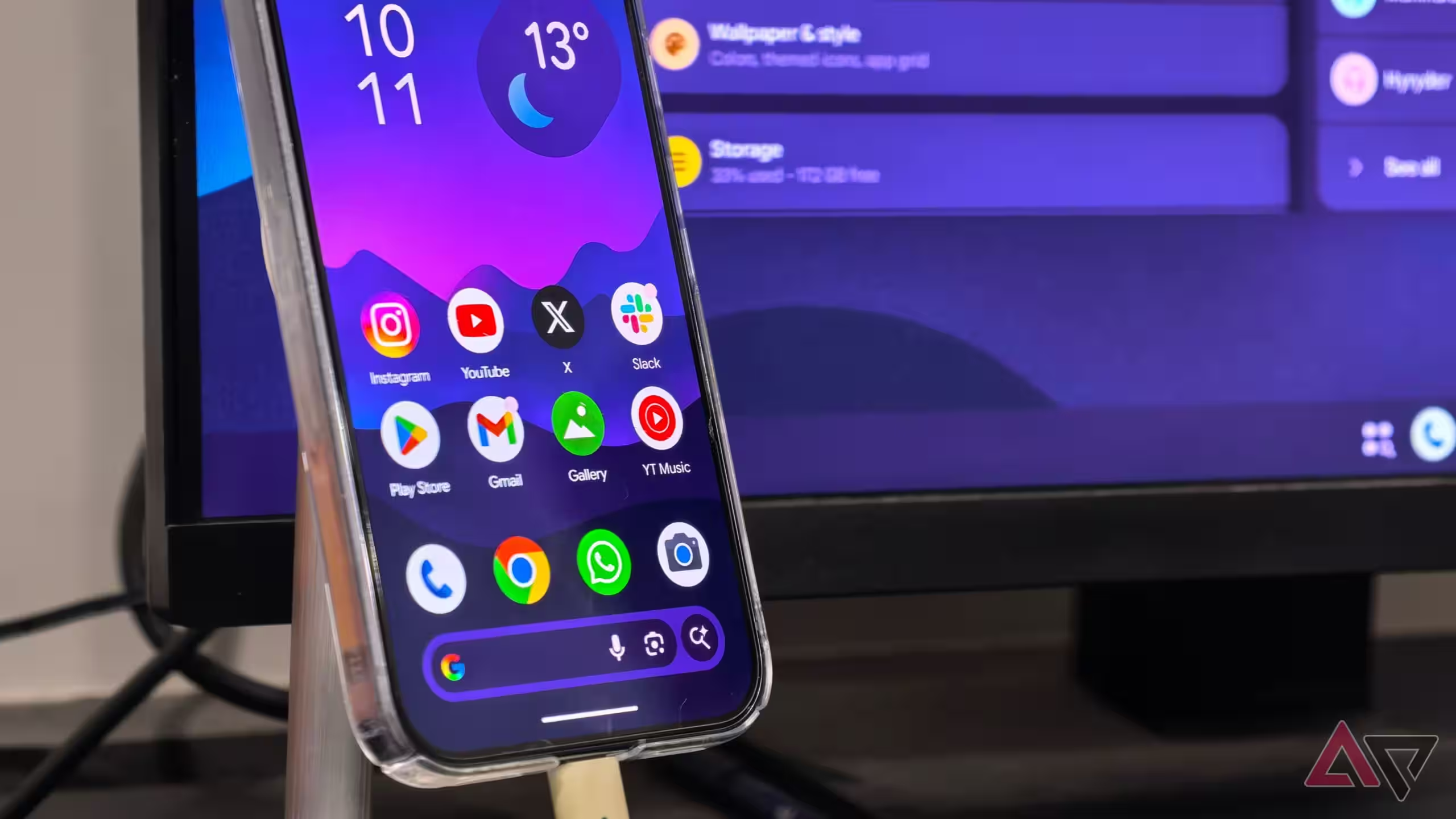
Adding to the frustration, running multiple windows on a high-resolution external display quickly heats the phone. Unlike laptops with fans, smartphones rely on passive cooling, so extended desktop use pushes thermal limits and threatens battery longevity. This throttling not only hampers performance but also risks degrading your phone’s core hardware over time.
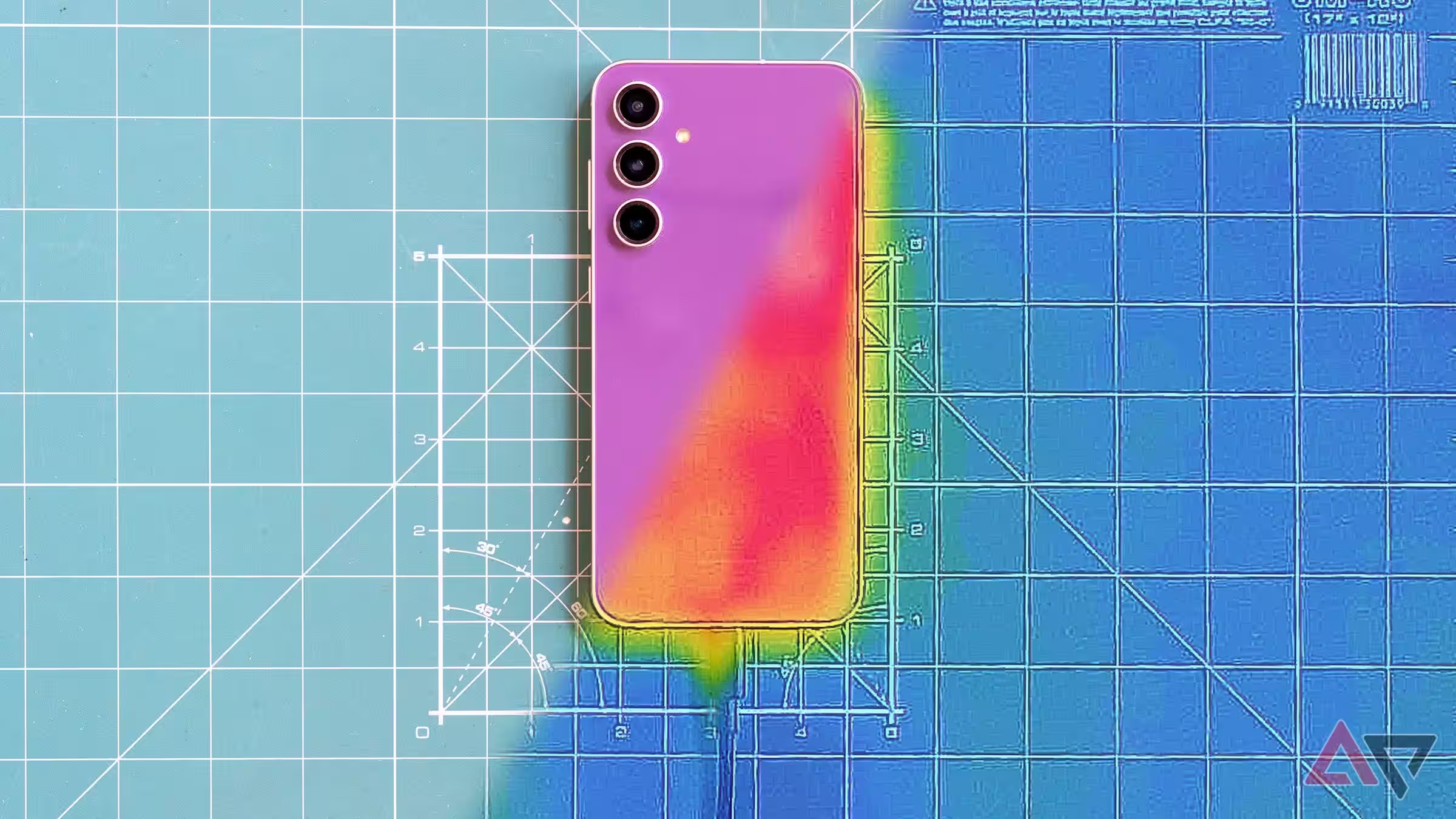
Another fundamental issue is distraction. Phones intertwine personal and professional use in a way that laptops don’t. Notifications, social apps, and texts constantly compete for attention. With your phone transformed into your desktop, the boundaries fade, and productivity suffers as personal distractions hover just a click away.
Given the cost and complexity of assembling a phone-based desktop kit-including a flagship phone, USB-C hub, keyboard, mouse, and cables-you could buy a fully fledged Windows or Mac laptop with stronger performance, better battery life, and a native desktop environment optimized for work.
- Pixel 9 Pro XL smartphone: 221g, $1,100
- 5-in-1 USB-C hub with PD & HDMI: 60g, $20
- iClever tri-fold keyboard: 240g, $45
- Logitech Pebble travel mouse: 100g, $30
- 65W charger and USB-C cables: 150g, $40
- Total setup: 771g, $1,235
- Acer Swift Go 14 laptop: 1,250g, $900
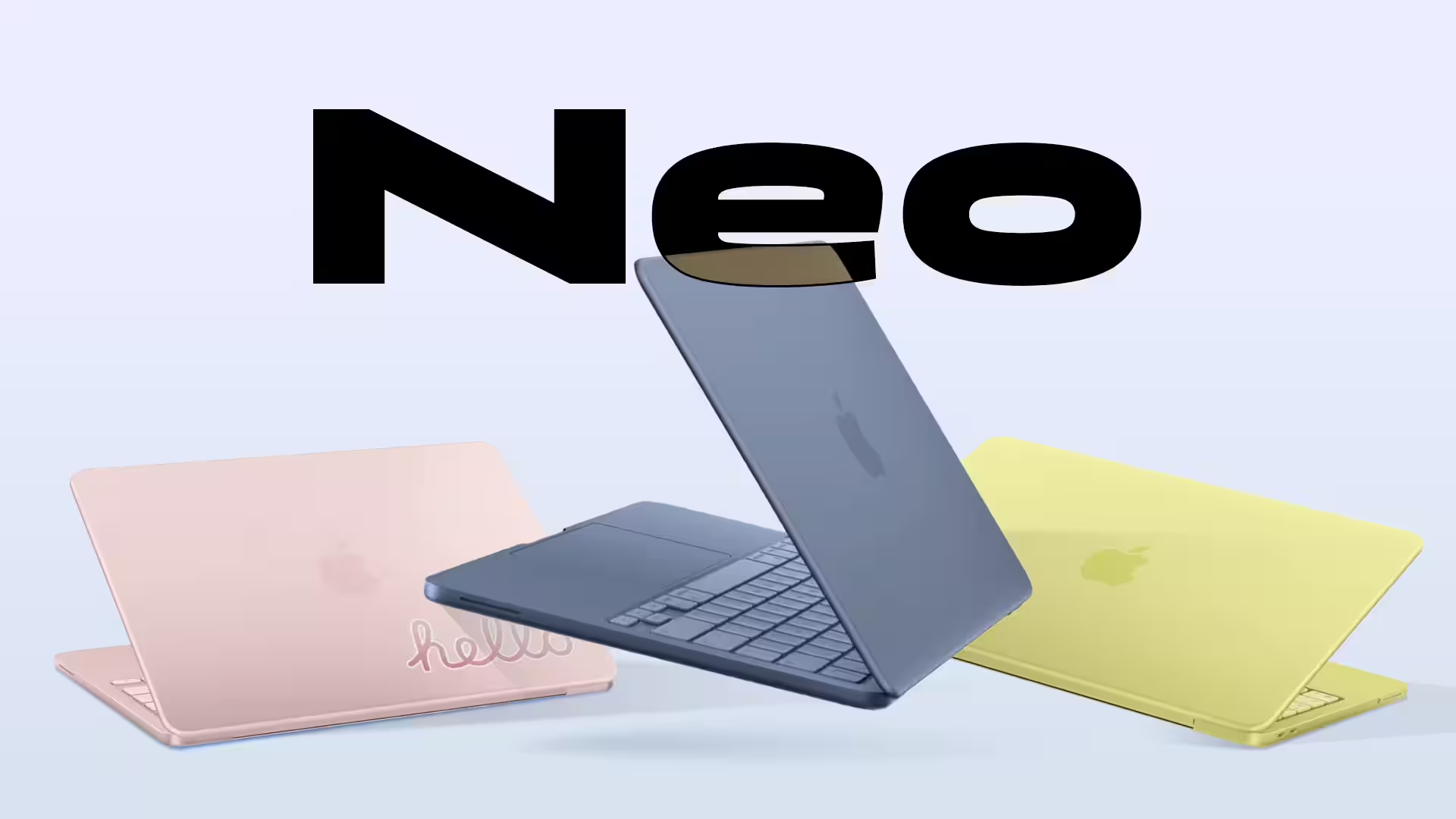
- MacBook Neo laptop: 1,230g, $600
Though Android’s Desktop Mode shows potential as an emergency backup or for quick tasks, it fails as a main machine replacement. Phone hardware and mobile operating systems aren’t designed for sustained, multitasking-heavy productivity. The experience is a reminder why PCs and laptops persist, despite the allure of phone-centric minimalism.
For now, the smart move is to keep your phone for quick communication and media consumption, and rely on laptops for real work. Until future iterations crack the hardware, OS, and ecosystem challenges, the all-in-one phone-as-PC fantasy remains just that-a fantasy.