

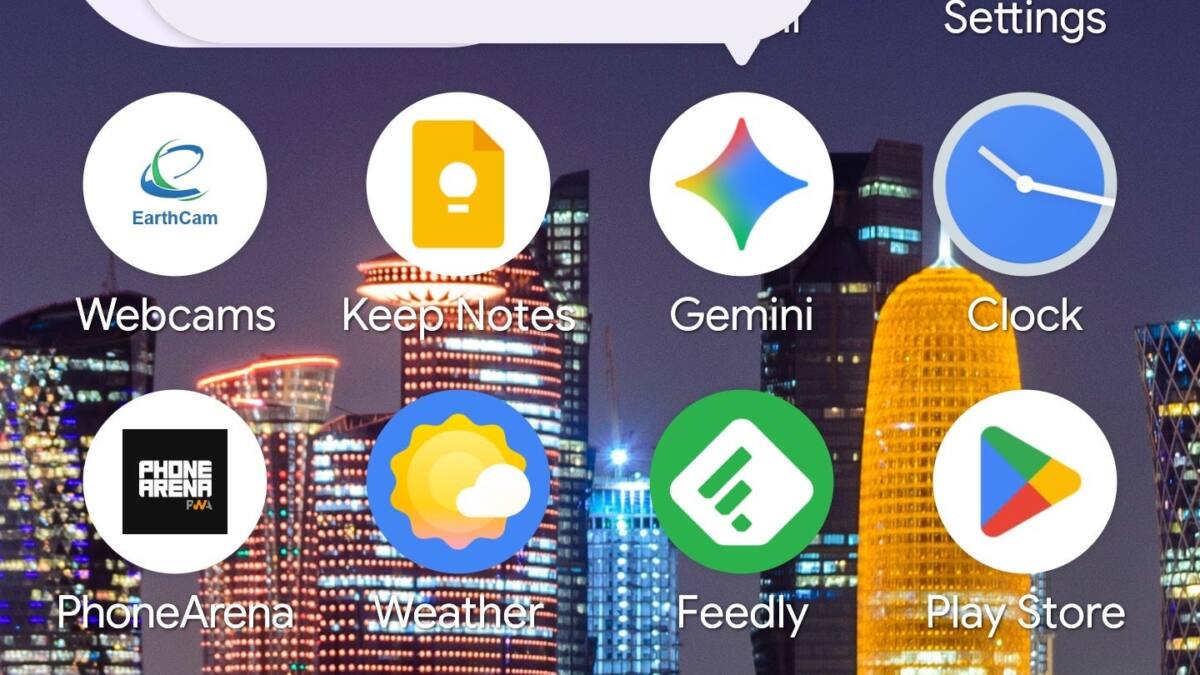
Google’s Android 17 Beta 3 update reintroduces the long-awaited voice activation feature that allows users to summon the Gemini overlay by saying ”Hey Google,” eliminating the previous need to long-press the power button. Alongside this, the update rolls out the much-talked-about App Bubbles multitasking feature, improves Quick Settings toggles, and fixes a slew of annoying bugs on Pixel devices.
After being broken in an earlier Beta release, voice activation for Gemini is fully restored. Users on the Beta program can enable the feature by going to the Gemini app’s settings and toggling on ”Talk to Gemini hands-free.” This means a simple vocal command now summons the assistant prompt directly at the bottom of the screen, streamlining user interactions with AI-powered tasks.
The return of App Bubbles expands Android’s multitasking capabilities. Once enabled, users can convert any app on the home screen into a movable bubble icon. Tapping the bubble opens a small, resizable window of the app, allowing seamless switching without losing context. Introduced in Beta 2, this feature integrates a bubble-based workflow similar to chat heads, but for any app.
Android 17 Beta 3 improvements to Pixel Launcher and Quick Settings
Android 17 Beta 3 also updates the Pixel Launcher’s Search Bar appearance, bringing back a color from the user’s wallpaper for both the ”G” icon and the background. The AI mode icon, previously isolated in a circle, is now placed inside the search bar again, removing the dynamic color ring introduced in Beta 2.
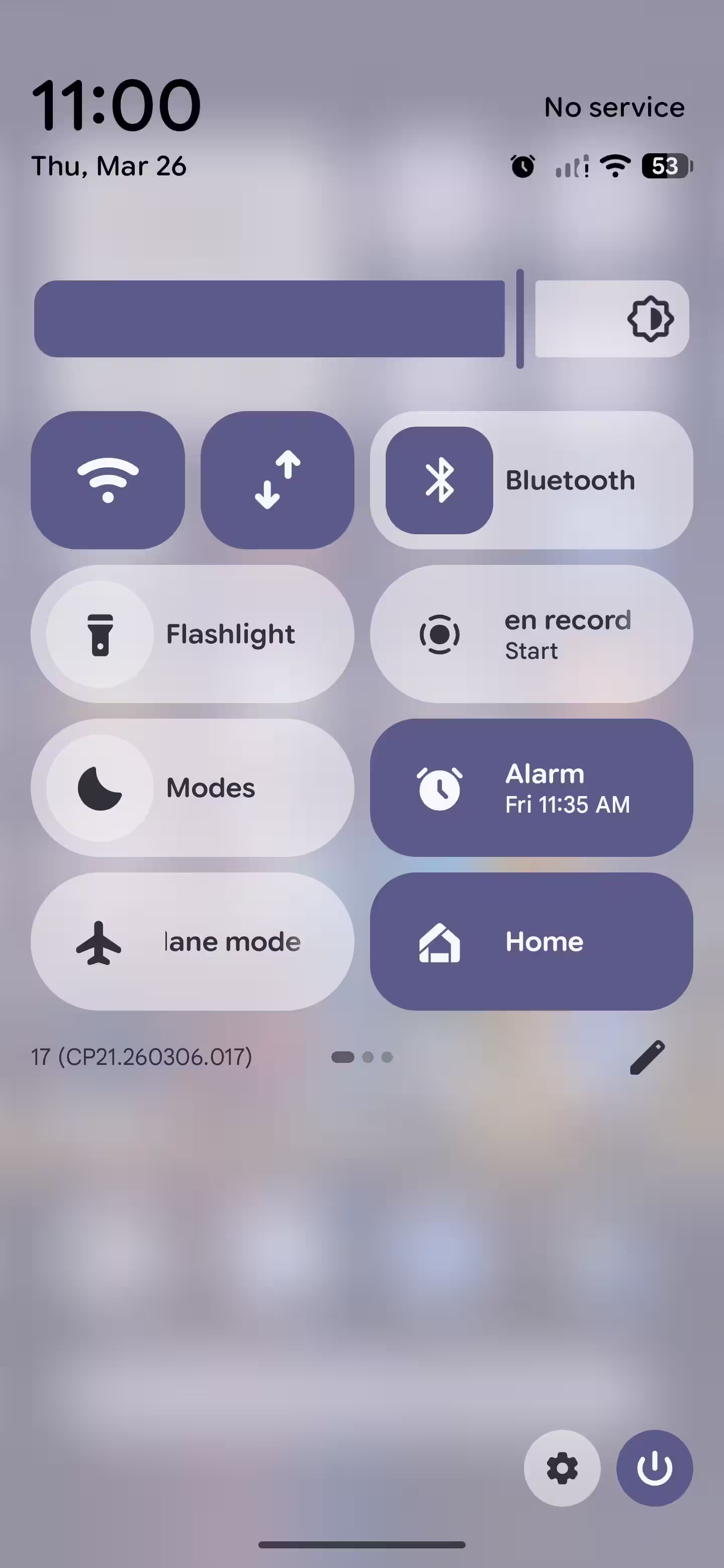
To improve user clarity, the Quick Settings toggles for Wi-Fi and Internet have been separated after being combined since Android 12. This change helps avoid accidental disconnections by giving users distinct controls for each element. Additionally, widget panes now feature a blurred background for enhanced aesthetics.
Volume controls and bug fixes in Android 17 Beta 3
Volume control has been refined as well. Android 17 Beta 3 adds independent volume sliders for the assistant-whether Gemini or Google Assistant-allowing users to adjust the assistant’s sound without affecting system or media volumes.
Behind the scenes, numerous bugs have been addressed, eliminating issues with incoming call vibrations, Battery Saver mode persistence, notification glitches, visual artifacts during navigation, system status bar disappearances, device instability, and camera lens switching. Notably, the camera’s problematic switch between ultra-wide and wide lenses now runs smoothly, fixing erratic stuttering seen in prior builds.
This incremental update caters well to power users curious about Android 17’s evolution while ironing out the rough edges that early beta testers faced. The reinstatement of ”Hey Google” for Gemini and the arrival of App Bubbles mark a more polished user experience as Google moves closer to a final release.