

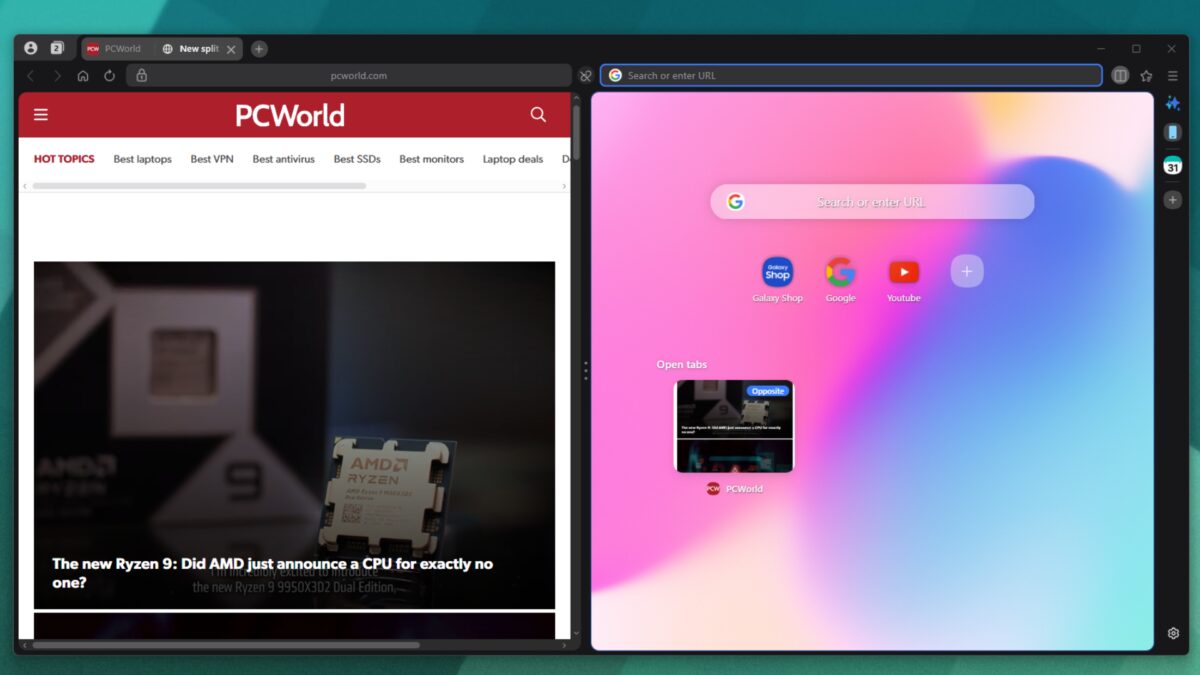
Samsung has expanded its Internet browser beyond Android, releasing a full Windows version designed to challenge established Chromium-based browsers like Chrome and Edge. The new Samsung Internet browser on Windows integrates Galaxy AI features for on-page text analysis and translation, alongside a built-in ad blocker and seamless syncing with Samsung Galaxy devices via Samsung Cloud and Pass. While the browser’s sleek design and split view functionality offer fresh desktop browsing options, it will mainly appeal to users already invested in the Samsung ecosystem.
Though it’s based on Chromium-the engine behind most major browsers except Firefox and Safari-Samsung’s Windows browser tries to differentiate itself with ”Galaxy AI” integration, marketing it as a smarter browsing experience. This includes local translation tools and text-based page analysis designed to enhance how you interact with content. Yet, with AI functionality becoming standard across many browsers, this feature alone is unlikely to sway users who don’t already use Samsung’s mobile offerings.
The desktop release also enables smooth synchronization of bookmarks, passwords, and settings with Samsung Galaxy smartphones and tablets, a key advantage if you juggle multiple Samsung devices. For users outside that circle, Samsung Internet browser resembles Edge with its polished interface, color-accented tiles, and thin toolbars that prioritize screen space.
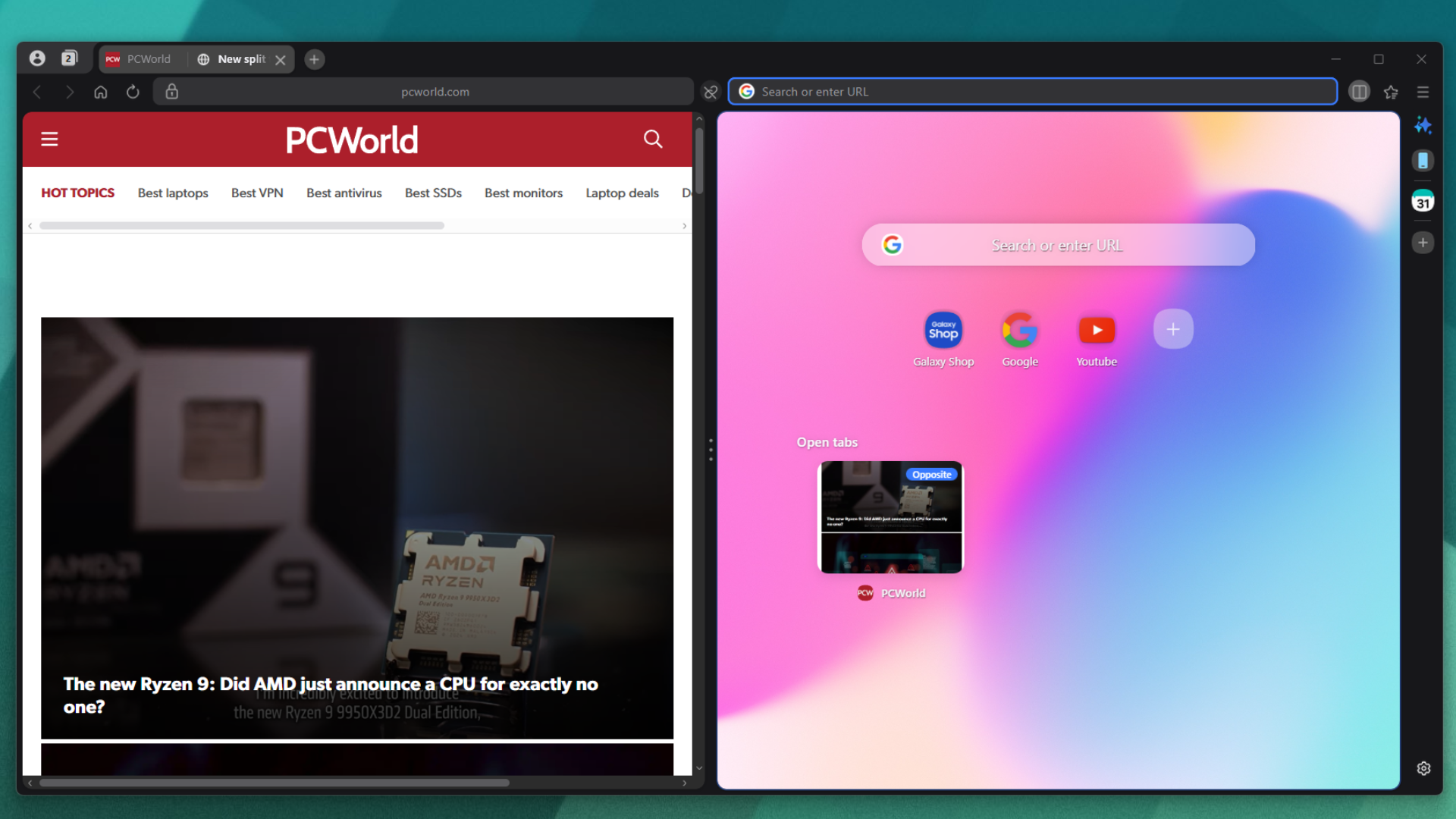
One notable convenience is the built-in ad blocker activated from the first launch, which might attract those fed up with aggressive third-party ad blockers. Samsung has also integrated a split-view mode by default, allowing users to browse two pages side by side-a feature often appreciated by power users and productivity-focused multitaskers but rarely enabled out of the box by mainstream browsers.
Importantly, Samsung Internet browser only allows data imports from Chrome, Edge, Firefox, and Internet Explorer, which might disappoint users relying on alternatives like Vivaldi or Brave. Given Samsung’s ambition to make this browser the default on its own laptops, it leans more heavily on Microsoft Edge’s visual and functional cues rather than trying to reinvent the wheel.
For Samsung smartphone users, especially those with Galaxy devices, this launch offers a tightly integrated browsing environment worth exploring on Windows. However, for most other PC users comfortable with their current Chromium-based browsers, Samsung Internet browser’s advantages may not be compelling enough to justify a switch. In a crowded field of capable browsers, it remains to be seen whether Samsung’s desktop offering will grow beyond niche appeal.