

Stacking your high-end GPU vertically in a tempered glass PC case might look sleek, but it’s a guaranteed way to raise temperatures and throttle performance. The typical vertical mount positions the graphics card mere millimeters from the glass, suffocating airflow and inflating core temperatures by up to 12°C. The result? Fans buzzing like jet engines and lower boost clocks that cost serious gaming power for the sake of aesthetics.
GPU fans are engineered to pull fresh air horizontally through the open bottom or front of a case. Flip the card vertically against solid glass, and the fans struggle against a low-pressure vacuum effect, effectively choking themselves out. This isn’t just bad for temperatures-it can disrupt the efficient operation of modern 3D vapor chambers inside GPUs, which rely on gravity to keep cooling cycles running smoothly. When tilted, these chambers fail to circulate coolant properly, causing hidden hotspots that raise VRAM and core temperatures without obvious signs.
Beyond heat issues, vertical mounting demands costly PCIe riser cables that introduce additional problems: added latency, potential signal degradation, or even system boot issues if the cable is cheap or poorly shielded. With PCIe Gen5 and Gen6 signaling more fragile than ever, this can cripple an expensive build for little tangible benefit.
Plus, a vertically mounted GPU becomes a physical barrier that disrupts the clean airflow designed into most cases-from front or bottom intake to rear or top exhaust. This bottleneck doesn’t just stress your GPU; it increases temperatures of other vital components on the motherboard, undermining overall system stability and longevity.
How to vertical mount your GPU without overheating
If you really can’t resist the vertical GPU flex, there are smarter ways to go about it. Cases with mesh side panels-like the Cooler Master NR200P or Fractal North-allow proper airflow from outside the case, avoiding the vacuum effect against glass. Using offset brackets to move the GPU away from the side panel can also improve airflow.
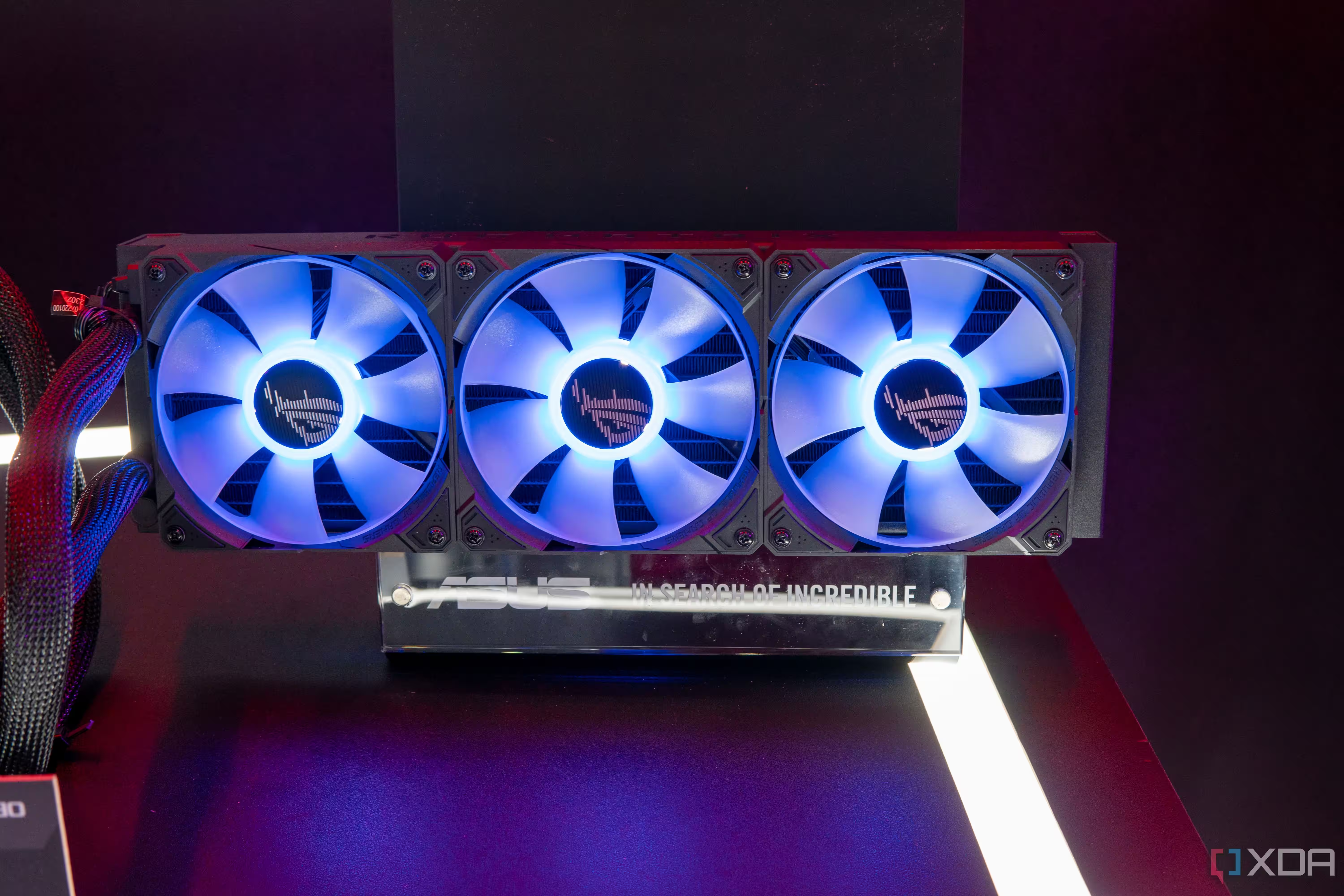
Water cooling solutions bypass this problem entirely by replacing traditional air cooling with liquid loops that don’t depend on airflow orientation. For custom loop enthusiasts, GPU orientation becomes a non-issue.
But without these precautions, mounting your GPU vertically risks a 10°C+ temperature spike, throttled performance, and potentially shorter hardware lifespan-all for showpiece placement. If you’ve dropped $1,600 or more on a flagship GPU, prioritize airflow and performance over aesthetics.
Vertical GPU mounts in traditional glass-sided cases are a thermal and performance trap. The only thing this ”cool look” cools down is your framerates.