

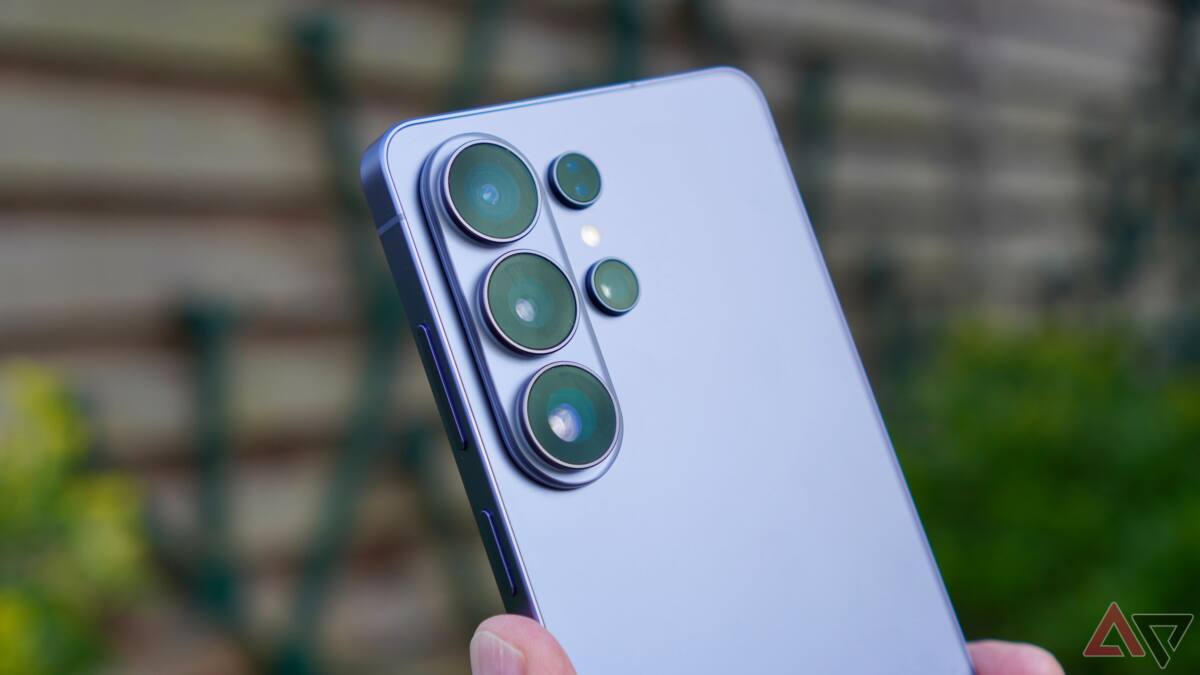
Samsung’s Galaxy S26 series now allows users to turn their phones into high-quality USB webcams for PCs. Following Google’s introduction of this feature for Pixel phones, Samsung offers native USB webcam support that connects your Galaxy S26 to a computer via USB cable, enabling you to use its advanced camera hardware for superior video calls.
Google introduced native webcam mode for Pixel phones with Android 14 QPR1 in late 2023, but most Android manufacturers have hesitated to adopt this feature. Samsung is the first major brand to broadly implement it with its 2026 Galaxy S26 launch, using the phone’s superior sensors to enhance video chat quality compared to typical laptop webcams. The USB webcam mode supports a ”High Quality Mode” that streams video at a higher bitrate, although users should expect increased heat and power consumption during use.
When connected to a PC, a ”Webcam” option appears on your Galaxy S26’s display, enabling this functionality without the need for third-party software. While Samsung’s existing Camera Sharing feature allowed wireless webcam use with Samsung PCs and tablets, the new USB mode is compatible with any PC that has a USB connection, vastly increasing usability.
There are some limitations to the initial rollout. Users cannot switch between front and rear cameras during video calls yet, limiting flexibility. Currently, the feature is exclusive to the Galaxy S26 series. Samsung has not introduced it to the Galaxy S25 series in its One UI 8.5 beta, although future support may be possible. This move could encourage other manufacturers and Google to develop more comprehensive and wireless webcam solutions for Android devices.
The smartphone-as-webcam trend reflects a growing preference for mobile device cameras that outperform built-in laptop webcams, especially as remote work and video conferencing continue to expand. Samsung’s implementation demonstrates how manufacturers can leverage advanced hardware to improve video communication without needing additional accessories.