

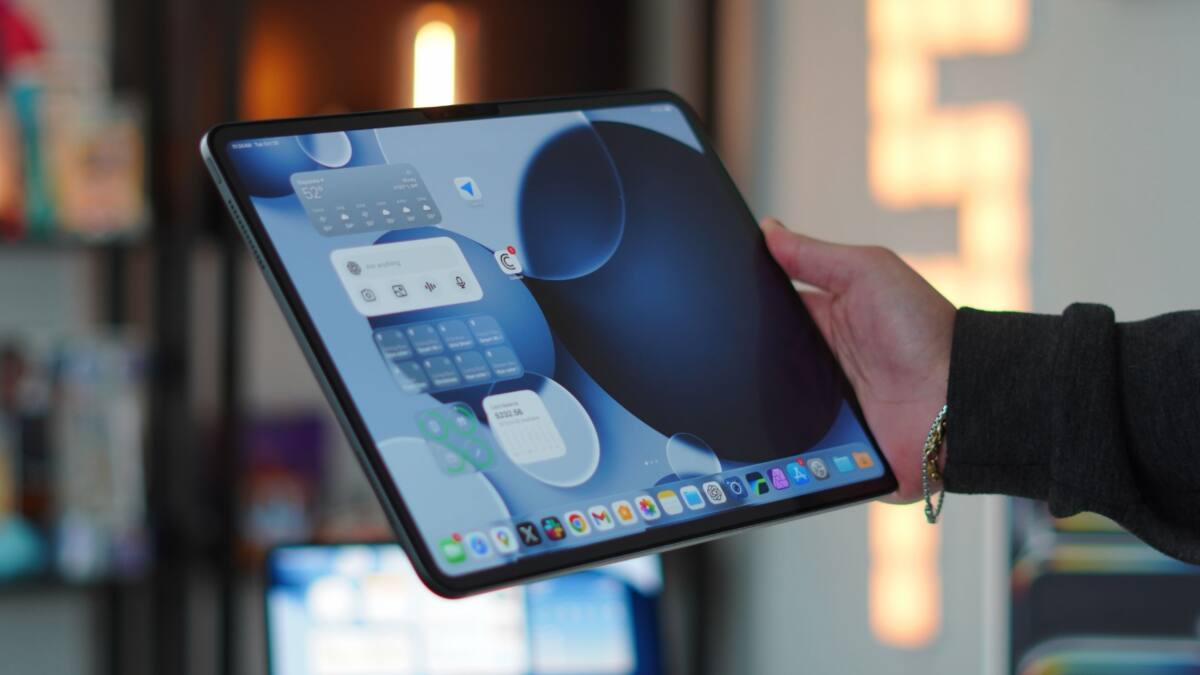
Apple’s iPadOS 26 shook up multitasking by letting users open and resize unlimited app windows, but it also introduced a new headache: keeping track of all those windows. The latest update, iPadOS 26.4, quietly rolls out a popup that alerts users when multiple windows for the same app are hidden, offering a quick way to reveal them rather than hunting through layered screens.
This new multitasking helper appears as a subtle ”X Hidden Windows” popup linked directly to the app icon location, making it clear when you have windows stacked out of sight. It’s reminiscent of the old ”Shelf” feature Apple introduced back in iPadOS 15, but adapted for the more flexible-and often messier-multi-window environment of iPadOS 26.
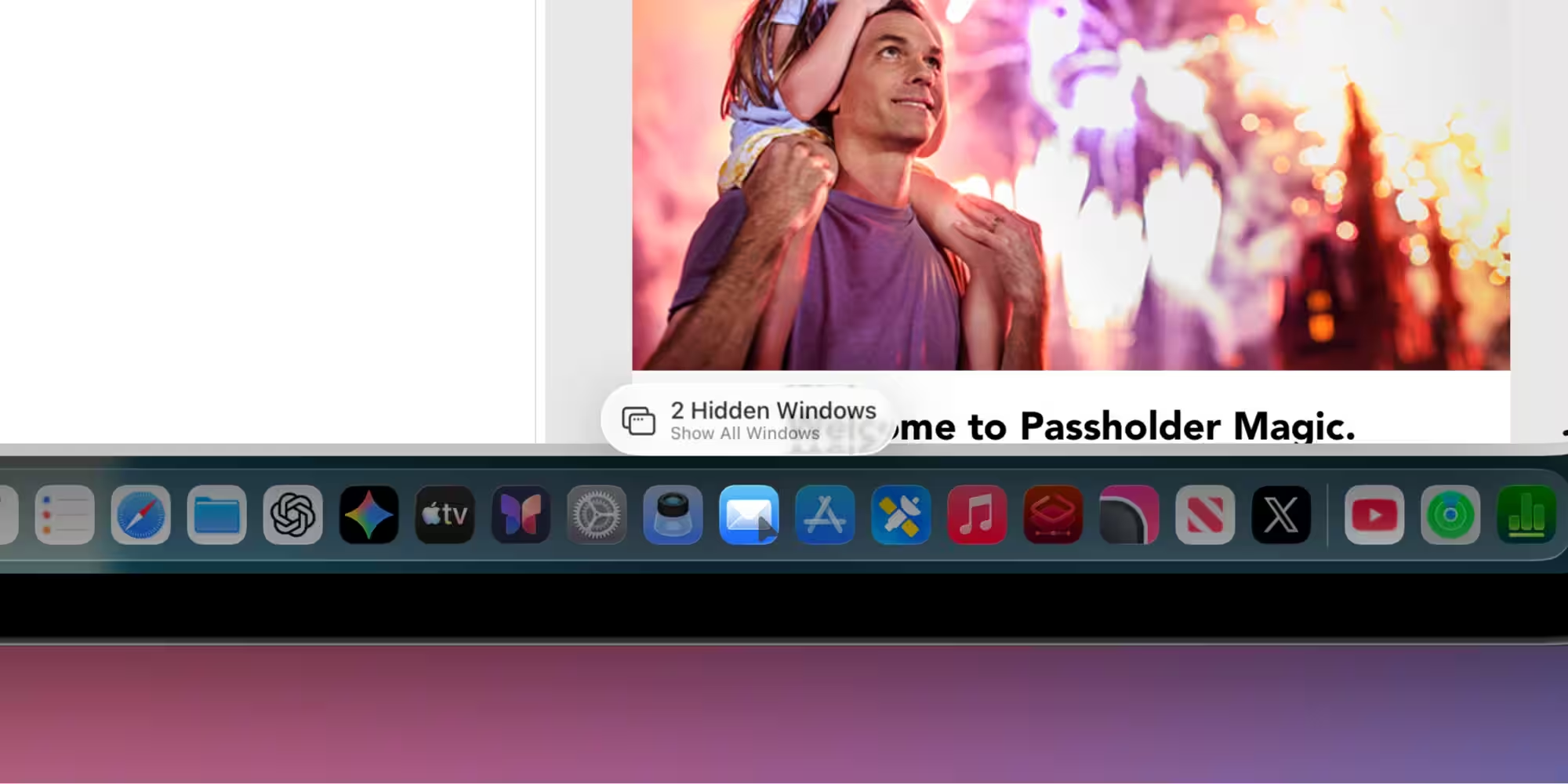
Interestingly, the popup doesn’t show every time you open an app with hidden windows; it tends to appear only if it’s been a while since you last launched that app. This hints that Apple is trying to balance helpfulness and annoyance-nobody wants a persistent nagging message when switching between apps rapidly. It’s a smart compromise that respects both casual users and the power users who’ve been begging for better window management in iPadOS.
Apple’s move reflects a growing recognition that iPads are no longer simple tablets but increasingly complex work devices where multitasking is critical. The inability to easily track open windows was one of the biggest grievances as iPadOS 26 encouraged users to open many app instances. This small update could make a noticeable difference to workflow efficiency for creative professionals, developers, and anyone juggling multiple windows simultaneously.
Other platforms have tackled multi-window and multitasking in different ways. Windows has long offered a taskbar with window previews, macOS has Mission Control, and even Android’s split-screen and free-form windowing on tablets attempt various solutions to app clutter. Apple’s popup feels like an incremental yet practical middle ground that ties directly into the familiar app icon interface rather than requiring users to dive into separate window management tools.
Still, for users who dive deep into multi-window workflows, this popup only scratches the surface. It doesn’t automatically organize or prioritize windows, nor does it offer batch actions on them. It remains to be seen if Apple will expand on this concept in future updates with more robust window navigation and management features, or if this is meant as a simple stopgap to prevent users from losing their workspace inside an increasingly crowded screen.
For now, iPadOS 26.4’s hidden windows popup is a subtle but welcome nod to the power users who juggle multiple app windows and crave tools that don’t get in the way but help restore order. It’s a small but thoughtful tweak in an ongoing evolution of what the iPad can be when it grows beyond a tablet into a truly versatile computing platform.