

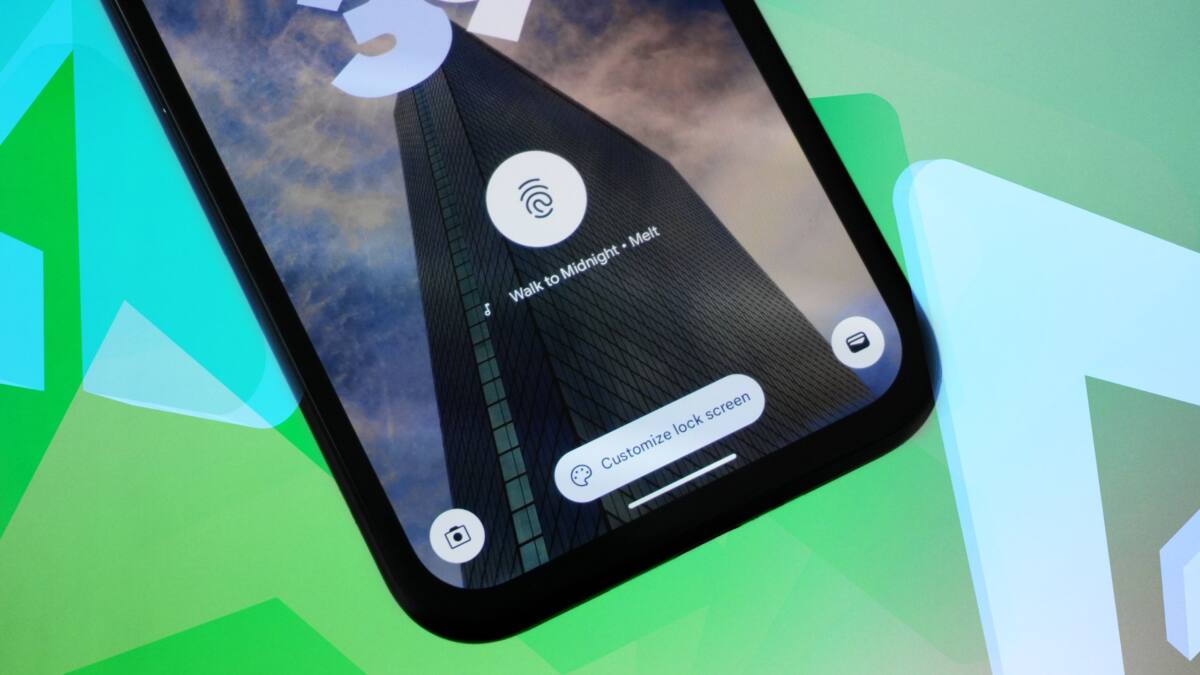
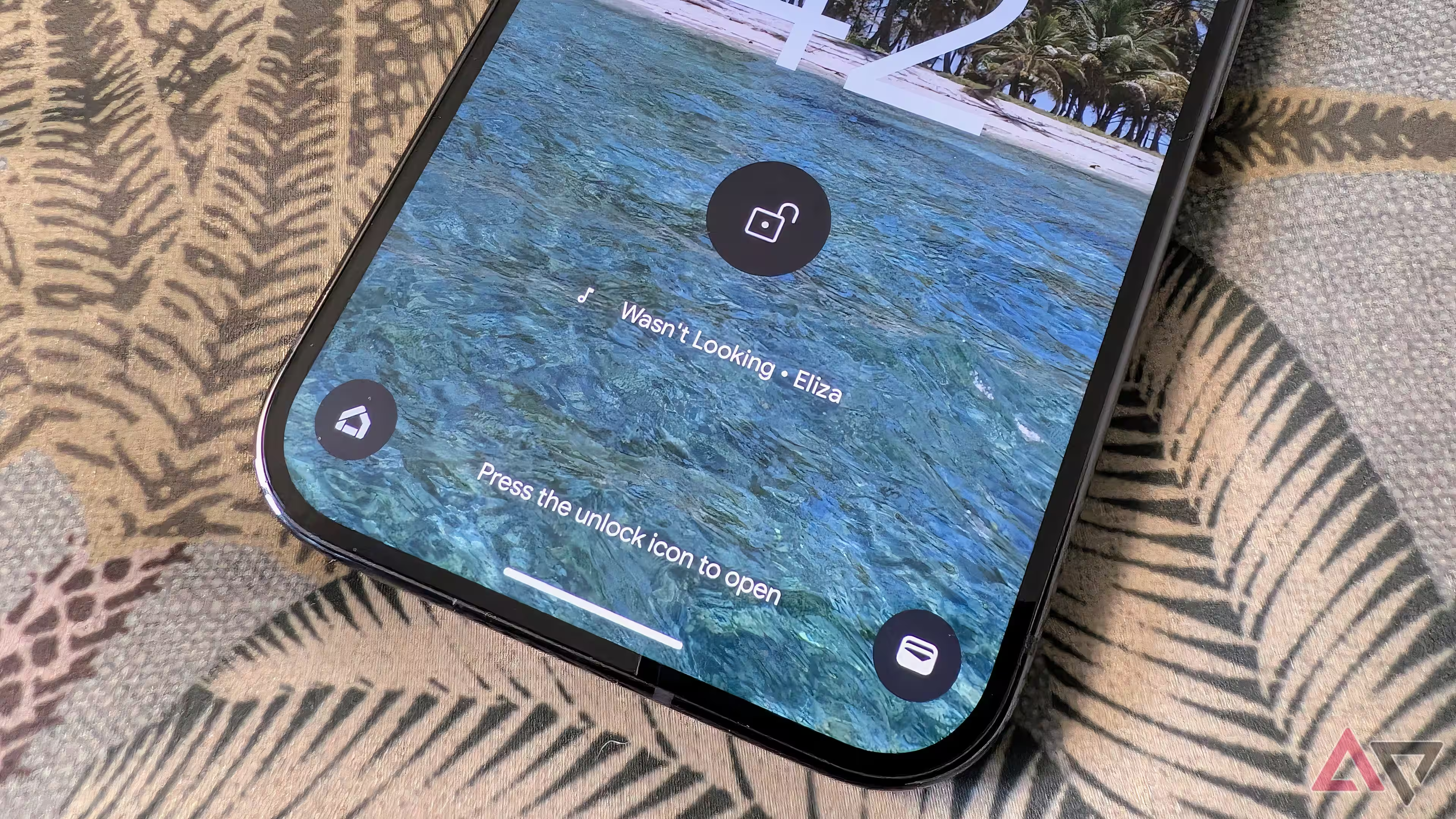
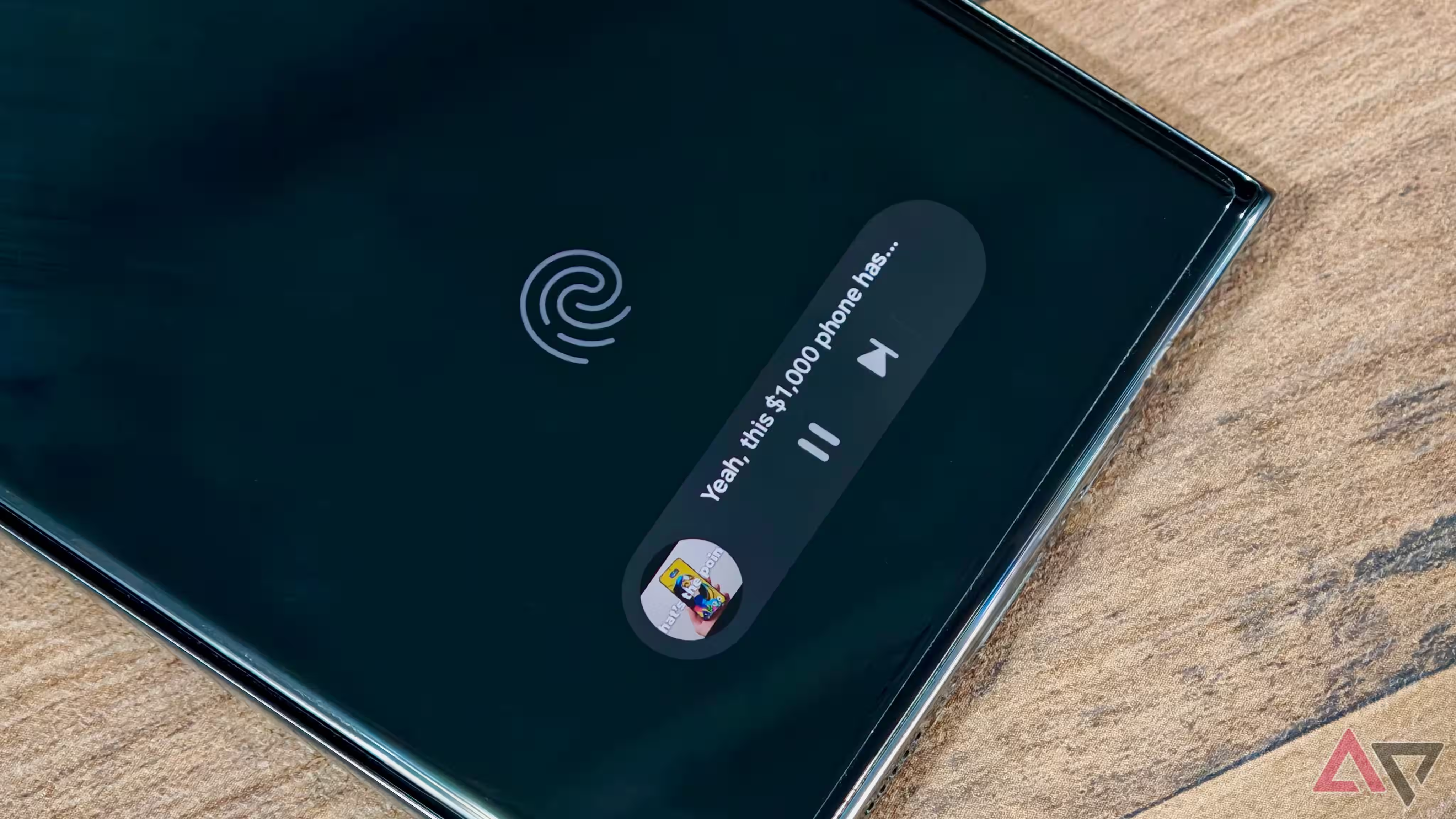
Google has refreshed its Pixel phone’s Now Playing feature with a more engaging and visually dynamic user interface, enhancing the music recognition experience without sacrificing simplicity. The native tool, which quietly identifies songs playing nearby since 2017, now expands from a minimalist text bar into a vibrant pill-shaped card displaying album art and direct music control options.
Though Google recently launched a standalone Now Playing app, this update specifically improves the original system integration as part of Android 16 QPR 3. Previously, users interacted with a discreet text line showing the detected song, but now tapping that line unfolds a larger interface including the album cover, play controls synced to the default music player, and the option to ”like” tracks directly within streaming platforms.
This change caters well to different user preferences: those who favor a clean look can keep the unobtrusive text, while music enthusiasts can explore deeper with just one tap. However, some glitches persist, with occasional failures to fetch album art causing the card to fall back to a simple highlighted text bar. Google has yet to fully resolve these hiccups, suggesting further tuning is needed for a consistent experience.
Since Now Playing’s 2024 update, which introduced default music player selection and a quick settings tile, this refreshed interface continues Google’s iterative approach to improving ambient music discovery on Pixel devices. Compared to similar features on other Android skins, such as Samsung’s One UI music recognition on the always-on display, Google’s native tool remains one of the most lightweight yet functional solutions.
With streaming platforms dominating how users discover and save music, embedding ”like” controls directly into the Now Playing interface could increase user engagement. It implicitly nudges users to remain within their preferred apps while gently showcasing Google’s expanding ecosystem harmony. However, the feature’s success depends on ironing out existing bugs and extending support for a wider range of services.
As Android 16 continues to roll out QPR updates, improvements like this one underscore Google’s strategy of refining flagship Pixel features without large overhauls. It’s a reminder that incremental upgrades can make a significant difference in daily user experience, especially when they balance subtlety with richer interactivity.
Whether this update will sway users to stick with Pixel’s built-in tool over third-party apps remains to be seen. But one thing is clear: Google is still quietly pushing Now Playing forward, keeping it relevant in an era where song identification is often just a tap away from the lock screen.