

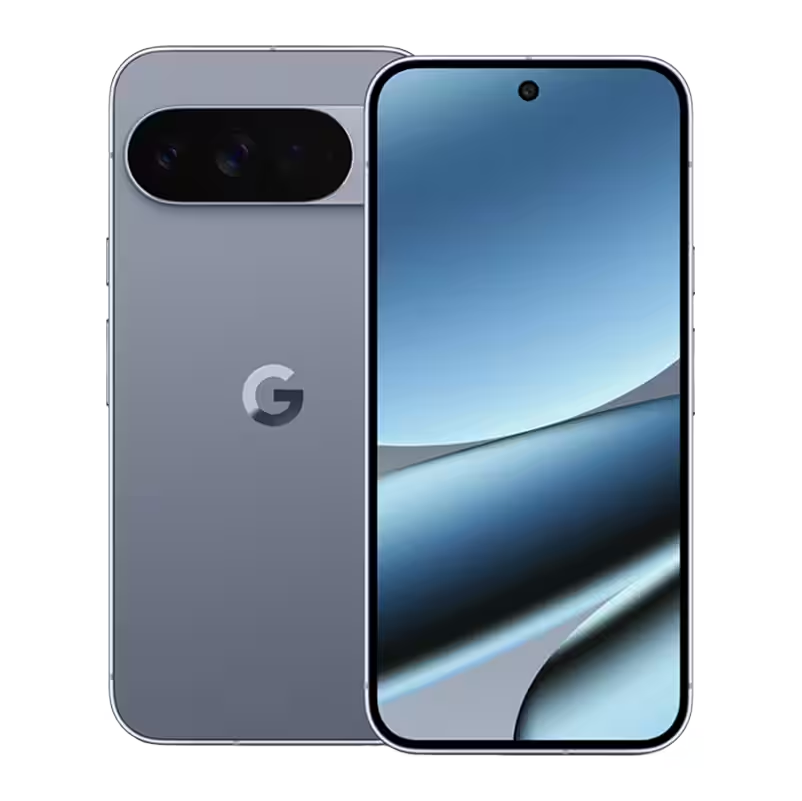
Choosing a Pixel phone isn’t just about running Android; it’s about tapping into a set of unique features baked into Google’s ecosystem that other Android devices rarely match. From AI-enhanced photos to clever organizational apps and hardware quirks, the Pixel line quietly sets itself apart in a sea of lookalike smartphones. Let’s explore four standout Pixel features that give Google’s phones a subtle but meaningful edge.
Best Take cleverly blends your best moments into one photo
Ever taken a batch of group photos only to find someone blinking or looking away in every shot? Pixel’s Best Take feature solves this by merging parts of multiple similar pictures into a single flawless image. The AI picks the best expressions from each photo and combines them, so you don’t have to settle for a partially ruined shot.

While this might sound like a gimmick, Best Take is surprisingly reliable. You can enable it manually by editing photos in Google’s Photos app, giving you control over which shots to merge. This capability is a nuanced way Pixel phones elevate everyday photography, an area where many Android competitors struggle to innovate meaningfully.
Add Me makes group selfies less awkward
Group selfies often turn into clumsy contortions to fit everyone into the frame, or you ask strangers to help-and hope they do a decent job. Pixel’s Add Me function lets you sidestep this hassle by combining two photos into one image where you ”add” yourself to a group shot.

The feature can be a bit temperamental, but when it works, it’s like a little bit of magic-saving you from selfie arms and stranger-photo blues. It’s a practical example of Google’s more subtle yet handy uses of AI that don’t just wow you but actually improve everyday phone use.
Screenshots app: organizing your digital clutter with AI
For many users drowning in screenshot overload, searching for a particular one can be a nightmare. Google’s dedicated Screenshots app organizes every screenshot into a simple gallery and, critically, lets you search them using AI-powered keywords. Whether it’s a receipt, ticket, or conversation snippet, finding that screenshot is no longer tedious scrolling but just a quick search away.
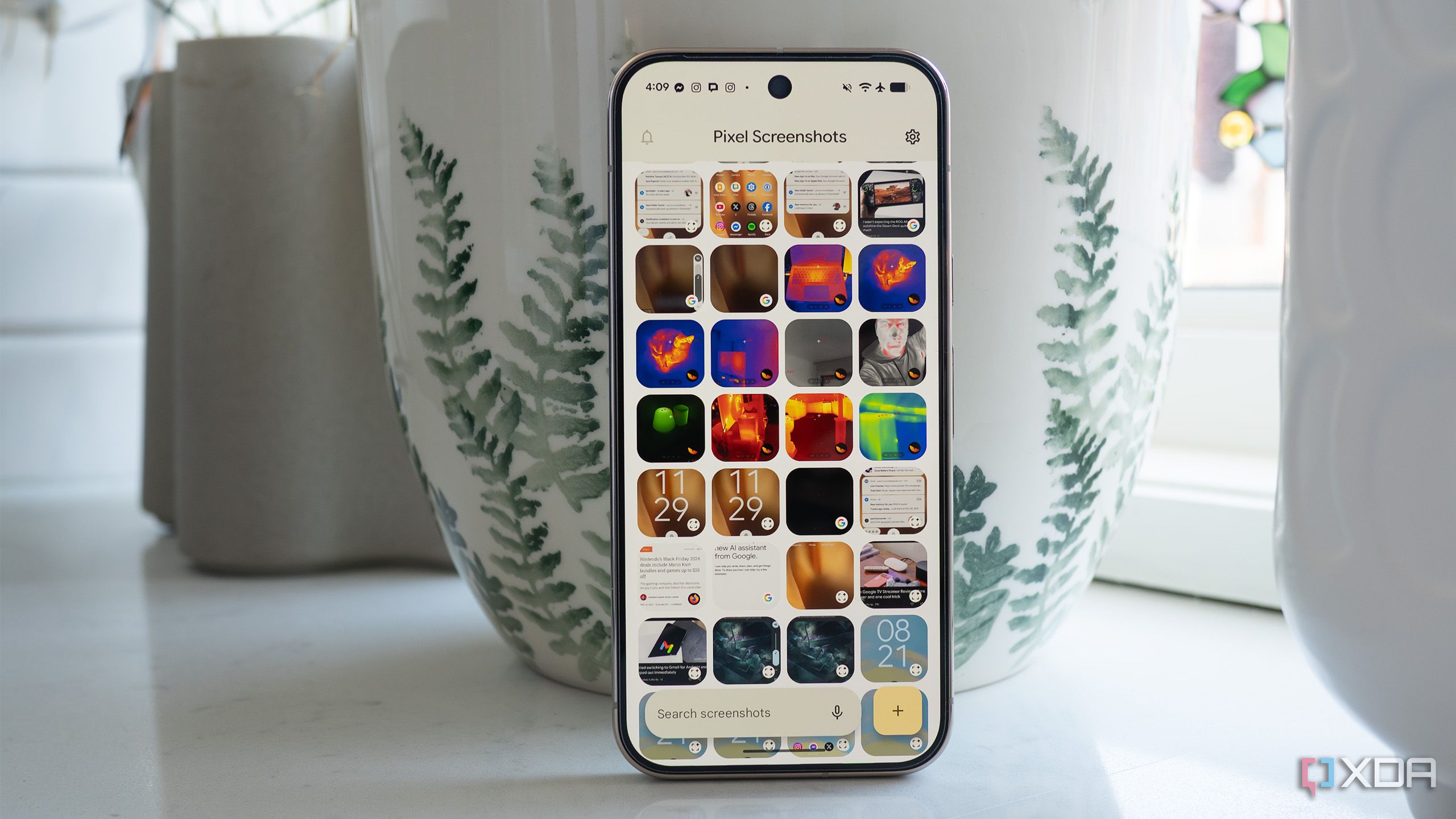
This tool highlights a more practical use of AI in Pixel’s software arsenal-less flashy than photo tricks but far more impactful for productivity and everyday convenience. Many other Android phones still leave screenshots buried in undifferentiated photo libraries, making Pixel’s approach a boon for power users and casual ones alike.
PixelSnap magnets add practical flair missing from competitors
Despite Qi2 wireless charging gaining traction as a standard, few Android phones incorporate built-in magnets to securely latch chargers and accessories. Samsung’s Galaxy S26 series, for instance, supports Qi2 but skips the magnet hardware, arguably to steer buyers towards brand-specific accessories and cases.
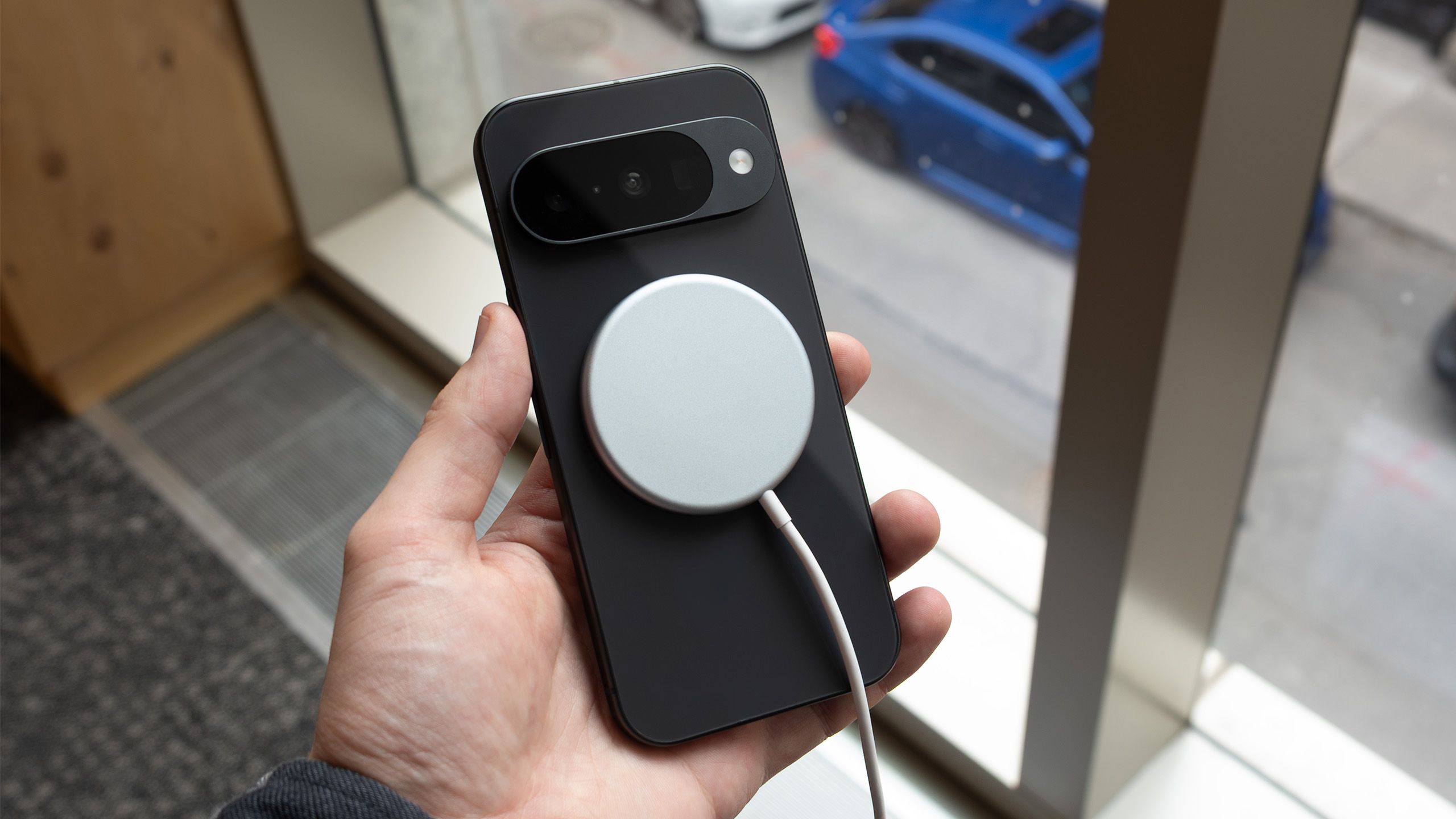
Google’s PixelSnap ecosystem, available on the Pixel 10, embraces Apple’s MagSafe concept more fully. The built-in magnets allow seamless use of magnetic charging stands, PopSocket-style accessories, and portable battery packs. Thanks to compatibility with many iPhone MagSafe accessories, Pixel owners enjoy a rich and versatile range of accessories – something the Android world sorely lacks.
Google’s commitment to adding magnets alongside Qi2 could be seen as a small hardware rebellion, pushing Android toward a more integrated and user-friendly accessory experience, rather than locking users into proprietary ecosystems or forcing compromises like smaller batteries.
While Pixel’s hardware and UI still emphasize understatement, these distinctive software and accessory features quietly underscore Google’s desire to deliver unique value. In an Android market crowded with lookalike phones, these little details could tip the scales for users fed up with gimmicks but hungry for genuine utility.