

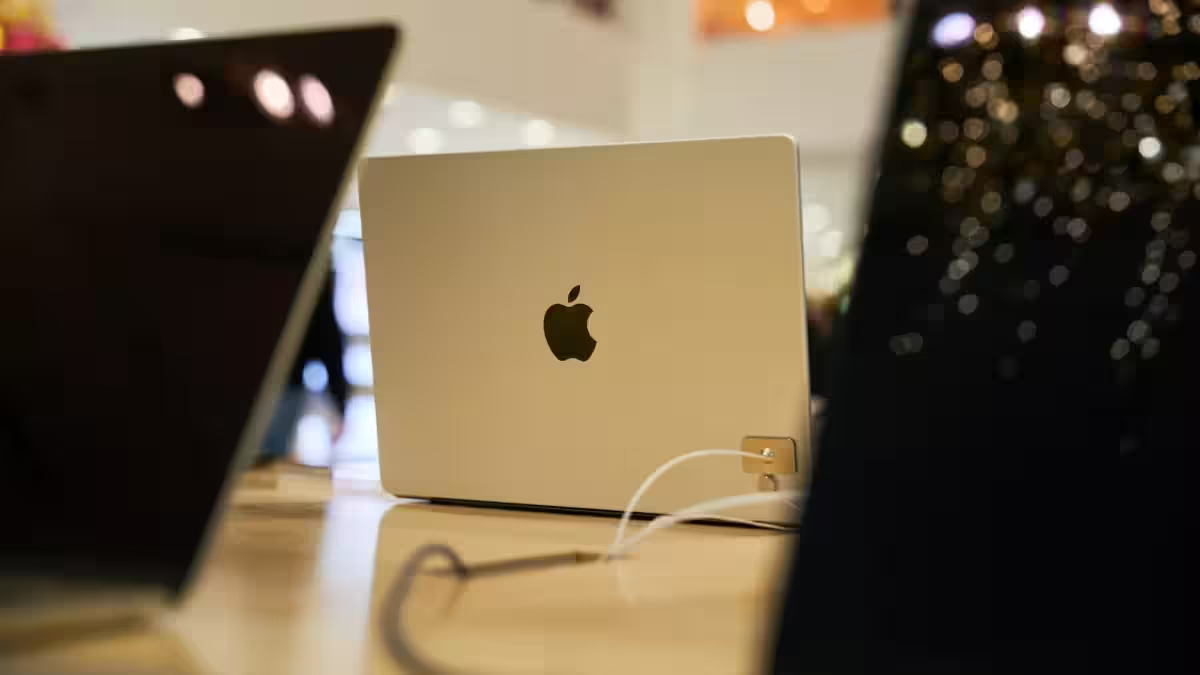
Apple looks set to abandon one of its longest-held design taboos: the Mac without a touchscreen. The company is reportedly preparing OLED MacBook Pros with touch input – and a smaller version of the iPhone’s Dynamic Island – a shift that forces macOS and app makers to reckon with a hybrid input world.
According to Bloomberg’s Mark Gurman, Apple is planning 14-inch and 16-inch OLED MacBook Pros that include a Dynamic Island-style cutout. Gurman says the Mac’s Dynamic Island will be smaller than the one on current iPhones and that Apple is updating its interface so touch actions bring up menus and controls that sit around the user’s finger. He also reports these machines won’t be unveiled at the company’s planned March 4 event and are expected closer to the end of 2026. Gurman adds Apple plans a smaller Dynamic Island on the iPhone 18 and iPhone 18 Pro Max as well.
This is more than a cosmetic tweak. For a decade, Apple treated the Mac as a pointer-first platform – recall Steve Jobs in 2010 saying, ”Touch surfaces don’t want to be vertical,” and that putting touch on a Mac would be ”ergonomically terrible.” Now Apple is effectively conceding that users want touch in clamshell form factors and that macOS must support both fingers and cursors without turning into an awkward mash-up.
Touch laptops are not new. Microsoft has shipped Surface devices for years, and many Windows and Chrome OS makers already build touch clamshells and convertibles. The real question for Apple is integration: can macOS keep its mature windowing and precision workflows while also making touch feel natural? Apple’s history with cross-platform tooling – Catalyst and the growing role of SwiftUI – gives it an advantage, but the work falls to app developers to re-think menus, hover states, and gesture targets.
There are immediate technical headaches, too. OLED panels bring richer contrast and thinner chassis, but they also raise concerns about image retention and burn-in for static UI elements like menu bars. Apple will need to engineer around those limits – adaptive brightness, moving UI elements, or software-level mitigations – if it wants long-term reliability in a laptop that often shows the same chrome for hours.
Functionally, a Dynamic Island on a Mac could be useful for discrete status indicators, call and media controls, or camera and mic activity. But its small size – reportedly smaller than the iPhone pill – suggests it won’t replace the menu bar or system tray; instead Apple appears to be experimenting with a compact notification and control surface that works with touch and pointer alike.
Who benefits if this lands well? Users who move between iPad and Mac workflows will welcome more consistent touch affordances. Developers who optimize for both input modes could unlock faster interactions for creative and productivity apps. Apple benefits by making high-end MacBooks feel materially different from cheaper laptops, protecting margins. Who loses? iPad-centric workflows that rely on touch-first interaction could face more direct competition from an increasingly touch-capable Mac – and third-party accessory makers that depend on current product separations may find demand shifting.
What to watch next: whether Apple limits touch to OLED Pro models at first, how macOS handles mixed input without confusing users, and how developers adapt existing apps. If Apple can avoid the ergonomic pitfalls that once scuttled laptop touch in the broader PC market, this could quietly change how people use Macs. If not, touch on Mac may feel like a half measure – neat in demos, frustrating in daily workflows.
Either way, Apple is signaling that platform boundaries are more flexible than they used to be. The house that once banned touch on the Mac is now borrowing one of its most visible iPhone innovations. That alone makes the next MacBook cycle one worth watching.