

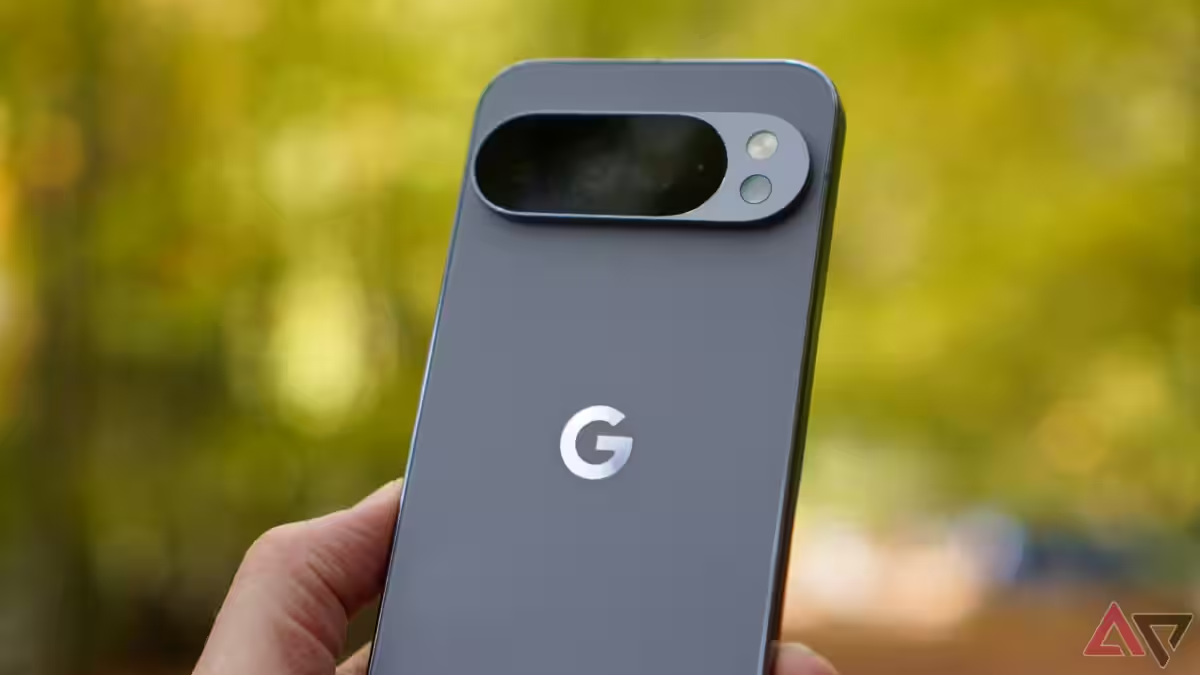
There’s a small rectangle at the bottom of many Pixel phones that says a lot about modern product design: it promises convenience but delivers friction, and it exists more to steer attention than to serve the person holding the device.
On paper, a persistent search field is a productivity win. In practice, Pixel owners are wrestling with three disappointments: two separate search experiences that behave differently; search that favors web results over local content; and a system UI element you can’t move, resize, or remove. That combination turns what should be a quick utility into repeated friction.
Why this matters
Search is the operating system’s connective tissue. It should be the fastest route from question to answer, whether the answer lives on the device, in a cloud folder, or on the web. When that pathway is fractured, everyday tasks – finding a saved PDF, opening a settings pane, pulling up a chat thread – become a small but meaningful drain on attention.
Worse: the current Pixel setup privileges Google’s web search experience over on-device utility. The bottom bar often launches a full-screen Google app or web-centric result, while the app-drawer search offers deeper local indexing. Users shouldn’t have to perform an extra gesture just to get to the smarter, more useful version of the same tool.
Not just a lag problem
There are two performance faults at play. One is visible: micro-stutters when invoking the search field, a half-second UI hiccup that adds up when you search dozens of times a day. The other is invisible: indexing that doesn’t reliably surface files, screenshots, or app data. Both make tapping the search bar feel like opening a heavyweight app rather than using a system feature.
How the competition does it
Apple’s Spotlight is the nearest benchmark: a single, unified portal that aggressively indexes messages, notes, files, apps, and photos and returns mixed results with very low latency. Samsung’s One UI and many OEM launchers offer a single search experience from the homescreen or app drawer that covers local and cloud results more consistently than the stock Pixel flow.
On Android, third-party launchers like Nova provide an escape hatch – you can hide or replace Pixel’s bottom bar – but that comes with trade-offs. Replacing the Pixel Launcher often means losing certain system animations and polish that make the phone feel fluid, so the workaround itself isn’t friction-free.
Who benefits and who loses
Google benefits when the default search UI routes people to web queries: more engagement with search, more ad impressions, and more data to refine its models. Advertisers and the broader ad ecosystem win indirectly. Users lose when the default prioritizes web hits over their own files and makes basic lookups slower.
App developers also lose when indexing and deep links don’t surface reliably – useful apps and on-device features become harder to discover, pushing people back to the open web for simple tasks.
A short history of the problem
This isn’t new. Google has wrestled for years with the balance between cloud-first, web-forward search and on-device indexing. Android has added APIs and libraries aimed at better local indexing, and the Pixel Launcher has evolved through multiple iterations, often folding in more Google service hooks. But the result on many recent Pixels has been a visible, stubborn divider between searching the web and searching your phone.
What to expect next
Android 17’s beta includes moves toward a more customizable search bar, which suggests Google recognizes the pain point. That’s progress, but customization alone isn’t the fix. Users need a single, fast index that reliably returns local files, messages, photos, cloud documents, and app deep links – and they need the option to remove or repurpose the persistent bar if they want.
If Google truly wants the Pixel to feel like a showcase for Android, it has two choices: make the default search indisputably more useful on-device, or make it trivially replaceable without stripping the system polish users value. Anything in-between will keep frustrated people installing launchers and telling friends the phone is ”great, except for the search.”
A quick checklist Google should follow
– Merge the two search experiences into one unified entry point that surfaces local and web results intelligently.
– Improve on-device indexing so filenames, screenshots, PDFs, and app content appear reliably.
– Let users hide, move, or replace the persistent search bar without losing system animations and fluidity.
– Offer clear privacy controls and an easy way to choose whether the default action goes to local results or web search.
Verdict
The Pixel’s search shortcomings are a symptom, not an accident. They reflect a design stance where product placement and web engagement can outrank on-device utility. That choice is defensible from a business perspective; it’s a bad one for users who bought premium hardware expecting Google’s software to make their phones smarter, not more distracting. Fixing it will require prioritizing user-first indexing and options over subtle nudges to the web.
Until then, the Pixel search bar will remain that awkward, unavoidable piece of chrome on an otherwise well-tuned phone – a reminder that great software is as much about what it lets you ignore as what it makes you do.