


One of the most frustrating things about AI-generated slide decks has been how brittle they are: you hit generate, get a mostly decent deck, then discover one slide is wrong and have to start over. Google’s NotebookLM has quietly fixed that workflow pain with per-slide, prompt-based refinements and a PPTX export – improvements that bring the product closer to real-world work, but stop short of giving users full, native editability.
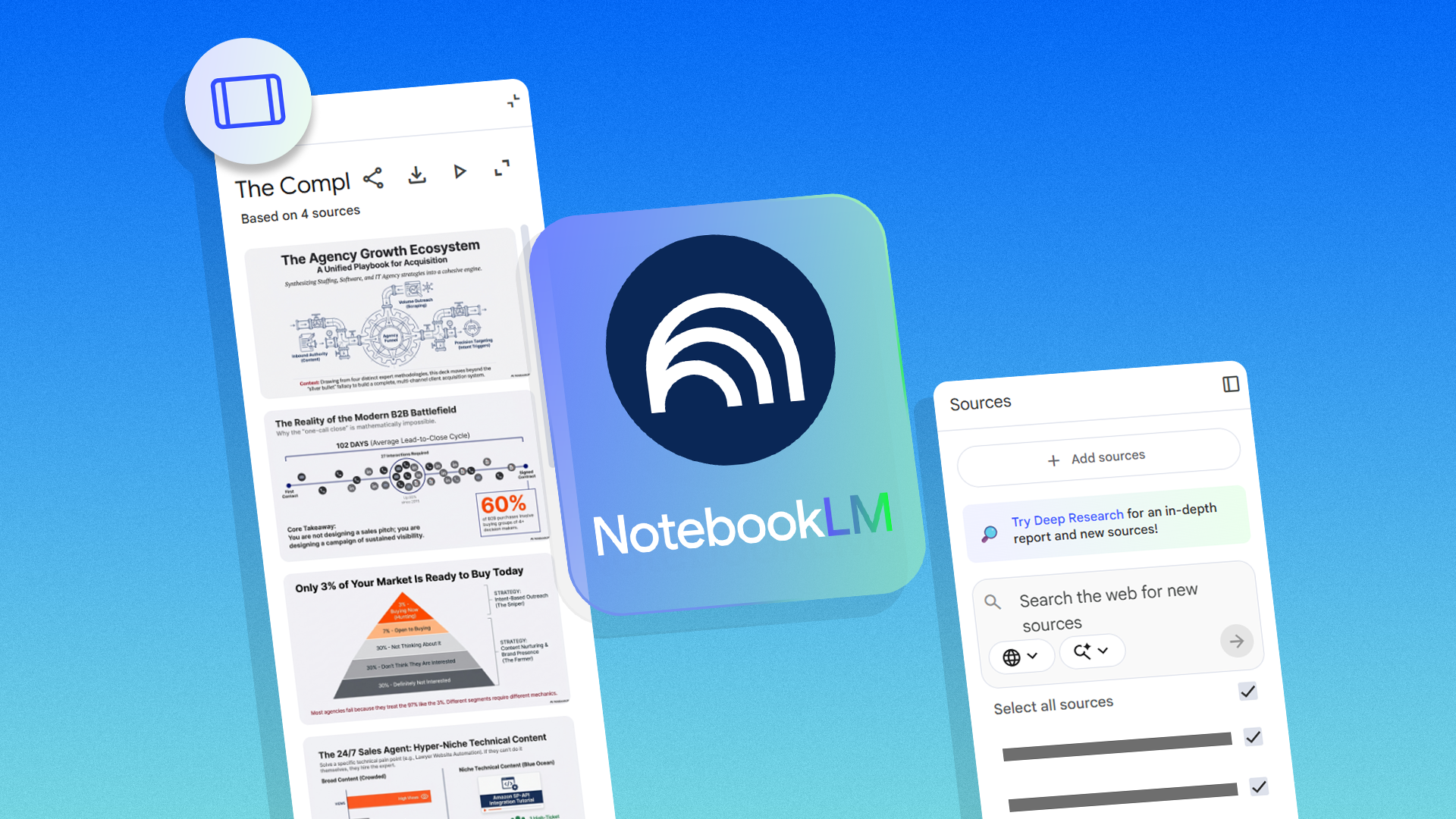
NotebookLM already generated slide decks from uploaded sources and a short brief. The new update lets you target specific slides with fresh prompts – for example, change slides two and five without regenerating the whole deck – and it adds an option to export decks as PPTX files. Those are useful steps toward making AI-generated decks part of an actual workflow rather than a one-off experiment.
There are some practical limits to what Google is shipping. The slides are essentially AI-generated images, so you cannot manually tweak individual visual elements or edit the text inside a slide. Prompt-based customization is available on the web for now; mobile support is expected later. The feature is currently rolling out for users on the Google AI Ultra or Pro tiers. Free users will gain access in the coming weeks. Google Slides support is also ”in the works.”
What Google fixed – and what it didn’t
The prompt-per-slide approach fixes the most obvious UX fail for generative decks: one bad card no longer ruins the whole set. That saves time and encourages iterative authoring, which is how people actually build presentations. Exporting to PPTX brings portability back to the deck – useful in enterprises that still standardize on Microsoft PowerPoint.
But portability and iterative refinement aren’t the same as editability. Because slides are produced as images, exported PPTX files will likely carry the same limitation: slide visuals and embedded text won’t be converted into native, editable PowerPoint text boxes and shapes. That prevents fine-grained design tweaks, makes accessibility harder (screen readers and text selection suffer), and complicates localization or repurposing of content.
In short: NotebookLM now saves you from starting over, and it makes it easier to move decks into other environments – but it still hands you pictures, not a live PowerPoint you can polish.
How this stacks up against other AI slide tools
Other players in this space have already prioritized editable output. Tools such as Canva, Beautiful.ai, and Microsoft’s PowerPoint features (Designer and Copilot) tend to produce slides as native elements – text boxes, vector shapes and templates – so you can tweak copy, move objects, or switch themes without destroying the layout. That makes them friendlier for teams that need brand consistency or accessibility compliance.
NotebookLM’s strength is different: it’s built around using your personal research and notes as the source material for decks, and its interface is optimized for quickly turning documents into summaries and visuals. The update closes a usability gap without abandoning that core idea. But it still leaves Google behind competitors on the ”fully editable output” axis.
Who wins and who loses
Winners: people who want fast, iterative deck creation and who can tolerate polishing assets externally; organizations that rely on PowerPoint and need a quick export option; Google, whose paid tiers get early access and therefore a stronger value proposition.
Losers: designers and communications teams that need pixel-level edits or accessible, copy-selectable slides; users on the free tier until the rollout completes; and anyone expecting to drop an AI deck into an enterprise workflow and immediately hand it to legal or accessibility reviewers.
What Google should do next
If Google wants NotebookLM decks to be more than prototypes, the product needs to move from image-first slides to layered, exportable files where text, icons and shapes are native objects. That doesn’t mean abandoning the convenience of image-based generation – hybrid approaches exist: generate a visual draft, then produce a structured export with text layers and theme-aware components. Native Google Slides integration should be fast-tracked, and Google should offer an option to convert generated slides into editable layouts (even imperfectly) as part of the export process.
It also needs to address accessibility and searchability: images with embedded text are harder to index and localize, and they create extra work for inclusive design. Those are not optional concerns in regulated industries.
Verdict
NotebookLM’s per-slide prompts and PPTX export are welcome, practical improvements that make the tool more useful for real work. But the underlying limitation – slides as images – keeps the product sitting between a fast idea generator and a production-ready presentation authoring tool. For now, NotebookLM is great for rapid drafts and ideation. If you need editable, accessible, brand-compliant decks, you’ll still reach for native-edit tools or spend time cleaning up the PPTX after export.