


In 2026, using the MAX messenger on iPhone and Android feels like two very different experiences-even though the app’s interface looks almost identical on both platforms. While the design is familiar, installation, updates, reinstallation, and managing multiple accounts are dictated by each platform’s rules. Here, Android clearly has the upper hand: the app lives a straightforward life there.
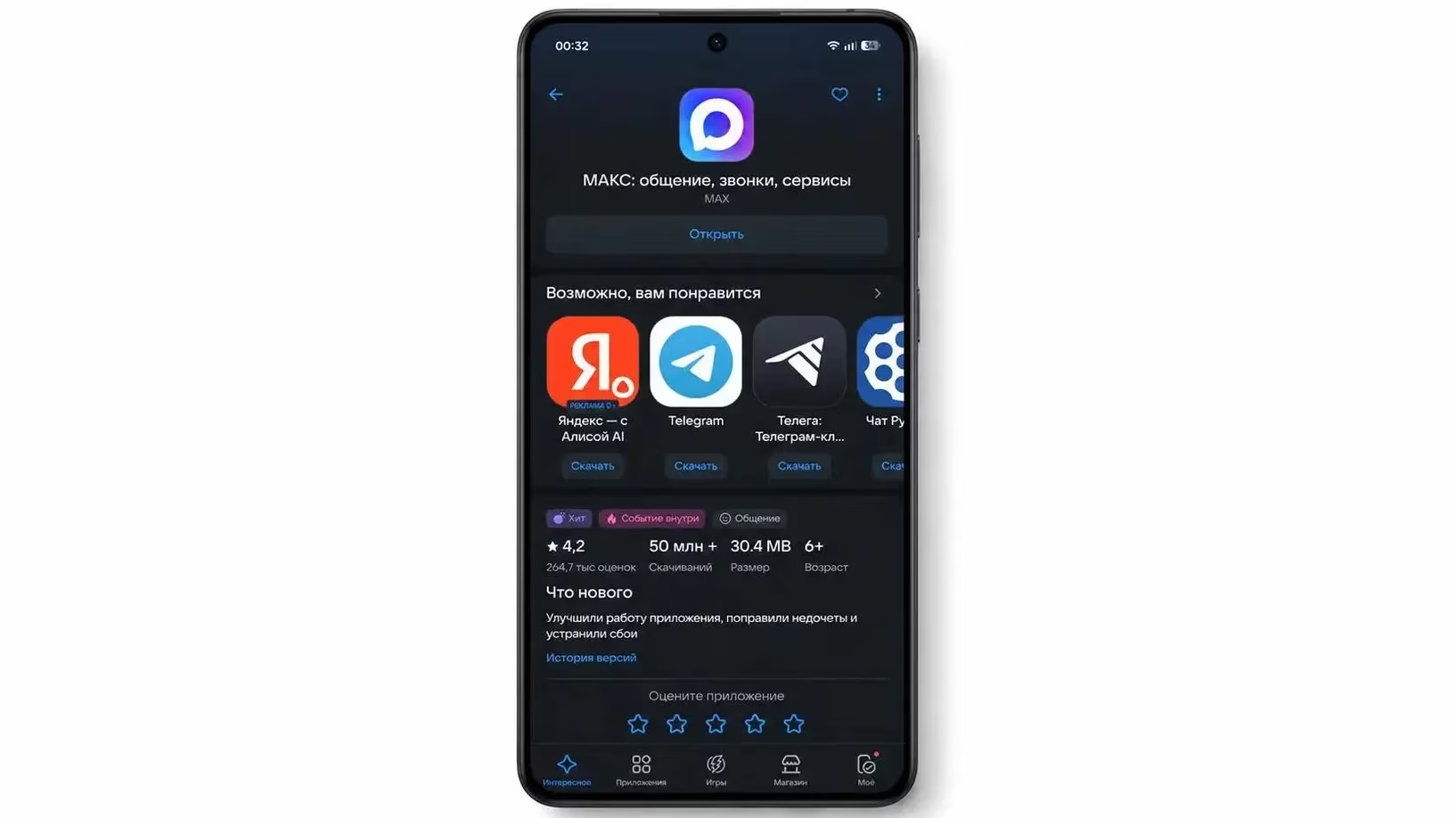
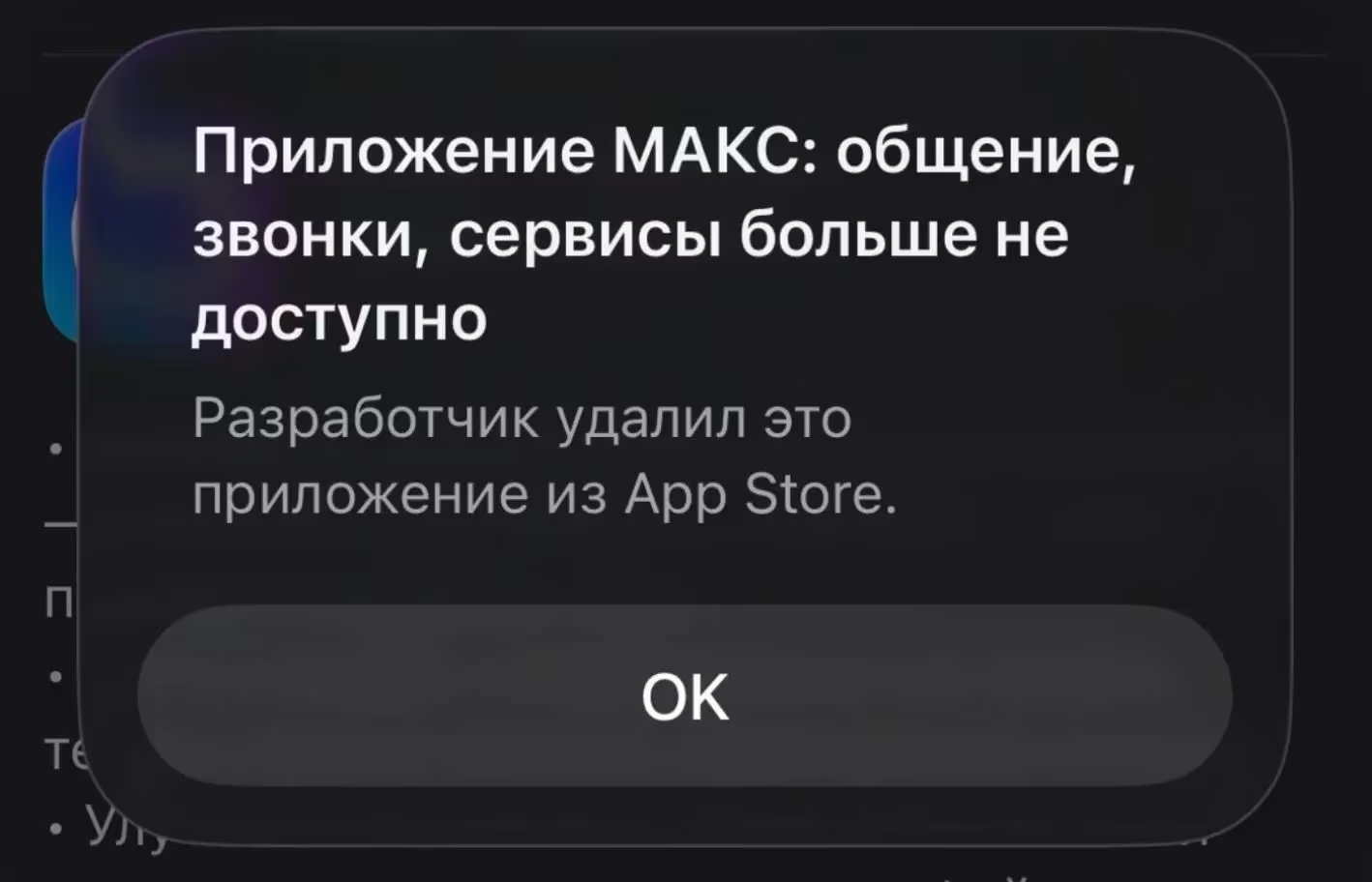
Apple’s ecosystem is much stricter. Since MAX was removed from the App Store, new iPhone users can’t download it through the usual channel. There’s a web version, but it lacks deep system integration and doesn’t feel like a native app; plus, many users don’t enjoy running messaging apps inside a browser tab.
The gap widens with updates. On Android, MAX receives updates regularly-sometimes multiple times per week-through app stores. On iPhone, users are stuck with whatever version they installed before MAX disappeared from the App Store. Without a proper distribution channel, new features, bug fixes, and security patches don’t reach iOS users.
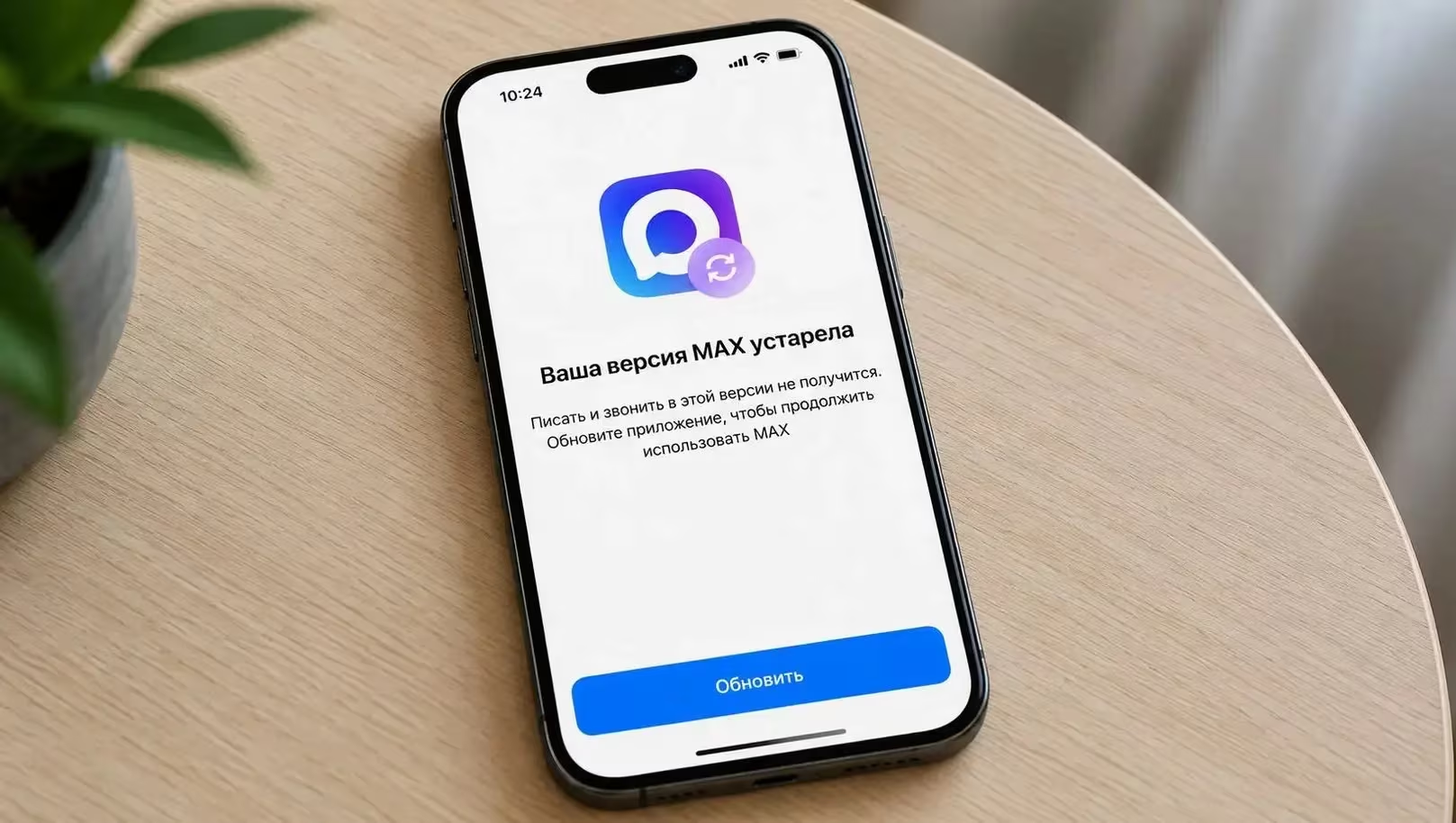
Another catch for iOS users is system updates. If Apple changes iOS’s system requirements or APIs in a new release, the old MAX version might degrade or stop working entirely. This is less painful on Android because the app can be updated to fix compatibility, but on iPhone, when MAX vanishes from the App Store, there’s no fix available.
The most frustrating issue for iPhone owners is reinstalling. Once MAX is deleted, the standard option to reinstall simply vanishes. Workarounds exist-like restoring through third-party tools or manually sideloading the app-but these are complicated enough to require tech-savvy skills, far from user-friendly.
Android handles reinstallation with ease: delete the app, open the store, and download it again. This makes Android a more practical choice for less tech-savvy users who rely on MAX, like older family members. A simple accidental uninstall won’t turn into a technical ordeal.
MAX messenger installation, updates, and reinstallation on iPhone and Android
When it comes to speed, neither platform gives MAX a clear win. The biggest bottleneck isn’t the OS but app data cache-photos, videos, and documents accumulate quickly and hog gigabytes, slowing app startup and chat scrolling.
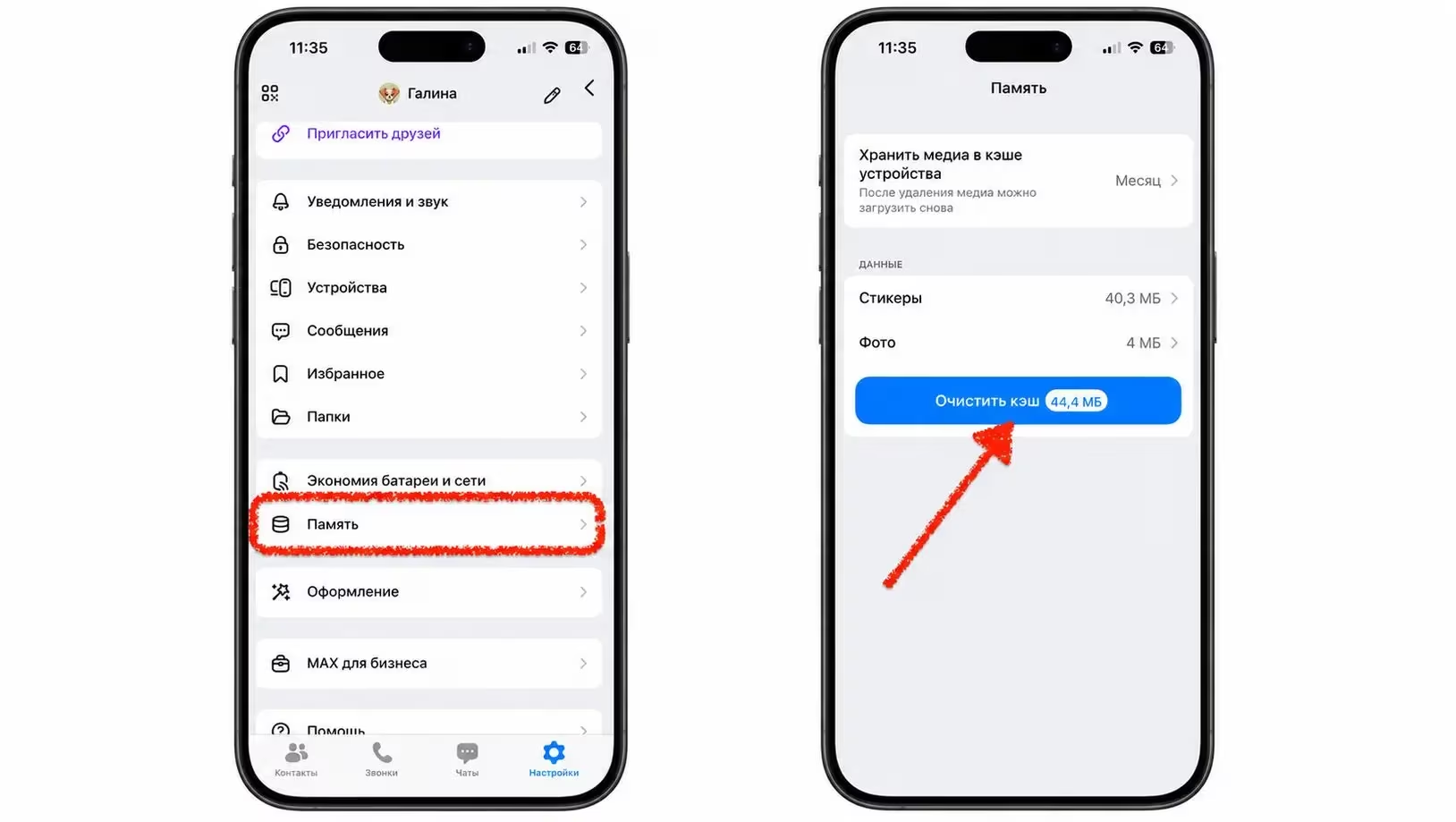
Clearing cache works the same on both systems: open ”Profile,” go to ”Storage,” and delete cached data. Beyond that, hardware plays a role. Older Android phones with 3-4 GB of RAM struggle more with lag, while iPhones generally manage memory better, resulting in smoother performance. So faster iPhones often feel smoother, but that’s thanks to the hardware, not the MAX app version.
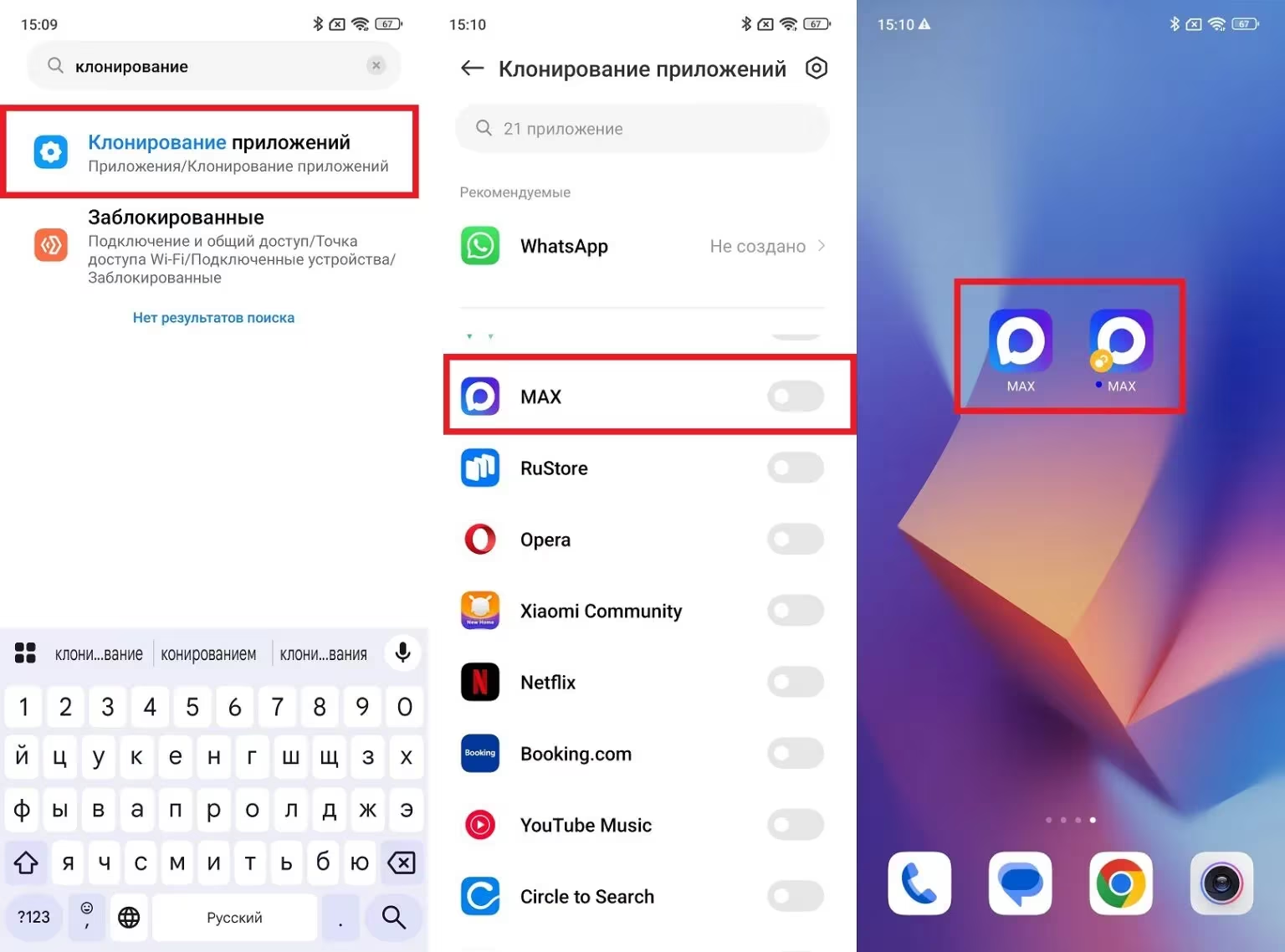
Android pulls ahead again with dual account support. Many Android skins natively offer app cloning or a ”second space,” letting users run separate personal and work MAX accounts side by side without hacks.
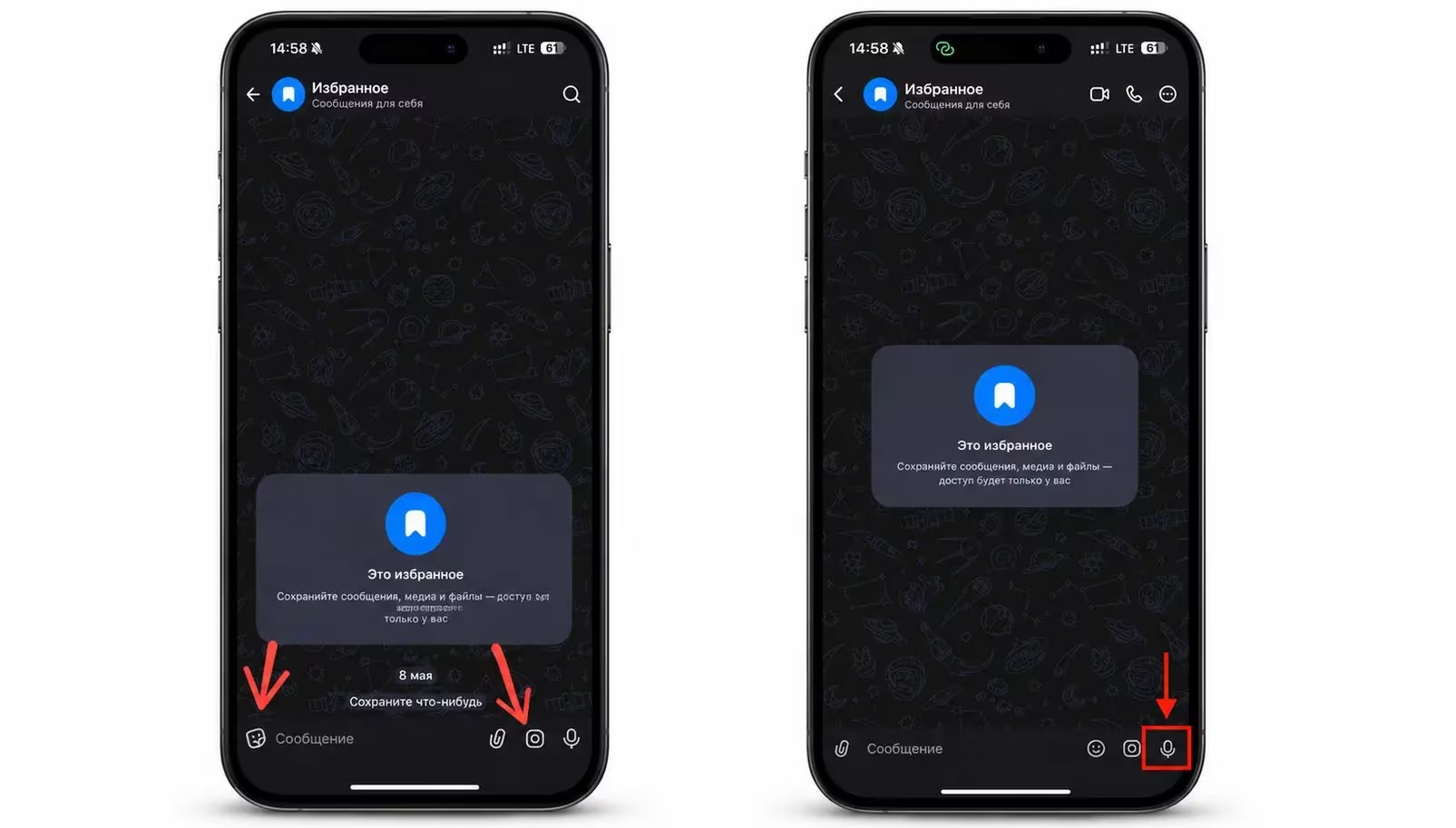
There’s one small but noticeable UI quirk: on iPhone, the attachment clip is on the left and the sticker button is on the right, while Android reverses this order. Muscle memory reacts instantly to these differences, which stem from distinct design guidelines by Apple and Google.
Functionality-wise, MAX covers the essentials well on both platforms. But looking at the full picture, Android wins in three practical areas in 2026:
- Easy installation
- Regular updates
- Effortless recovery after deletion
iPhone still boasts a polished interface and more consistent performance on high-end hardware, but without a return to the App Store or Apple loosening installation restrictions, Android remains the more convenient choice for most users.
As Apple’s App Store policies continue to shape app availability-and MAX’s comeback on iOS remains uncertain-the split between Android’s flexibility and iOS’s closed ecosystem will deepen. For apps requiring frequent updates and broad accessibility, Android’s openness will keep it ahead, while iPhone users may seek alternative messaging solutions or lean on web versions, which offer compromises rather than full native experiences.