

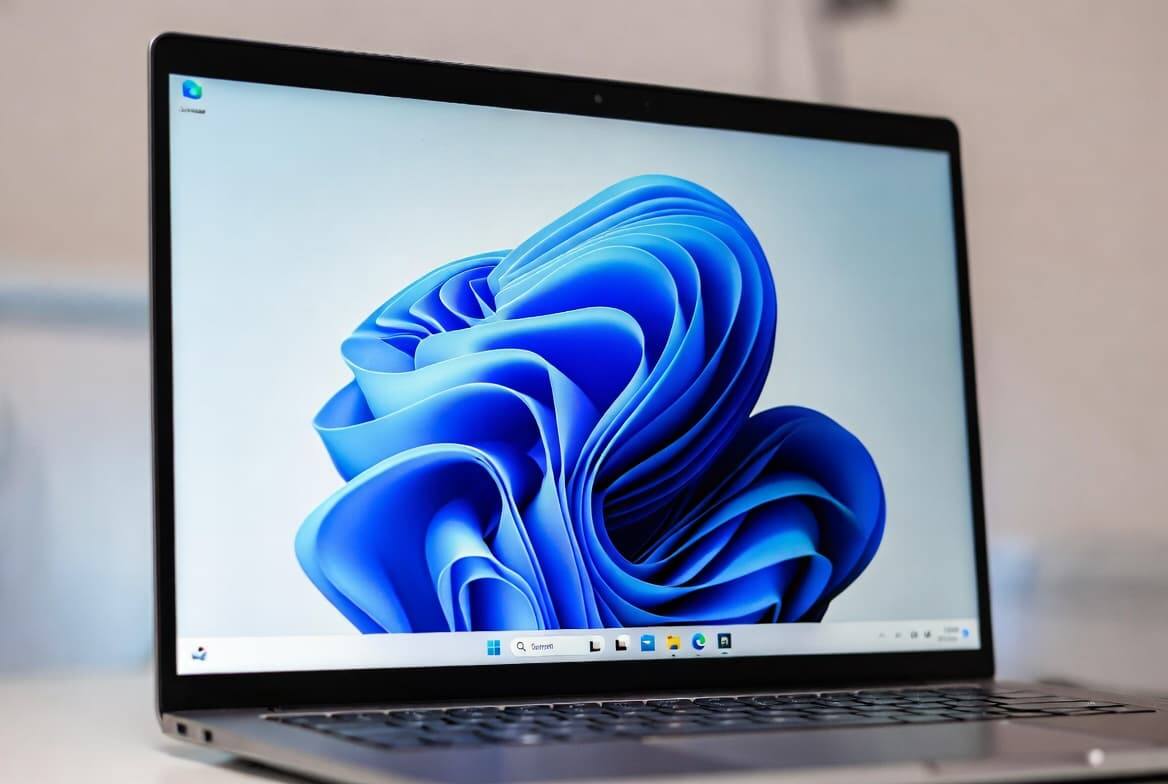
Windows 11 is getting a small but welcome speed-up in KB5094126, an update that bundles hundreds of security and bug fixes with a new low-latency mode designed to make the desktop feel less sluggish. The change is not flashy, but it targets the bits people touch all day: Start, Search, notifications, and app launching.
Microsoft has spent plenty of time pushing Copilot features and UI experiments; this update feels more like a belated return to the unglamorous work of making the operating system respond properly on everyday hardware.
What KB5094126 changes
The package arrives as builds 26200.8655 and 26100.8655, and it does more than just trim latency. Microsoft says KB5094126 includes hundreds of vulnerability fixes and bug patches, plus targeted tweaks to interface behavior and performance.
The headline feature is simple: when you click something, the processor briefly ramps up its frequency to handle the request faster, then drops back down. On paper, that sounds modest. On a middling laptop, it can be the difference between ”instant enough” and ”why is this thing thinking so hard?”
Windows 11 low-latency mode in daily use
The improvement should be most visible in the Start menu, search, notification center, and app launches. Users may see short CPU spikes in Task Manager when opening system elements, which is basically the processor doing a quick sprint and pretending nothing happened.
That matters most on average- and lower-end PCs, where interface lag is often less about raw specs than about how quickly the system wakes up and reacts. Enthusiasts can also watch the behavior with tools such as HWiNFO64, but the bigger story is that Microsoft is finally tuning responsiveness instead of just adding another layer on top.
A useful update, still rolling out
Not every part of the package will reach everyone at once. Some features are still being rolled out gradually and tested before a wider release, which is standard Microsoft choreography by now. The good news is that the company appears to be treating core Windows behavior as a priority again, and that is overdue.
The open question is whether this low-latency approach becomes the start of a broader cleanup of Windows 11’s responsiveness issues, or just a rare moment where the operating system remembers it is supposed to feel fast.