

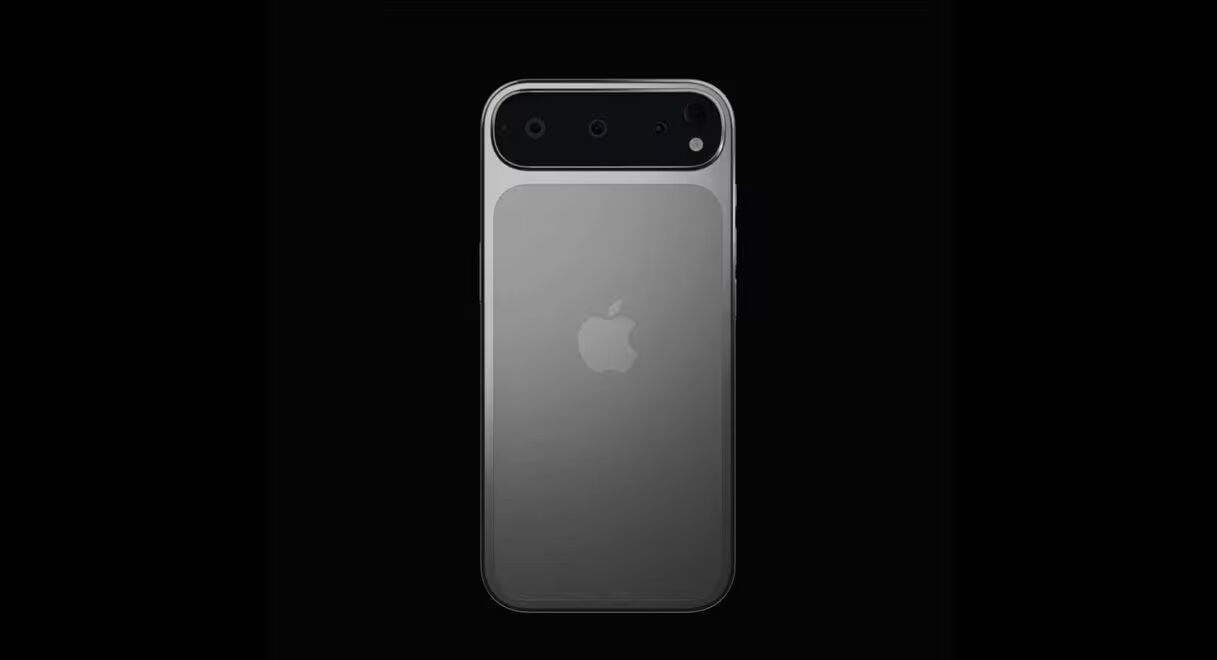
Flagship smartphones are more expensive than ever, yet the gap between premium and budget models is narrowing. Devices like the iPhone 17 Pro and Samsung Galaxy S26 Ultra are tech marvels with hefty price tags, while even affordable options like the Google Pixel 10A still demand a significant investment.
The smartest way to get your money’s worth is to use your phone longer. Adopting a few straightforward habits can extend your device’s lifespan by one to two years, often saving you more than just cash-it’s also a greener way to go.
Extended software support from Apple, Google, and Samsung means modern phones can stay relevant for seven or eight years if you take care of them properly. Less frequent upgrades reduce electronic waste and the environmental cost of manufacturing.
Here’s how to keep your smartphone running strong for years.
Keep your smartphone system and apps updated
Using a phone that no longer receives security updates is risky. Historically, many Android brands offered just two to three years of software support, even though the hardware could last longer.
That’s changing. For example, the Google Pixel 10 line promises seven years of updates, rivaling Apple’s long support cycle. Budget models like the OnePlus Nord CE4 Lite often have shorter support windows.
When buying a phone, consider the manufacturer’s update policy-longer support means your phone stays secure and useful longer.
Also, enable automatic updates for both the OS and your apps to guard against malware and keep everything running smoothly.
Use a smartphone protective case and screen cover
The easiest way to keep your phone looking new is to slip on a protective case right away.
- It shields against damage from drops.
- Prevents minor scratches from keys and coins.
- Keeps the body free from scuffs.
Adding a tempered glass screen protector or a quality film is just as important. If it gets scratched, you can replace it cheaply-repairing an actual display often costs much more.
A well-preserved exterior also means a higher resale value when you’re ready to upgrade.
Monitor your smartphone’s battery health
Batteries degrade over time. After a few years, capacity can drop to 50%, and some phones throttle processor speeds to offset battery wear.
The good news: battery replacements are now easier and more affordable than buying new phones.
DIY repair kits exist for many popular models, or you can visit a service center if you’re not comfortable doing it yourself.
Replacing your battery is often the most cost-effective way to breathe new life into an aging device and extend its life by several years.
Clear smartphone storage and delete unnecessary files
Years of use fill phones with thousands of photos, videos, apps, and games you may no longer need.
When storage runs low, performance can suffer, and critical updates might fail to install.
- Move photos and videos to cloud storage.
- Uninstall apps you don’t use.
- Clear app caches periodically.
- Delete old files and documents.
If your phone feels sluggish, back up your data and perform a factory reset-then reinstall only essential apps. This often gives your device a noticeable speed boost.
Keep your smartphone clean
Many phone issues actually come down to dust and grime buildup.
Charging ports frequently gather lint and debris, leading to loose cable connections that can look like a broken port or charger.
You can often fix this yourself using a wooden toothpick to gently clear out the dirt.
Cleaning speakers and microphones with a soft, dry toothbrush helps preserve sound quality for calls and media playback.
Benefits of keeping your smartphone longer
Modern smartphones are made to last far beyond the typical two-to-three-year lifespan. Extended software support and basic maintenance can keep many phones usable for seven years or more.
Simple habits like timely updates, protective gear, battery replacement, clearing storage, and regular cleaning can save you from unnecessary spending on new devices.
How long should a modern smartphone last?
With proper care, most models can run well for five to eight years, especially if manufacturers provide extended software updates.
Is it better to replace the battery or buy a new phone?
If everything else works fine, swapping the battery is usually cheaper and can significantly extend your phone’s life.
Why are security updates important?
They protect your device from new threats, fix vulnerabilities, and help keep your system and apps stable.
Can a factory reset speed up an old phone?
Yes. After backing up data and resetting, many phones run noticeably faster, especially if clutter has built up over time.
With Apple, Samsung, and Google raising the bar on support longevity, older phones are staying viable longer than ever before. What remains to be seen is how well the average user adapts to maintaining devices instead of cycling through new releases eagerly. Expect the secondary market for well-maintained phones to grow, and manufacturers may need to double down on repair-friendly designs and parts availability to meet this shift.