

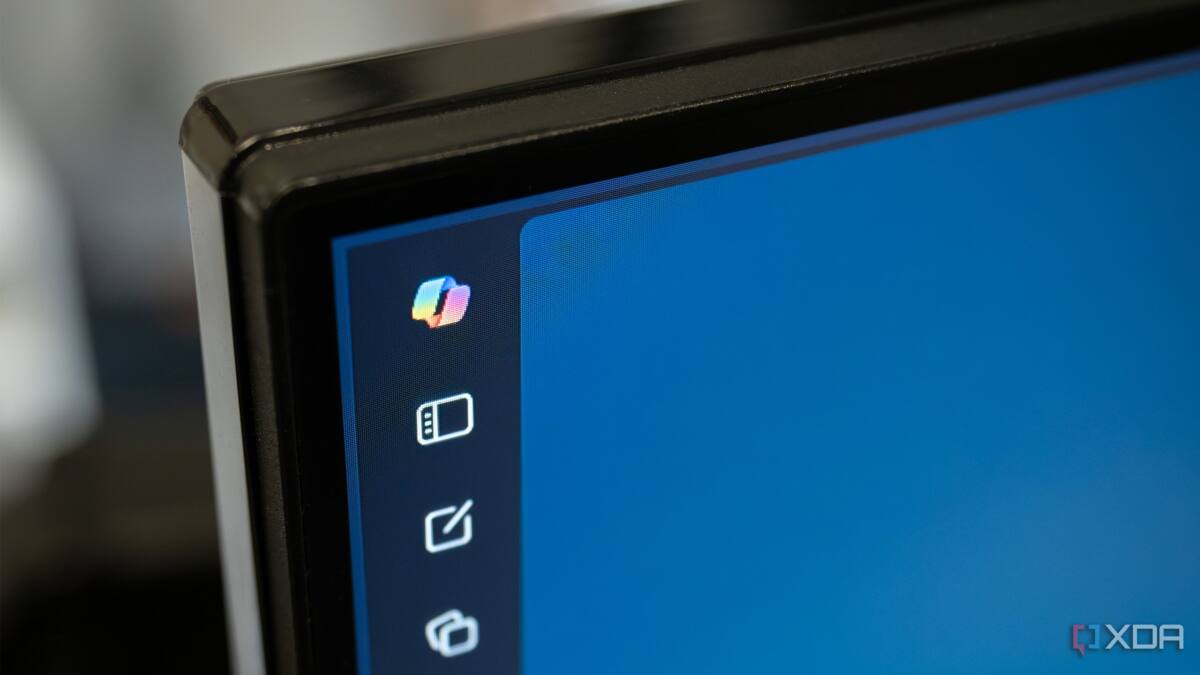
Microsoft has quietly given Windows 11 users a more permanent way to push Copilot out of sight: a new Group Policy called ”Remove Microsoft Copilot app” that deletes the assistant and keeps it from coming back after updates. That is a notable shift from the company’s earlier enthusiasm for stuffing Copilot into every corner of Windows and Microsoft 365, especially as some users have been actively trying to undo the rollout.
The new policy is a cleaner answer than manually uninstalling Copilot and hoping the next update does not resurrect it. It also fits a broader pattern: Microsoft has spent 2026 trimming some of the rougher edges of its AI push after Windows 11 users showed far less excitement than the company expected. Call it a reality check with an admin console attached.
Remove Microsoft Copilot app policy in Windows 11
According to Windows Latest, the policy shows up in User Configuration > Administrative Templates > Windows Components > Windows AI. Enabling it removes both the desktop Copilot app and Microsoft 365 Copilot, which makes it more forceful than a simple hide-the-button tweak. The site believes Microsoft added it in the April 2026 update, though the company has not made a loud song and dance about it.
- Policy name: ”Remove Microsoft Copilot app”
- Effect: removes Copilot and keeps it off after updates
- Location: Windows AI under Windows Components
Windows Home users need a Registry workaround
Windows Home does not include the Group Policy tool, so those users have to take the less elegant route through Registry Editor. The workaround uses HKEY_CURRENT_USER\Software\Policies\Microsoft\Windows, where you create a new WindowsAI key and then add a DWORD value set to 1 before restarting or signing out. It is not exactly the frictionless AI experience Microsoft likes to advertise, but it does offer a way to keep the assistant out without playing uninstall whack-a-mole.
This also tells you something about the broader software battle around Copilot: the feature is still being shipped everywhere, but Microsoft is now having to build escape hatches for the people who do not want it. That is usually what happens when a default feature starts behaving like an optional opinion.
Microsoft’s Copilot reset in 2026
Microsoft’s approach in 2026 looks different from the previous year, when Copilot was being pushed into apps and services with near missionary zeal. Since then, the company has allowed users to hide the Copilot button in Microsoft 365 and has revised Copilot’s presence in Notepad and Paint, which suggests the rollout is being tuned to actual demand rather than internal optimism. If uptake stays weak, expect more admin-friendly controls like this one, because the alternative is watching users spend their time removing a feature they never asked for.