

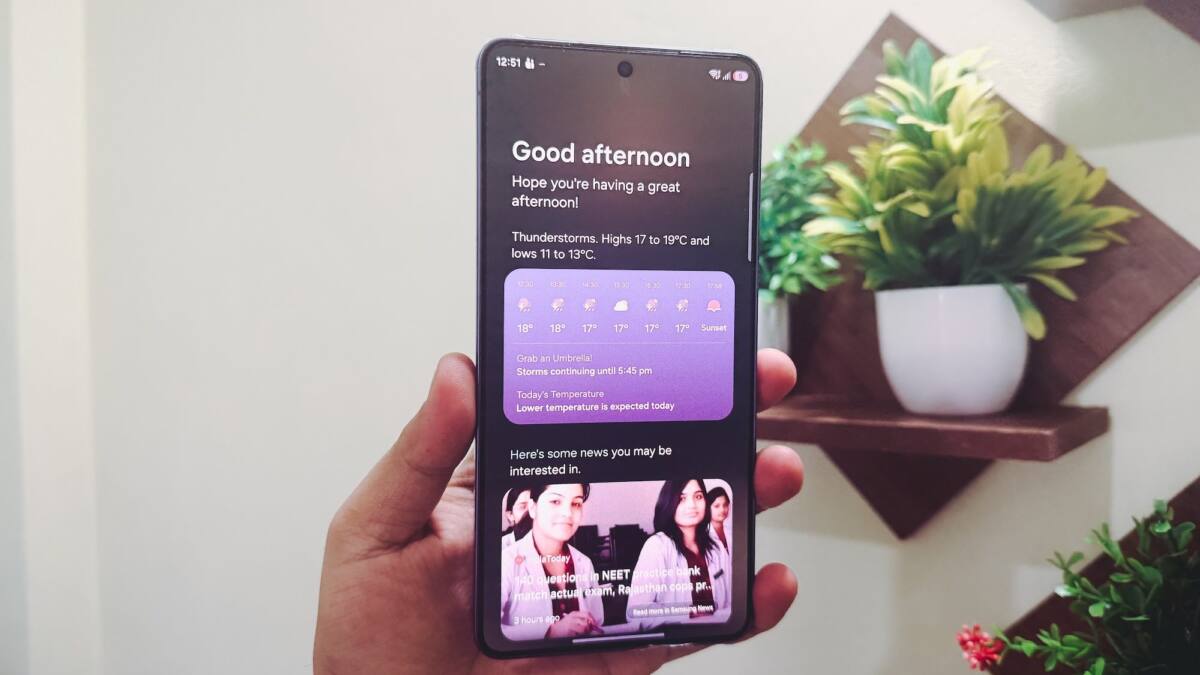
Samsung has started pushing One UI 8.5 to Galaxy S25 phones in the US, and the update brings real usability upgrades – plus a few familiar Samsung choices that will annoy anyone hoping for a clean ”everyone gets everything” rollout. Owners on X have already reported seeing the update, so if your Galaxy S25 has been sitting quietly in your pocket, it may be time to check the software menu.
The timing matters. Samsung usually uses major One UI releases to make its newest phones look fresh, but this one is arriving on the Galaxy S25 series after first showing up on newer devices. That’s good news if you already bought into the S25, and a small reminder that software support is doing a lot of the heavy lifting in premium phone sales now.
What One UI 8.5 changes on the Galaxy S25
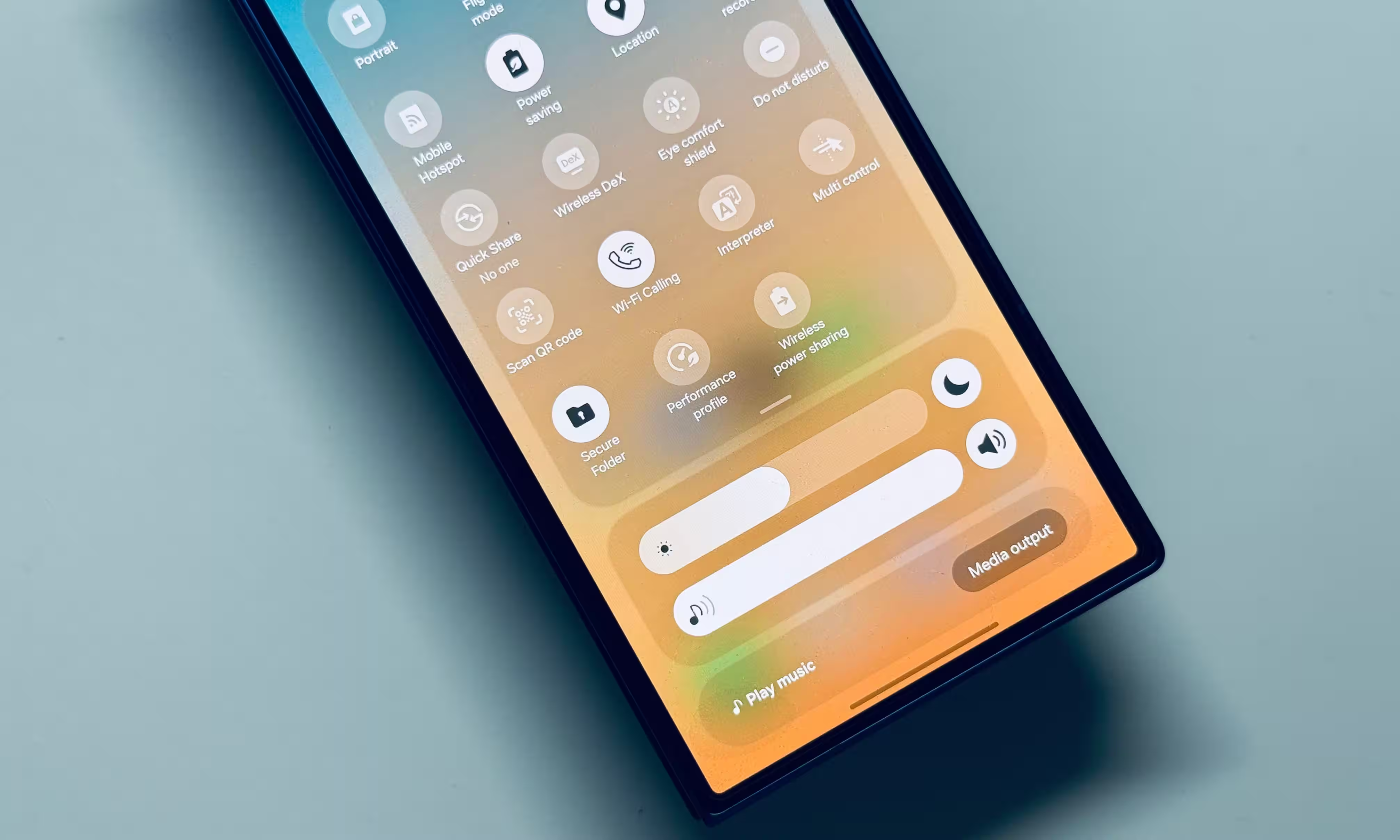
The most visible change is the quick settings panel. Samsung now lets you grab, resize, and drag individual controls wherever you want, which is the sort of customization Android fans keep asking for and then immediately overcomplicate. The volume and brightness sliders can also switch to a vertical layout, while media controls can expand into a larger format.
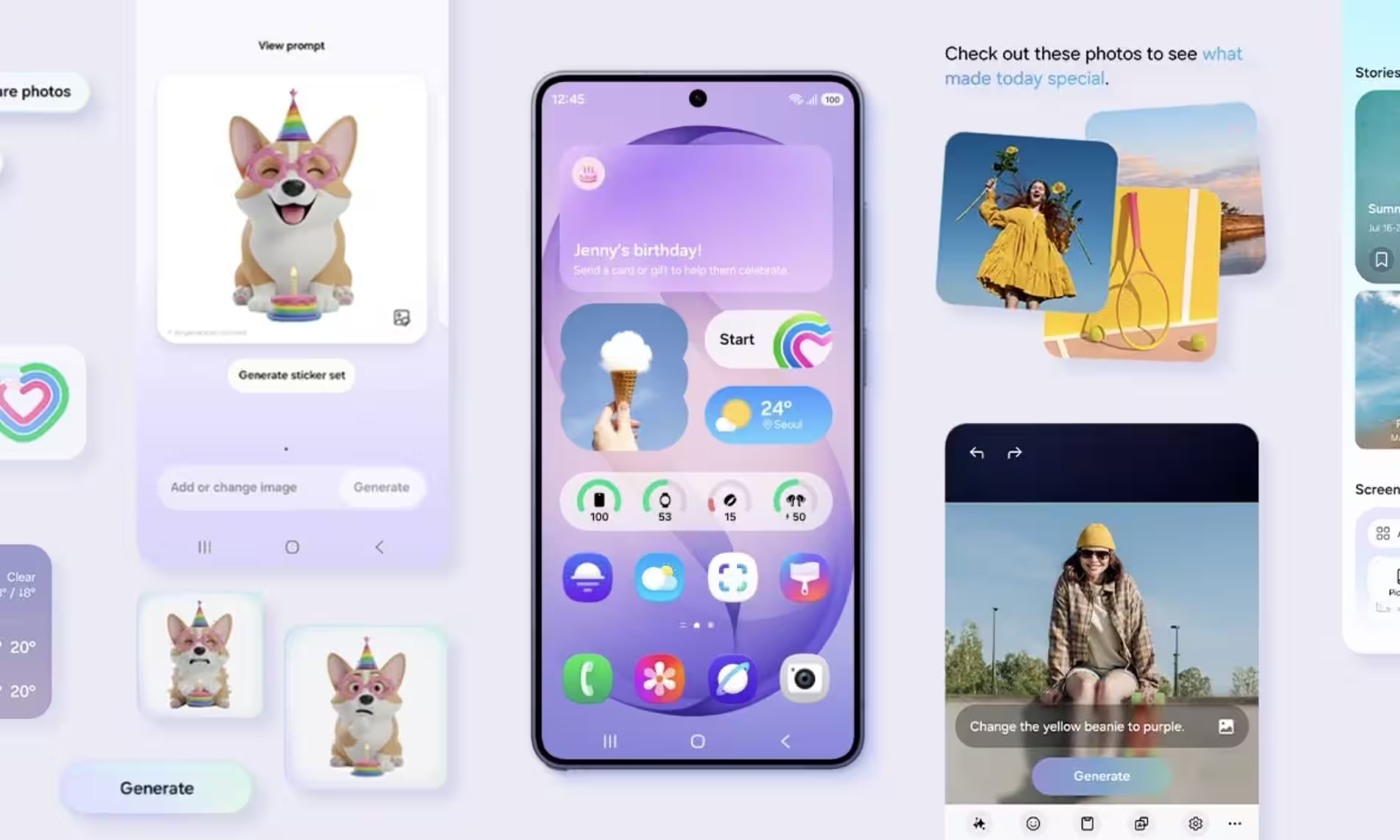
The lock screen gets a more cosmetic round of upgrades. There are new animated clock fonts, a thickness slider for the clock design, and a weather toggle that adds live weather animations to the wallpaper. None of that changes how the phone runs, but it does make Samsung’s software feel less like a spreadsheet wearing a phone skin.
One UI 8.5 also adds AI photo editing tools with erase, move, create, and style functions. Samsung is clearly leaning harder into on-device AI as a selling point, which mirrors what rivals are doing across the premium phone market: more features, more demos, more reasons to make old software feel underfed.
One UI 8.5 missing features on Galaxy S25
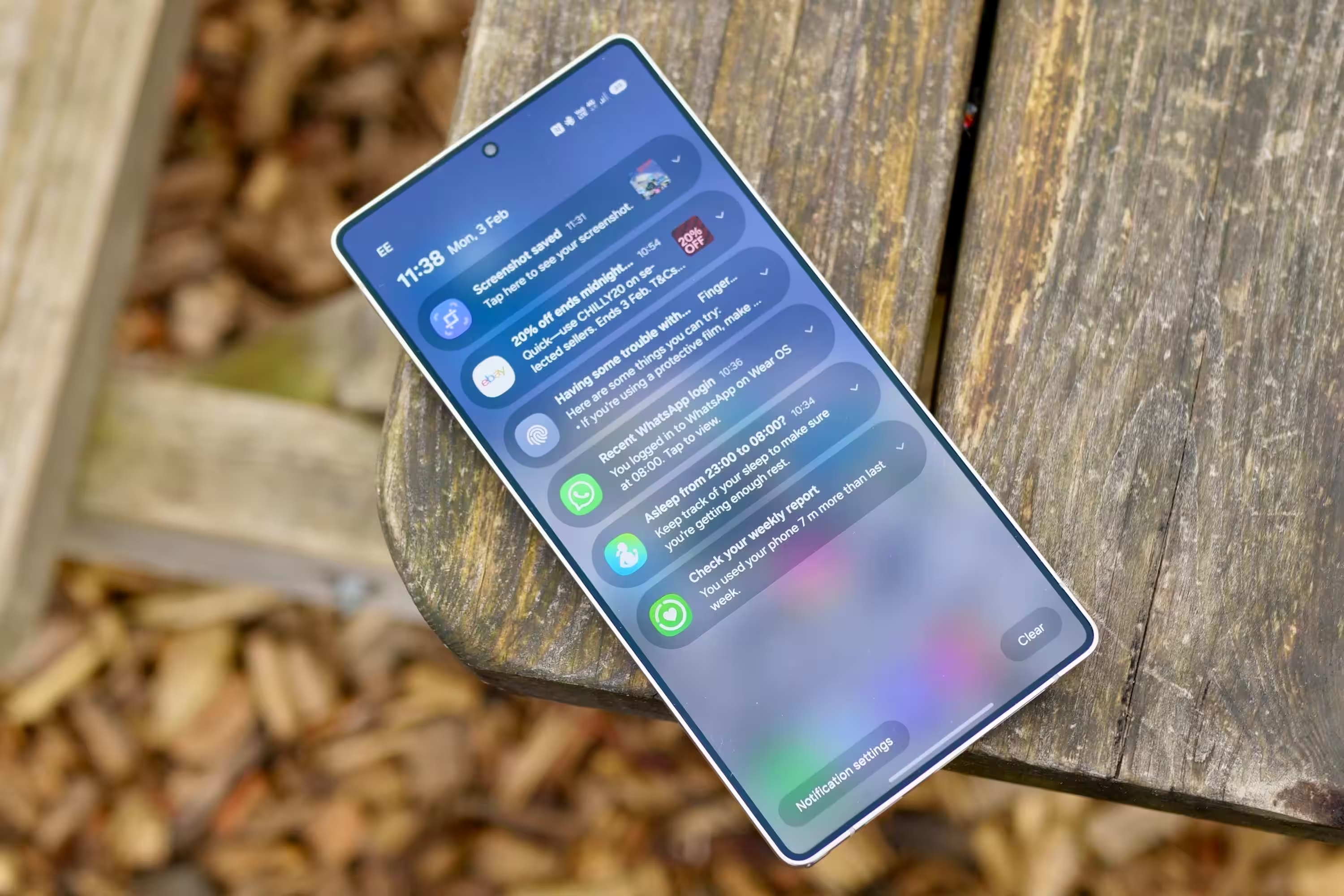
Not every Galaxy S25 owner is getting the full package, though. Reports from Samsung forums in Korea point to as many as nine missing features for older models, including Now Nudge and 24MP camera mode. Notification Highlights, a Finder shortcut on the Home Screen, and Samsung Browser’s Ask AI are also among the omissions.
That’s where the update starts to look less like progress and more like segmentation. Some of these features do not appear to require new hardware in any obvious way, which makes the gatekeeping feel deliberate rather than technical. Apple has spent years doing the same thing with camera and software features, and Samsung seems increasingly happy to copy the playbook instead of pretending it hasn’t noticed.
- Device: Samsung Galaxy S25 series
- Update: One UI 8.5
- Notable additions: customizable quick settings, animated lock screen clocks, weather wallpaper effects, AI photo tools
- Reported omissions: Now Nudge, 24MP camera mode, Notification Highlights, Finder shortcut on Home Screen, Samsung Browser Ask AI
For Galaxy S25 owners, the practical question is simple: check for the update now, because Samsung appears to be rolling it out in stages. The bigger question is whether users will keep rewarding this kind of feature split with upgrade money, or eventually decide that software bait-and-switch has gotten old.