


Ubisoft has rolled out update 1.1.10 for Assassin’s Creed Shadows, bringing mouse and keyboard support to the Nintendo Switch 2 alongside several bug fixes. This marks a new control option for Switch players, aligning the game closer with PlayStation 5 and Xbox versions that already support these peripherals.
The update weighs 5.4 GB on Nintendo Switch 2, significantly smaller than the Xbox Series S|X and PC updates, which require 17.46 GB and 14.66 GB, respectively. Players can connect their mouse and keyboard through the Switch 2’s dock USB ports to take advantage of the new feature.
Alongside the new control options, the update introduces PSSR 2 technology support for the PS5 Pro edition, enhancing graphical performance on Sony’s upgraded console.
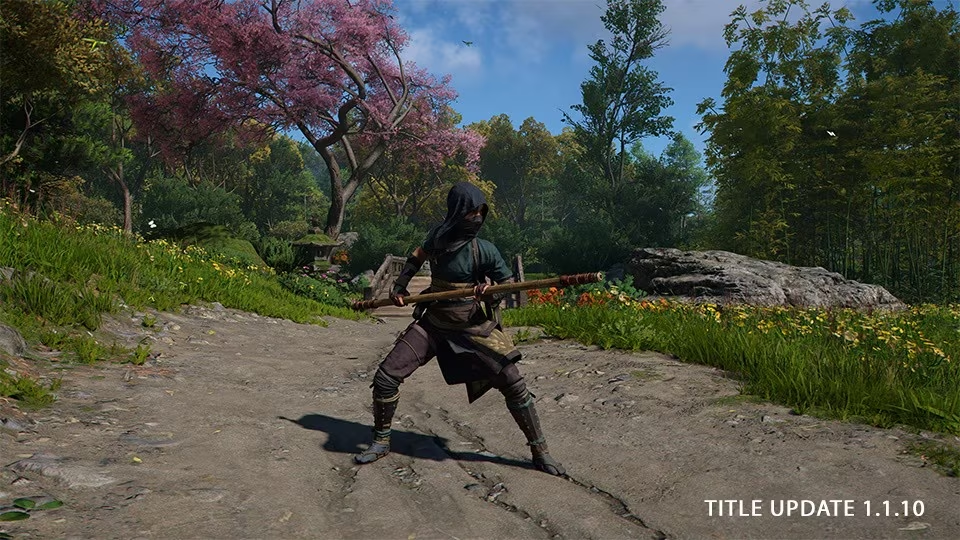
In gameplay tweaks, Ubisoft has made the classic Bo staff accessible without needing the Claws of Awaji DLC. Players exploring feudal Japan can now find regular Bo staffs dropping from enemies, appearing in chests, or available for purchase once they’ve acquired at least one unique Bo weapon.
The full patch notes are available in Ubisoft’s official changelog.
For context, the Nintendo Switch 2-expected to launch as a more powerful successor to the widely popular Switch-aims to bridge the gap between portable gaming and traditional console experiences. Adding mouse and keyboard support brings it closer to PC-like control flexibility, a feature still uncommon on many handheld hybrid consoles. This update could signal Ubisoft’s intent to expand the game’s accessibility and appeal on this emerging platform, competing with native control options on rival systems.
It will be interesting to see if more developers follow Ubisoft’s lead and incorporate mouse and keyboard compatibility on the Switch 2, potentially reshaping how hybrid consoles handle complex PC-style games. For now, Assassin’s Creed Shadows sets a promising precedent for enhanced control schemes on Nintendo’s next-gen hardware.